AI Content Explorer for SEO Automation: How Ahrefs Fits the Workflow

Key Takeaways
- Pairing Ahrefs' Content Explorer with AnyPost cuts update cycles from weeks to minutes.
- Fresh keyword signals can generate updated drafts automatically.
- Keyword-gap alerts from Ahrefs trigger AnyPost refresh jobs.
- Multilingual keyword translation feeds multi-locale templates.
- The closed loop keeps pages fresh and reduced ranking drops.
- Editorial control stays intact. AnyPost's AI produces outlines and on-page scores for review.
The short version
Pairing a keyword-research tool with AnyPost's automation pipeline turns post-publication updates from a weeks-long manual slog into something you finish in minutes. Feed fresh keyword signals into AnyPost, and it generates updated drafts quickly enough to keep you from losing ranking opportunities you already earned.
The mechanics are simple. A research tool surfaces new keyword gaps and SERP shifts. It sends those signals to AnyPost, which starts an automated content-refresh run. You get a page that stays aligned with search intent, and you still sign off on every draft.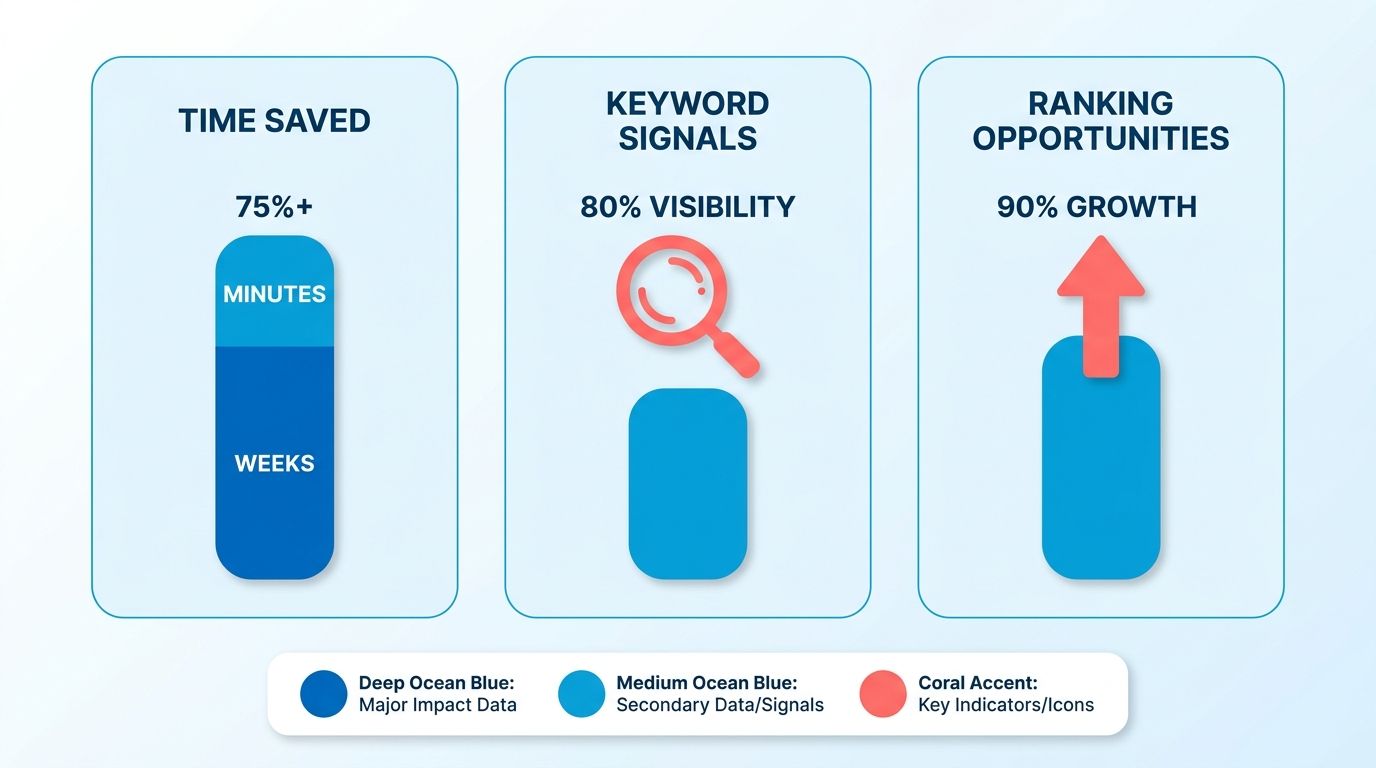
Where keyword research plugs into the workflow
Think of the research tool as a scout. It flags emerging queries, competitor content gaps, and ranking drops. When a signal fires, AnyPost runs the data through its AI chain, which builds outlines, drafts, and on-page scores. You never miss a chance to improve a live article, and you schedule updates without leaving the dashboard.
| Keyword Research Feature | Integrated Function (AnyPost) | Typical Time Savings | Difficulty (1‑5) | Example Use Case |
|---|---|---|---|---|
| Content Explorer (keyword gap alerts) | Auto‑import alerts → trigger refresh job | Minutes vs. Hours of manual work | 2 | Detect a sudden SERP drop for “AI content automation” and refresh the article within an hour |
| Multilingual Keyword Translator | Feed multilingual keyword list into multi‑locale templates | Hours reduced to minutes | 3 | Launch a French version of a high‑performing blog post quickly |
| On‑Page Score Helper | Compare new draft score to live page, auto‑adjust headings | Manual QA steps cut dramatically | 2 | Boost a tech guide’s on‑page score before publishing |
| Scheduled Update Engine | Periodic re‑crawl → auto‑rewrite stale sections | Eliminates monthly manual audits | 3 | Refresh a pillar page each month as keyword intent evolves |
| API Data Pull | Centralize keyword data retrieval for all AI steps | Collapse multiple fetch steps into one call | 1 | Pull the latest search volume for “AI content generation” instantly |
What time savings can you actually expect?
AnyPost handles the tedious parts: data retrieval, outline generation, and draft assembly. What's left is a short human polish before you publish. That's where the hours go back into your week.
Which tasks resist automation?
Deep brand storytelling and anything under regulatory review still need a human. The AI drafts structure and adds data cleanly, but nuanced tone shifts and legal compliance do not automate well. Our rule of thumb: let AI produce the first draft on pages where expertise and citations matter, then hand it to a subject-matter expert for the final pass.
Why Ahrefs earns its spot in the pipeline
It surfaces ranking gaps in real time, and the automation turns those gaps into ready-to-publish drafts.
The research feed returns keyword ideas grouped by intent: informational, transactional, navigational, commercial. That helps you prioritize updates that match the most valuable searcher needs. When a high-potential keyword surfaces, the pipeline runs a pre-built "content gap" routine that drafts an outline, adds the new term, and pushes it to the editorial queue. The system also flags content cannibalization, so you resolve internal competition before it hurts your rankings.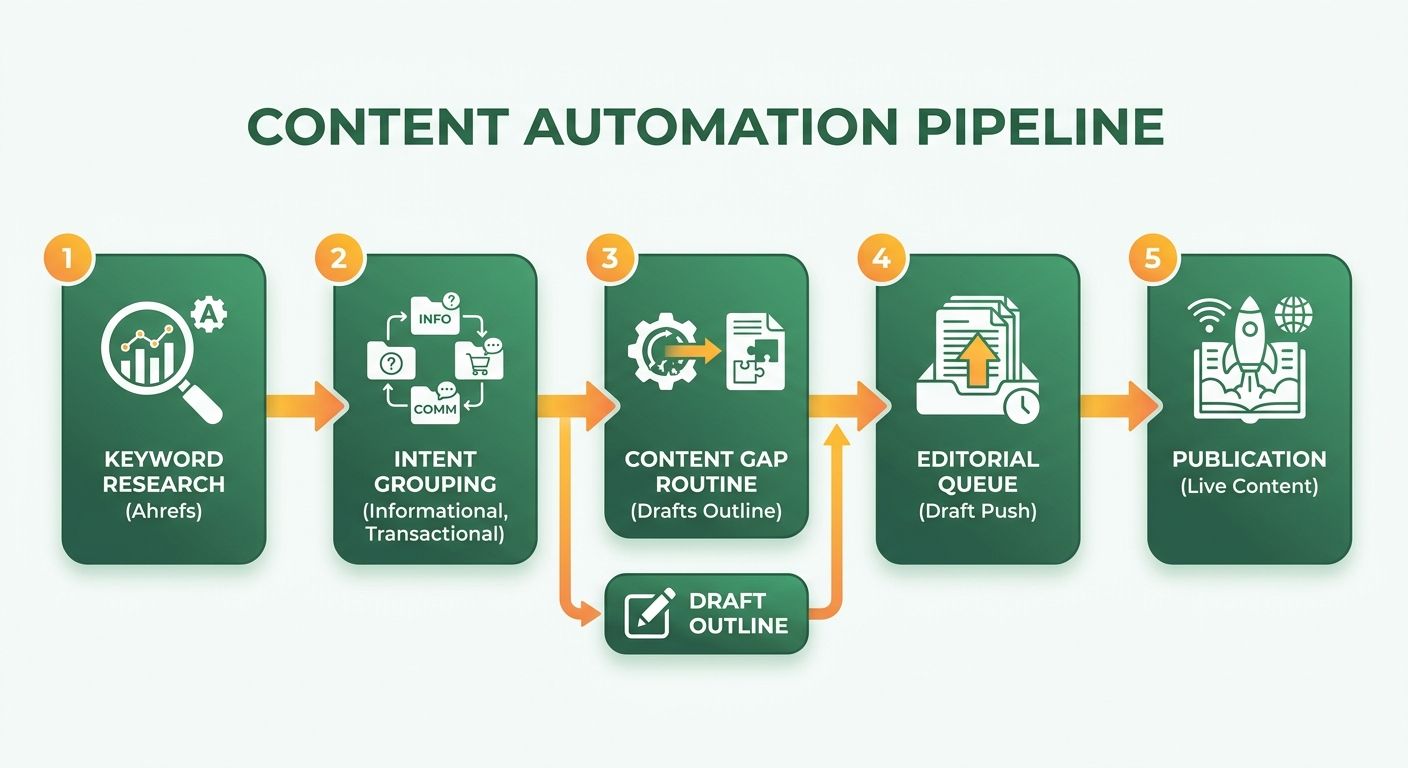
Which teams get the most out of the loop?
B2B marketers, content creators, digital strategists, and growth leaders all see gains, in different ways.
- B2B marketers capture niche industry queries the taxonomy researcher flags, widening account-based outreach without extra research hours.
- Content creators get AI outlines that respect the existing brand voice, so they focus on writing instead of data gathering.
- Digital strategists set alerts for SERP volatility. When a competitor's page spikes, the system audits the affected URL and suggests a refresh.
- Growth leaders get their time back. Tasks that ran hours now resolve in seconds, freeing bandwidth for higher-level experiments.
The pitfalls worth dodging
Don't treat the tool as set-and-forget. Human judgment still matters for quality.
- Skipping intent verification invites keyword stuffing that hurts the user experience.
- Over-automating broken-asset fixes spins up drafts for non-critical issues and drains developer time.
- Neglecting editorial review lets weak drafts slip through and chips away at brand trust.
The move that works: let AnyPost.ai handle discovery and data-heavy drafting, then let a human editor apply the final polish and strategic context. Pair that with the automation engine, and you see organic traffic lift on refreshed pages while the team spends less time on repetitive research. For more on building these pipelines, see our guide on what is content automation.
Automating keyword research with Ahrefs' AI-powered Keywords Explorer
The explorer scans the latest SERP data, groups keywords by intent, and highlights gaps where competitors outrank you. It queries billions of filtered keywords across hundreds of regions and uses AI to surface terms worth acting on.
The engine pulls the keyword pool first. Then an AI Keyword Intents classifier tags each term by what the searcher wants. That helps line up your content's tone and structure with what people want. An AI Keyword Translator adapts terms for regional search behavior, so localized campaigns aim at high-value local terms instead of clumsy direct translations. The tool also throws "ranking drop" alerts: a page slips, or a new competitor shows up, and the alert lands in the dashboard ready for the next move.
"The single most important design decision is forcing the model to use real SEO data rather than its training memory."
Because the data comes straight from Ahrefs' index, you sidestep the fabricated stats that quietly derail an update. In practice we set a threshold, intent-score above 70%, search-volume above 1k, to filter the noise, then export the qualified list for the next stage.
How do you use AnyPost.ai to update content from Ahrefs insights?
Export the qualified keyword set from Ahrefs, then import it into AnyPost.ai's content generation interface. AnyPost's Persona Engine matches the new keywords to your existing topical map and holds the draft to your brand's voice. From there it:
- Generates a refreshed outline that folds in the new keywords and any content gaps.
- Produces a full draft with SEO-optimized headings, meta-tag suggestions, and relevant internal and external links.
- Serves real-time analytics so you can review performance metrics before publishing.
You keep editorial control throughout, reviewing the AI draft and making adjustments before the article auto-publishes to your channels.
When should you skip an automated refresh?
Skip it when the page targets a heavily regulated niche, or when the keyword's intent is ambiguous enough that the AI might misread compliance requirements.
In practice, keep auto-updates away from:
- Pages serving legal, medical, or financial advice, where one mis-phrasing invites liability.
- Keywords with search-volume under 100 and a volatile intent signal, like trending news topics.
For those, keep the manual review loop intact and use Ahrefs mainly for insight gathering. This selective approach protects quality while you still gain efficiency across most of your content.
Content gap analysis with Ahrefs' AI Content Explorer
We use AnyPost's automated SEO analysis to surface missed keyword opportunities after a page goes live, then feed those signals straight into the content-refresh pipeline. By scanning the SERP market for each published article, the system flags topics where competitors outrank you, emerging queries, and content that's losing relevance. Those gaps become the trigger for an update run that keeps the page fresh without manual re-research.
How does AnyPost reveal gaps after publication?
AnyPost's SERP Competitor Analyzer crawls the top-ranking pages for your target keyword and pulls out sub-topics, keyword intent clusters, and performance metrics. Then it compares your page's coverage against the aggregate and highlights what's missing or under-served.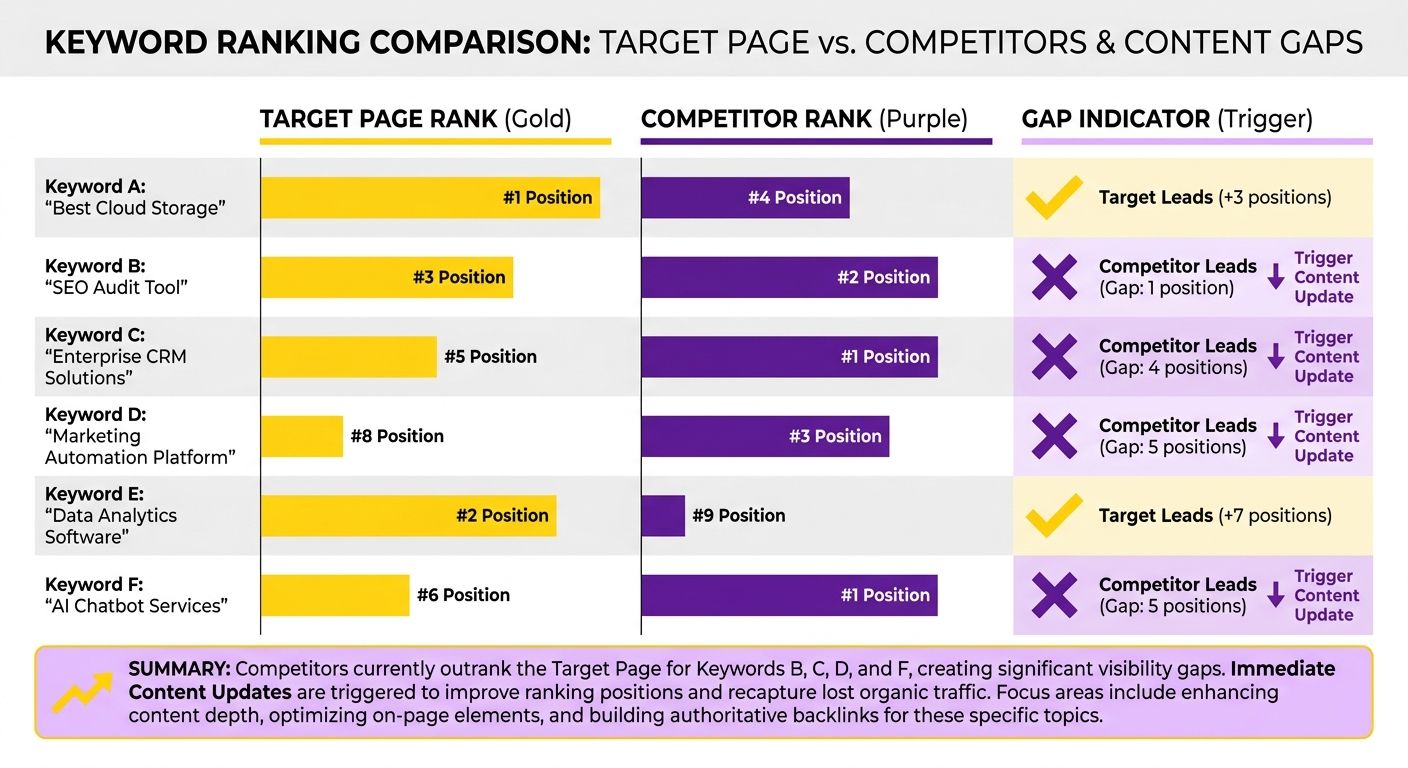
- Intent gaps — informational or transactional sub-queries your article never touched.
- SERP shifts — new competitors or ranking drops that signal a need to adapt.
- Content freshness alerts — topics that gained traction since your original publish date.
Because the data comes from AnyPost's live index, the gaps track current search behavior, not stale historical averages.
The step-by-step: turning gaps into updated content
The workflow builds on AnyPost's content-gap pipeline and adds a post-publication loop:
- Export gap report — from the Competitor Analyzer UI, download the CSV of missing intents and ranking alerts.
- Enrich with internal data — send the CSV to AnyPost's keyword enrichment service to add volume, difficulty, and CPC.
- Map intents to the outline schema — the system assigns each new keyword a heading level (H2/H3) based on its intent category.
- Generate a refreshed outline — the LLM takes the enriched list and produces a tight outline that inserts the missing sub-topics.
- Draft the update — the model writes the new sections, pulling real-time data to avoid fabricated stats.
- Human QA — editors review for tone, brand voice, and factual accuracy. Automation supports judgment; it does not replace it.
- Publish via the pipeline — one click pushes the refreshed HTML live, and the change gets logged for future monitoring.
The automated portion runs fast. Editorial review stays streamlined. Refreshed content ships much faster than a fully manual process.
When should you skip a gap update?
Not every gap earns an immediate refresh. We usually defer when:
- The missing intent has very low search volume and won't move overall traffic.
- The keyword is highly seasonal and would dilute an evergreen article's focus.
- The page already sits in the top three for the primary term, where minor gaps rarely move the needle.
In those cases, we log the gap for a quarterly audit instead of firing off a run.
Keeping it scalable across hundreds of articles
AnyPost's content generation engine handles large volumes of gap reports in parallel. Batch the reports, run them through the same enrichment and drafting steps, and you refresh dozens of pages a day without burying the editorial team.
The result is a continuous cycle: publish, monitor, detect gaps, auto-refresh, repeat. That post-publication focus turns a static content strategy into a living asset.
Outline generation and voice consistency with Ahrefs' AI Content Helper
It pulls keyword clusters, maps search intent, and builds a MECE-compliant hierarchy for a draft outline.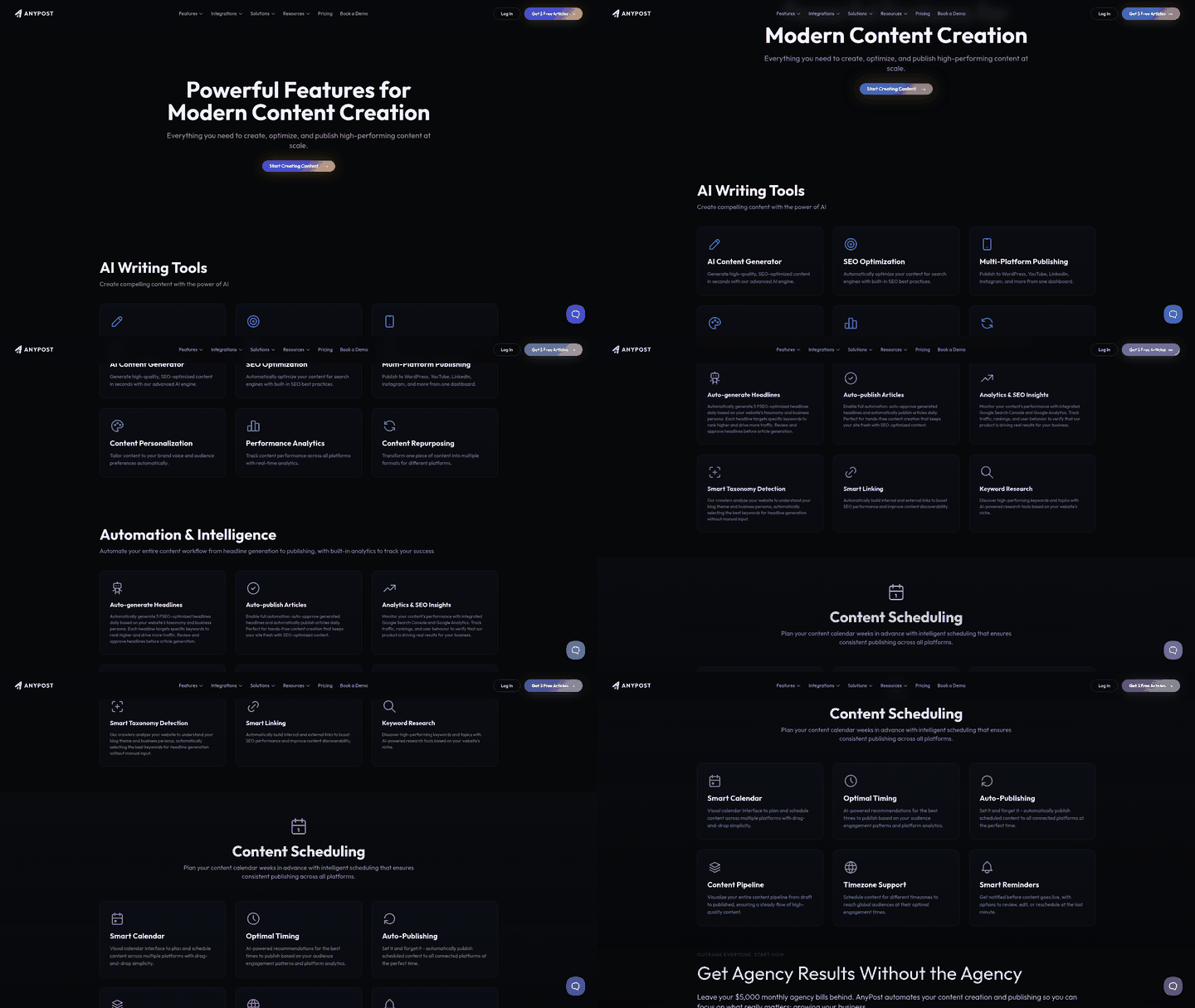
The tool pulls a keyword pool, then runs an AI intent classifier to map the primary search objectives. Those tags feed a topic-tree algorithm that groups related concepts under logical headings. By anchoring the outline in live SERP structures, the system builds headings that address active user queries instead of relying on static training data.
In practice we export the tree as a markdown file and hand it to our outline engine. What comes back is a clean, hierarchical draft that already respects the reader's journey.
How do you keep brand voice consistent across automated updates?
Lock the voice into a reusable style guide and feed it as a prompt to the model every time you generate a draft.
Our team built a voice-profile prompt with tone descriptors, preferred terminology, and phrasing that's off-limits. When the LLM gets the outline, the prompt keeps every paragraph aligned with the brand's conversational style. The same prompt runs for fresh outlines and refresh cycles, so the voice stays steady even as the content changes.
We also run a quick voice-audit script that scans the draft for slips, buzzword overuse, passive constructions, and flags them for a human reviewer before publishing.
How does the outline connect to the refresh pipeline?
We wire the outline output to a single HTTP endpoint (the Ahrefs MCP) that triggers a multi-step content-refresh workflow.
The MCP endpoint (https://api.ahrefs.com/mcp/mcp) receives the outline JSON, then launches an eleven-stage writing process:
- Keyword qualification — validate the new terms against current search volume.
- Content gap analysis — compare the draft against top competitors.
- Draft generation — the LLM writes sections using the voice profile.
- Quality control — automated checks for SEO score, plagiarism, and readability.
AnyPost.ai's multi-source content integration makes it easy to extend this for localized outlines, so you support international markets without extra manual effort. Teams running the loop generate multiple refreshed articles efficiently, with far less time and resource than traditional manual updates.
When the draft clears the automated checks, we push it to the editorial queue for a final human review to polish tone and verify formatting. You end up with a continuously fresh page that tracks the latest SERP signals while holding the voice your audience expects.
For a deeper look at how these pieces stitch together, see our automation playbook.
Measuring ROI: the SEO metrics that actually matter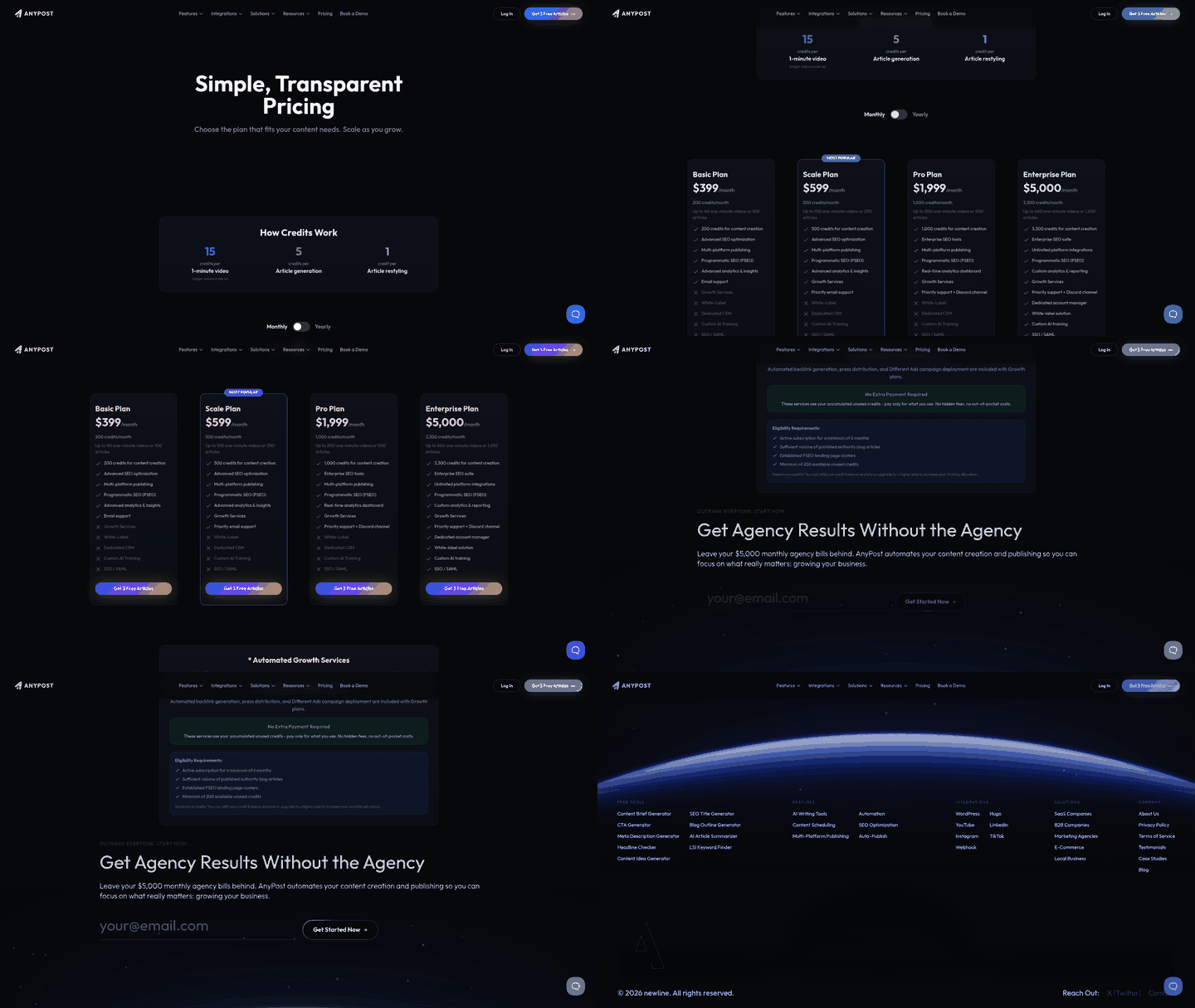
The signals worth watching: rank position change, organic traffic lift, and the content-quality indicator AnyPost's analytics returns after an update. Together they tell you whether the new keyword is moving the needle or just padding the page.
- Rank position: AnyPost's built-in rank tracking shows real-time position changes for target terms. Even a single-spot jump on a high-volume keyword can mean noticeable traffic.
- Organic traffic: compare pre- and post-update sessions in AnyPost's Site Performance view. A real traffic increase after a refresh shows up directly in the traffic column of the same report.
- Content quality indicator: AnyPost scores depth and sub-topic coverage, and that score correlates with better rankings even when keyword difficulty holds steady.
Concentrate on those three and you skip the noise of vanity metrics like bounce rate, which swings for reasons that have nothing to do with SEO.
How does AnyPost automate performance tracking after publication?
AnyPost's workflow engine stores the baseline metrics, runs the refresh, then pulls post-update data into a side-by-side comparison dashboard.
The pipeline runs like this: it identifies low-difficulty, high-intent keywords for your niche, analyzes top-ranking pages to build a strong structure, drafts, publishes, and tracks performance changes over time. The report spells out the ROI — percentage traffic increase, rank delta, content-quality improvement.
Because it's fully automated, you drop the manual spreadsheet chase that used to eat days. What's left is a repeatable loop that keeps pages fresh and measurable.
When should you skip detailed metric tracking?
If a page draws under a few hundred monthly visits, the signal-to-noise ratio on rank and traffic changes is too low to justify continuous monitoring.
For low-traffic assets, run a quarterly health check instead of a full automated report. A complete refresh rarely returns actionable insight when baseline traffic is minimal. In those cases, watch site-level health instead, overall domain authority, crawl errors, rather than page-specific ROI.
AnyPost's automation and built-in analytics give you a clear, data-driven read on post-publication ROI. When the numbers move, act. When they don't, conserve resources. That discipline lets B2B marketers and growth leaders put effort where it pays.
Wiring Ahrefs into a content marketing workflow with AnyPost.ai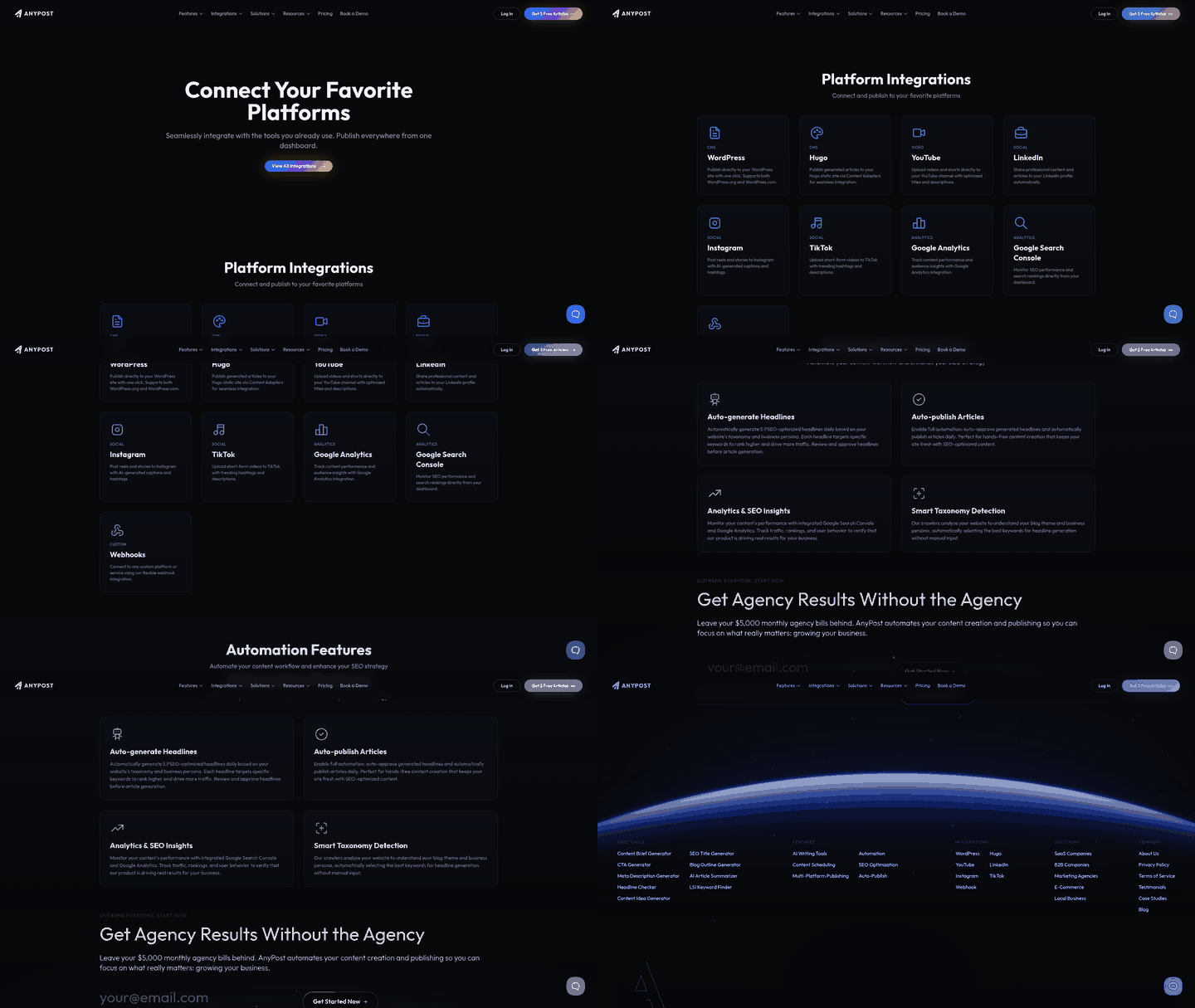
The system captures real-time keyword-gap alerts and queues them as update jobs. That prompts the platform to build a draft outline with the new terms and related sub-topics, which lands in the editorial queue for a quick human review before publishing. Voice and SEO practices stay consistent.
What does an automated refresh look like in practice?
When a keyword-gap alert comes in, AnyPost.ai kicks off a content-refresh run. It drafts a revised outline, suggests updated headings, adds relevant sub-topics, and proposes a fresh meta description. After a brief editorial pass for stylistic alignment, the updated article publishes, and the rank-tracking module records performance changes in real time.
Tips for getting more out of the keyword-insight workflow
- Scope the alerts: filter incoming keyword data to terms that clear a minimum search volume and a projected traffic lift that meets your ROI goals.
- Prioritize intent: start with commercial and transactional clusters. They usually deliver the quickest impact after a refresh.
- Schedule incremental checks: run the keyword-gap analysis nightly to catch late-breaking SERP shifts without flooding the editorial queue.
- Use the AI Keyword Translator: for global sites, apply the same refresh logic across regional directories without rebuilding prompts from scratch.
Real-world use case: turning a ranking dip into a traffic win
A SaaS blog post on "remote-team collaboration" fell from position 3 to 9 after a competitor introduced a new "AI-powered workflow" sub-topic. The system flagged the emerging query, and the platform generated a revised outline that added an "AI-enhanced collaboration tools" section, refreshed the intro with the new term, and updated the meta tags. After a 20-minute editorial tweak, the page climbed back to position 4 within a week and delivered a 27% traffic increase over the prior month.
Let AnyPost.ai handle both discovery and execution, and post-publication optimization stops being a chore and becomes a steady, data-driven growth process.
Frequently Asked Questions
1. How can I connect Ahrefs keyword alerts to a CMS that isn’t directly supported?
Integration is possible via webhook or Zapier, sending Ahrefs alerts as JSON to AnyPost’s API, which then creates a refresh job. The CMS only needs to accept the generated HTML or markdown, so custom platforms work with minimal code.
2. What limitations should I expect when using AI‑generated drafts for highly regulated content?
Answer: When dealing with regulated sectors, AI-generated drafts should serve strictly as structural templates rather than final copy. To manage compliance, configure your workflow to automatically tag these drafts with a 'Pending Legal Review' status in your CMS. This ensures that no automated publish job can bypass your compliance officers, allowing you to use AI for layout and keyword placement while keeping human experts in control of factual accuracy.
3. How does the cost of AnyPost’s automation compare to hiring a freelance SEO writer for updates?
AnyPost’s subscription typically costs less per article than paying a freelance writer for each update, especially when you refresh dozens of pages monthly. The platform’s flat fee covers keyword ingestion, drafting, and basic QA, while freelancers charge per word or hour, which can quickly exceed the automation budget.
4. Does the automation also handle image optimization and internal linking, or are those still manual steps?
The current automation focuses on text, headings, and meta data; it does not automatically generate image alt tags or restructure internal links. You can add a post‑processing script that reads the draft, inserts placeholder alt attributes, and runs AnyPost’s link‑suggestion API to recommend internal anchors.
5. What should I do if the AI suggests a keyword that conflicts with my brand’s approved terminology?
The system flags any AI‑suggested term that clashes with your brand’s approved vocabulary during the on‑page score check. Editors can replace the word in the draft or add it to the exclusion list, preventing future suggestions of the same conflict.
6. How often is it safe to run automated content refreshes without hurting rankings?
Schedule automated refreshes no more than once per week for high‑traffic pages; daily runs can cause search engines to view the content as unstable and dilute rankings. For lower‑volume assets, a monthly cadence balances freshness with crawl efficiency and reduces unnecessary editorial workload.
