AnyPost Guide to Ranking YouTube Videos on Google

Key Takeaways
- Title, tags, description, thumbnail, and early-frame content drive Google's video carousel. Everything else matters less.
- Descriptions can reach 5,000 characters. Full-length ones help Google index the video.
- Keyword density and a clear outline shape relevance.
- Custom thumbnails that earn clicks usually take 15 to 25 minutes.
- Top-ranking videos rely on custom art, not stock.
- Answer the core query in the first three seconds.
- Clean up the transcript. That edit takes five to ten minutes.
- It helps retention and machine parsing.
- Average watch time, likes, and comments per view keep working after publish.
- Retention is the hardest metric to improve.
- Optimizing title and tags takes ten to fifteen minutes.
- It is genuinely easy, and it tells the algorithm the topic.
Quick Summary
Ranking a YouTube video on Google comes down to a short list of levers. You also need the metrics that show whether they work. The table below covers what to watch after each upload. It helps you catch gaps before they cost visibility.
The five levers that actually move rankings
The levers that matter are the ones Google's video carousel reads directly: title, description, tags, thumbnail, and early-frame content. Each one shapes the algorithm's read on intent match and semantic authority. That matters more than keyword stuffing every time.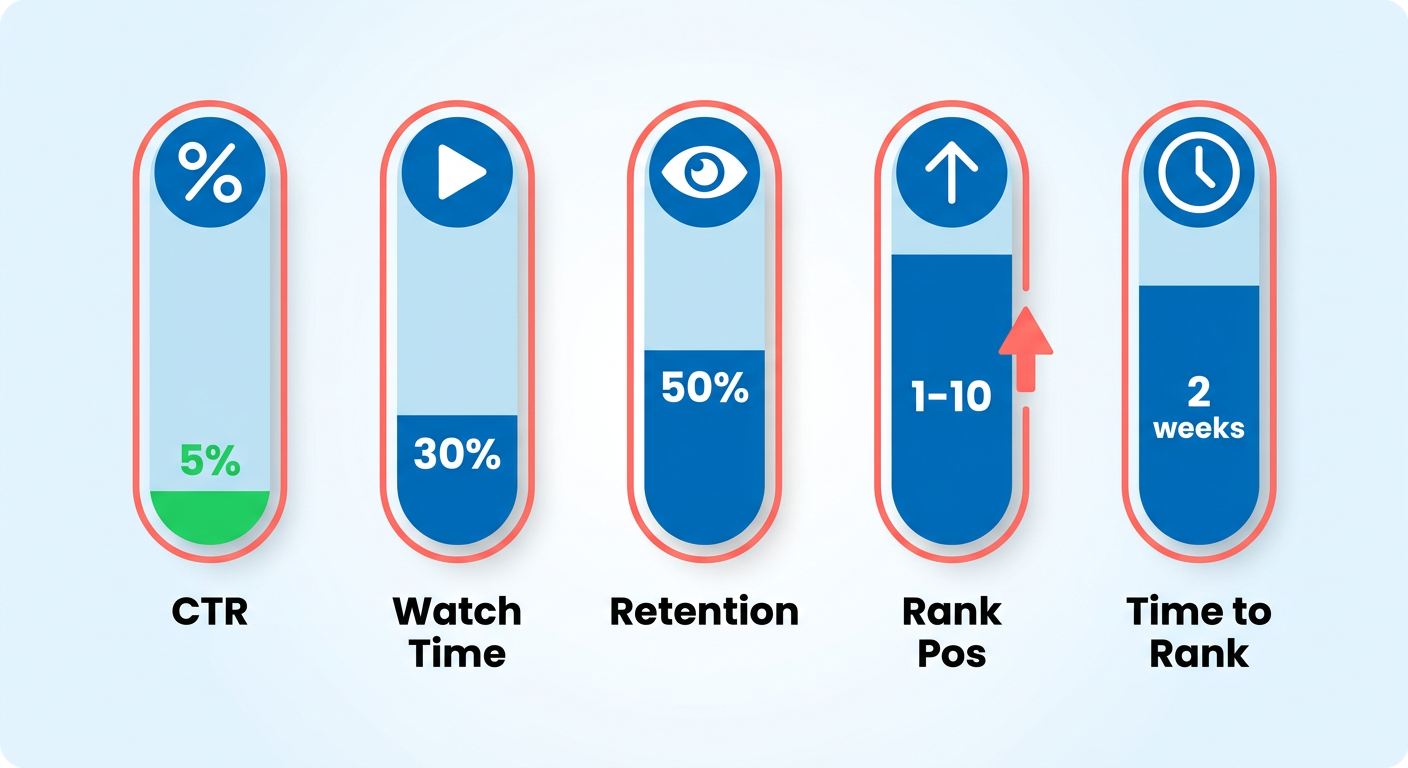
| Strategy | Key Metrics | Typical Time | Difficulty | Highlights |
|---|---|---|---|---|
| Title & Tags | Keyword relevance, search volume | 10‑15 min | Easy | Treat tags as “meta tags” that tell YouTube what the video is about |
| Description | Word count (≤ 5,000 chars), keyword density, structured outline | 20‑30 min | Medium | Full‑length descriptions boost Google indexing |
| Thumbnail | Click‑through rate (CTR), custom design | 15‑25 min | Easy | Many top videos use custom thumbnails |
| Early‑Frame Script | Answer core query in first 3 seconds, transcript accuracy | 5‑10 min (editing) | Medium | Clarity drives both user retention and machine parsing |
| Engagement Boosters | Avg. Watch time, likes, comments per view | Ongoing (post‑publish) | Hard | Retention is the strongest ranking signal |
Read the table as a pattern. Metadata is fast to set up and still non-negotiable. Visuals and early-frame clarity add a moderate lift. Engagement takes ongoing work but delivers the biggest payoff.
How long each lever really takes
Batch your assets and you can finish all the metadata in one sitting. That leaves more time for audience work that compounds. Don't treat each step as its own chore. Fold them into a single post-production checklist.
- Title & Tags: Do this the moment keyword research wraps.
- Description: Draft structured copy that maps to the video's main sections.
- Thumbnail: Build a custom visual in a simple design tool. Skip generic stock.
- Early-Frame Script: Tighten the intro for clarity and generate an accurate transcript.
- Engagement Boosters: Set a quick daily check on comments and likes.
What small creators can safely skip
When time is tight, spend it on the levers that shape the algorithm's first pass. Cut the rest.
- Long tag lists. Past the top 10 relevant tags, you're adding noise.
- Over-tuning title length. Titles beyond 60 characters truncate in search results and cost clicks.
- Full-page transcripts. A concise, accurate transcript is enough. A wall of text rarely helps ranking.
- Automated thumbnail generators. Generic output drags down CTR. A quick custom design wins.
Focus on the five levers in the table, trim the low-impact tasks, and you can go from "just uploaded" to "showing in Google's video carousel" in hours instead of days. Use this as your audit sheet for every new video. Put effort where it counts, and skip the time-sinks that keep small creators buried in backlog.
Why ranking on Google changes the math for your channel
Ranking on Google pushes your reach past YouTube's own feed. It sends qualified traffic straight from search results. A video on page one can pick up dozens of extra clicks a day. Those browsers can turn into subscribers or customers. Because Google weighs relevance and engagement, a strong video also lifts your channel's authority. That makes the next upload easier to rank.
Creators who keep showing up in the Google carousel tend to see higher click-through rates and longer sessions. Those signals tell YouTube the content is worth surfacing. Visibility feeds engagement, engagement builds authority, and the loop compounds. Small teams can't afford to leave that on the table.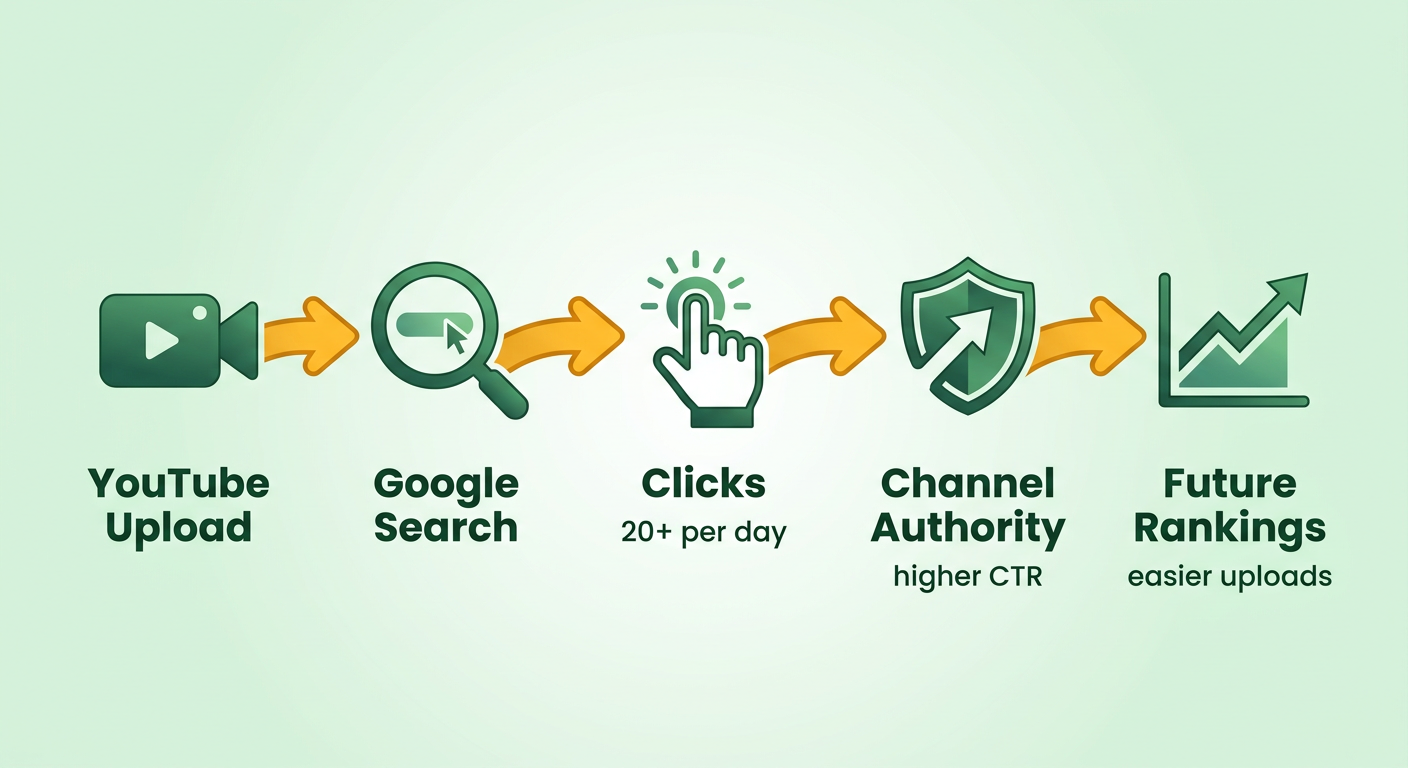
Where AnyPost fits in the ranking work
AnyPost supplies precise, keyword-rich signals while keeping the copy readable. Feed it a transcript or short outline, and it drafts a concise, SEO-friendly description that answers search intent early. It also suggests titles, tags, and thumbnail concepts that match best practice, so you get strong signals without keyword stuffing.
When deep optimization isn't worth it
If your video targets a niche audience that already follows you, the extra traffic from Google is thin. Heavy metadata tweaks can cost more than they return. In that case, put your effort into audience retention, which YouTube itself calls a huge ranking factor. Land a strong hook in the opening seconds and keep the narrative tight. For broader, discovery-driven topics, it's the opposite. Then AnyPost's content generation plus cross-platform publishing is the leaner way to rank on Google.
For how blogging amplifies this effect, see our guide on starting a blog to rank your YouTube video on Google.
Keyword research that works for both YouTube and Google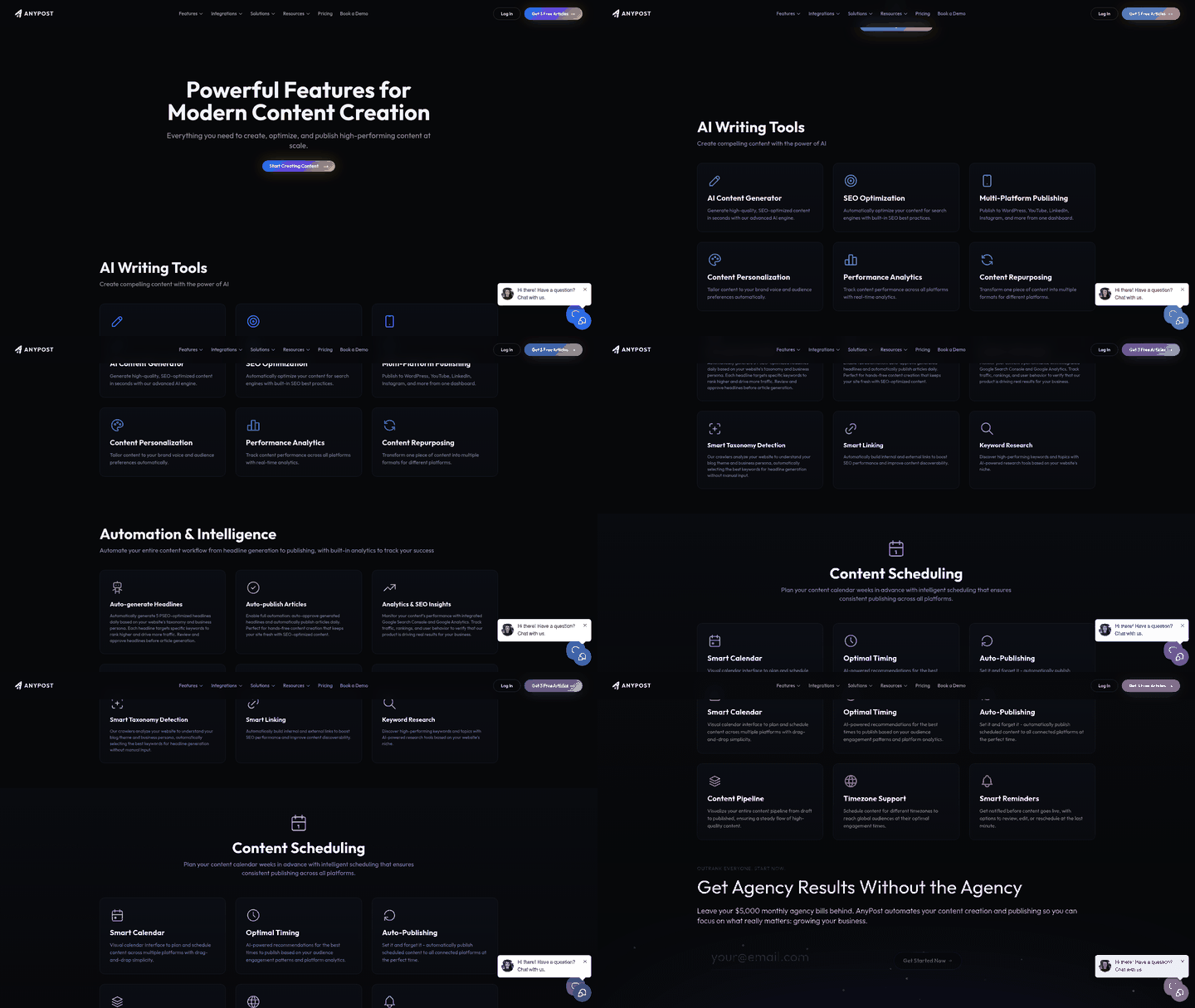
Start with YouTube's own autocomplete, then cross-check those terms against Google's broader volume. You want queries that pull traffic on both the platform and the open web.
- Open YouTube, type a seed phrase, and note the top five suggestions. Those are the exact phrases people are typing right now.
- Drop each one into a tool that pulls Google search volume (the free Keyword Planner works) and record the monthly numbers.
- Filter out anything below a modest floor. For niche creators, we usually skip keywords under 500 searches a month.
This two-sided approach cuts the noise that only lives on YouTube while keeping the overlap Google's video carousel rewards. What's left is a tight list of primary and secondary keywords. We feed those into AnyPost's engine to draft a title, description, and tag set built around those terms.
The metadata you can automate after upload
Once the video is live, AnyPost generates a keyword-rich description, a set of semantic tags, and a short thumbnail caption. Each one tracks back to your keyword list.
- Title generation: The AI reworks the primary keyword into a headline, adding power words only when they lift click-through without tipping into clickbait.
- Description expansion: The opening paragraph gets the primary keyword and a clear answer to the viewer's question, then secondary terms fill the space that follows.
- Tag synthesis: Tags work like meta tags. The system pulls top-performing variations from competitor videos and appends them to your primary keyword so YouTube can map the content accurately.
- Thumbnail text overlay: A short, keyword-aligned caption goes on the thumbnail, which helps both visual appeal and relevance signals.
Because this all fires right after upload, you skip the manual post-upload SEO sprint that usually kills early momentum. It also keeps your whole library consistent, and search engines reward a coherent semantic structure across a channel.
Extending the video across platforms without losing SEO value
Once the metadata is set, push the same AI-built assets to Instagram Reels, LinkedIn, and TikTok. Adjust the format-specific dimensions. Keep the core keyword phrasing.
- Cross-platform captions: The first 150 characters of the description become the caption on each secondary platform, keeping the primary keyword front-loaded.
- Embedded blog post: Turning the video's core message into a short article gives you a written piece that mirrors the title and description, which builds a backlink funnel into the video's search presence.
Treat the video as a reusable asset instead of a one-off, and you pick up ranking signals it wouldn't earn alone: backlinks, dwell time on the blog, cross-platform engagement. All of it raises the odds of landing in Google's video carousel. Creators running this workflow usually see impressions tick up inside the first week without piling on manual hours.
Optimizing the video itself for ranking and engagement
Once a video goes live, the real work of ranking it on Google starts. Leave it sitting with a generic title and no captions, and the algorithm reads it like a blank page. Barely discoverable. Enriching the file after upload is what makes it visible.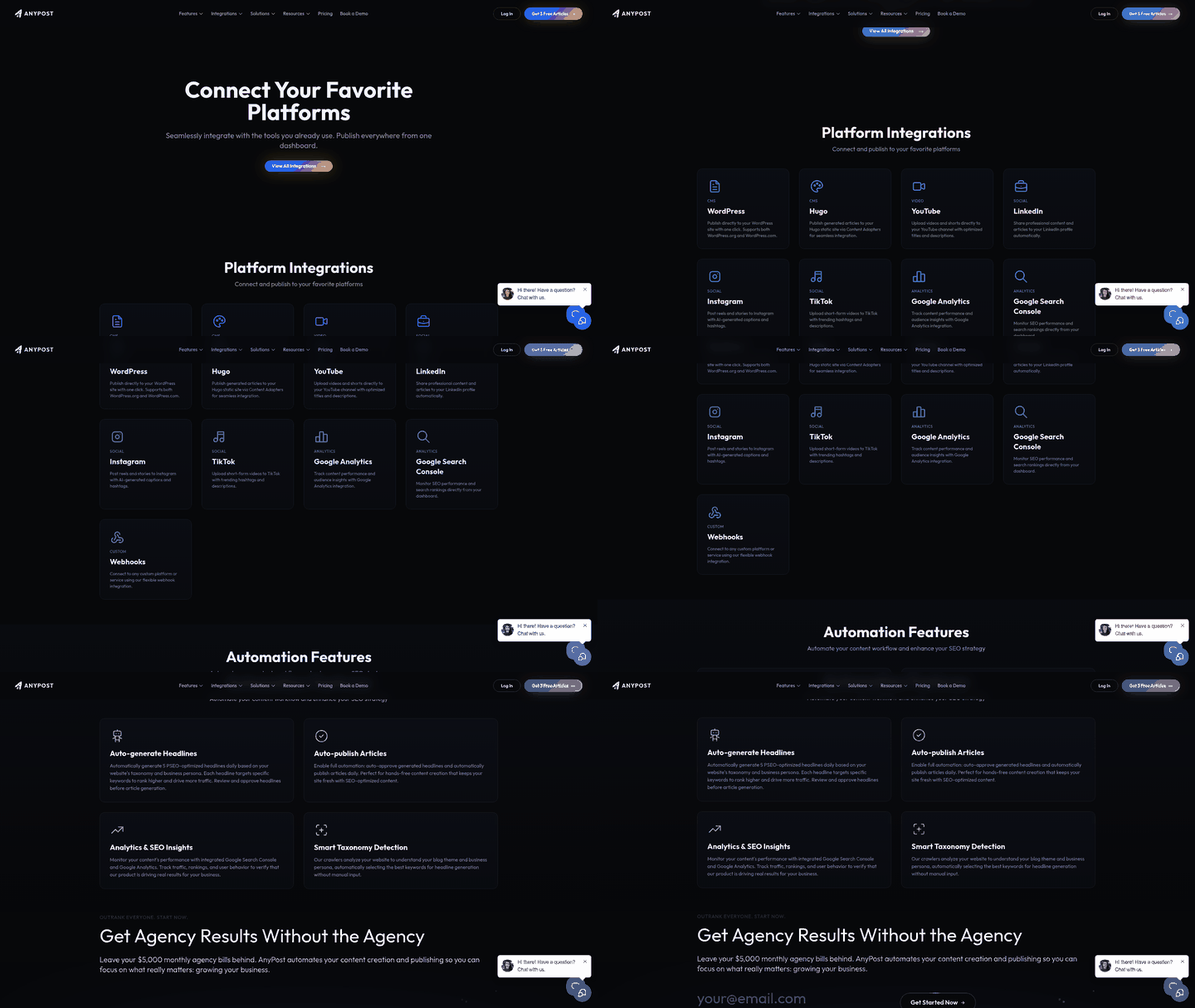
AnyPost helps draft titles, descriptions, and tags that match search intent. It builds a concise, front-loaded summary followed by supporting keywords, sized to the length search engines prefer. It won't analyze your raw footage, but its Persona Engine can shape the tone to match your brand voice. That keeps the metadata natural instead of stamped out.
How AI-assisted metadata helps discoverability
Well-built metadata gives platforms clearer signals about what your content is, which helps indexing and discovery. Relevant tags and a thorough description help YouTube classify the video. That classification shapes where it shows up in related results.
AnyPost suggests title variations and description angles pulled from keyword research, so you fold in high-impact language that lands with viewers. It doesn't generate thumbnails, but it will give you guidance on visual best practice that complements the copy.
The structure and accessibility signals that lift engagement
An answer-first structure paired with an accurate transcript drives both human retention and machine indexing. The opening hook has to address the core query right away, and the visuals should track the spoken explanation. That tight loop between what's said and what's shown is exactly what crawlers can parse. Captions and subtitles open the video to non-native speakers and give Google more text to associate with your content.
Key-moment timestamps in the description let viewers jump to the sections they came for. Front-load the description with the primary answer, then list timestamps, because the platform truncates everything after about three lines. You want the strongest copy above that cut. These moves tend to lift the likes, comments, and shares the algorithm watches.
How cross-platform publishing widens the surface area
Posting the same optimized video to TikTok, Instagram Reels, and LinkedIn multiplies your discovery surface with no extra production. AnyPost generates platform-specific copy snippets and suggests thumbnail ideas that fit each network's specs. Each platform runs its own search ecosystem, so wider distribution can signal wider relevance, which may benefit the original YouTube host.
Schedule the cross-posts with whatever tools you already use and route referral traffic back to the YouTube URL. A companion blog post firms this up further by giving search engines a text-based landing page to index. Unify post-upload SEO with multi-channel distribution, and a small team can compete with bigger players while keeping the process lean and repeatable.
Building backlinks and promoting the video
High-quality backlinks work like authority votes for a video. They are decisive when you're trying to rank it on Google. When a reputable blog or partner site links to a page that references your video, Google's crawler reads that page as a trusted answer hub. That can lift both the carousel placement and the organic snippet.
YouTube pulls roughly 30 million daily visitors, which makes it the world's second-largest search engine. Since about 22% of Google searches return at least one YouTube result, a well-placed backlink can funnel a lot of qualified traffic straight to your upload. Combine that with the semantic relevance you build through solid titles, descriptions, and tags, and you've got a real foundation for visibility.
How backlinks improve ranking
Backlinks tell Google that outside sources find your content valuable. When a niche blog links to a tutorial on, say, "how to set your gym routine," the anchor text reinforces the video's primary keyword while the referral traffic can bump the engagement metrics the algorithm rewards: watch time, likes, comments. Clean, relevant metadata plus a solid backlink profile helps search engines see that the video answers a real query.
An efficient way to generate backlinks and promote
AnyPost's AI drafts SEO-optimized articles, blog posts, or resource pages that reference your video naturally. Publish that supporting content on your own site or on guest platforms, and you're giving each link an authoritative context to sit in. The same copy can be repurposed for social updates, newsletters, or community posts without rewriting anything by hand.
What a promotion workflow looks like
- Find relevant sites. Use AnyPost's keyword and taxonomy research to surface blogs, forums, or newsletters whose audience matches your topic.
- Generate a supporting article. Let the platform draft a concise piece that introduces the subject, embeds the video URL, and carries a clear call to action.
- Pitch and publish. Send the draft to those sites, or run it on your own blog and share it across your social channels.
- Track the impact. Watch referral traffic, watch-time uplift, and new backlinks in AnyPost's real-time analytics, then tune the description or tags from there.
If you want a step-by-step way to turn one video into a traffic magnet, a companion blog is the most effective anchor for the whole backlink strategy.
Monitoring performance and closing the loop with analytics
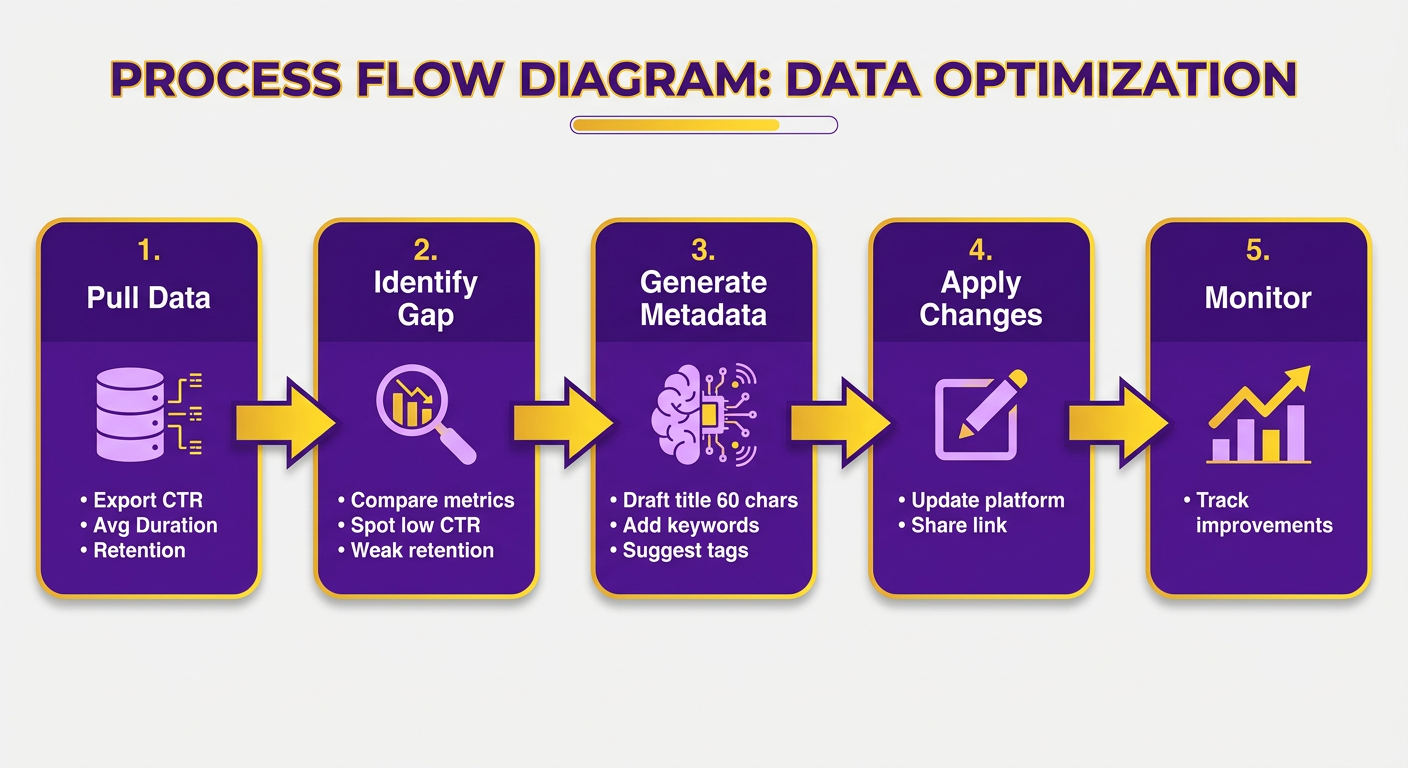
The routine is simple: read the dashboard, find the weakest metric, and let the AI generate fresh metadata you can push straight to the video.
- Pull the data. Export click-through rate, average view duration, and audience retention from AnyPost's analytics view.
- Find the gap. Compare the numbers to spot where the video underperforms, whether that's low CTR or weak retention.
- Run AI-generated metadata. The AI drafts a new title tuned for search results, a description that weaves primary and secondary keywords, and tag suggestions aligned with the top-ranking content in your niche.
- Update and share. Apply the revised metadata in your video host, then share the updated link across your channels.
What an automated post-upload workflow looks like
After the initial upload, AnyPost runs a health check, rewrites the metadata, and lets you republish without any manual copy-pasting.
- Health check. The audit flags missing profile data, duplicate tags, or under-used description space.
- AI rewrite. The Persona Engine matches tone (formal, casual, or brand-specific) while holding the keyword intent steady.
- One-click update. A single action applies the revised metadata, and then you can share the updated link anywhere.
Because the AI works post-upload, you can refine metadata against early performance data, which keeps the video relevant as search intent shifts.
Keeping the optimization loop tight
The dashboard is customizable. It surfaces your key metrics, alerts you when something moves, and lets you trigger a fresh metadata cycle on the spot.
- Watch-time dip → Rework the hook in the intro and adjust the description to spotlight it.
- Impression drop → Add newly trending synonyms to the tags and refresh the description.
Treat metadata as a living asset instead of a one-time checkbox, and you keep the video aligned with how search intent evolves. Titles, tags, and descriptions stay in sync across platforms. It's a disciplined, data-driven loop that improves visibility without burning hours on manual work.
Frequently Asked Questions
1. What quick thumbnail tricks can improve click‑through rate when I am short on time?
Use a bold, high‑contrast background, add a short 2‑3 word text overlay that mirrors the video's main keyword, and place a close‑up of a facial expression or product. AnyPost can suggest these visual cues, letting you assemble a thumbnail in under five minutes.
2. Do I need to write a maximum-length description for every upload?
While a comprehensive description is beneficial for Google indexing, a concise 800‑to‑1,200‑character copy that includes the primary keyword, a clear answer, and a few secondary terms works well for short‑form content. Expand only when the topic has multiple sub‑sections that merit detailed coverage.
3. Should I trust AI‑generated tags completely, or add my own?
AI‑generated tags provide a solid baseline by matching top‑ranking videos, but manually adding one or two highly specific tags, such as brand names or niche jargon, captures search intent that algorithms may miss. Review the list, keep the most relevant terms, and discard any unrelated ones.
4. How does video length influence ranking compared to audience retention?
Longer videos can accumulate more total watch time, yet the algorithm rewards the percentage of the video that viewers actually watch. A 5‑minute video with 70 % retention typically outranks a 15‑minute clip holding only 30 % retention, because engagement signals remain stronger.
5. What are the consequences of stuffing keywords into a YouTube title?
Over‑loading a title with keywords causes truncation in search results, lowers click‑through rates, and can be flagged as spam by the algorithm. Keep titles concise, place the primary keyword near the front, and use natural language to maintain relevance and readability.
6. How often should I revisit and edit metadata after a video is live?
Review performance metrics weekly. If click‑through rate falls below 2 % or average view duration drops more than 10 % from the launch average, refresh the title, add fresh secondary keywords, and adjust the thumbnail caption. AnyPost can generate updated copy in a single click.
