
Automate Global Keyword Grouping in n8n with an SEO Automation Workflow

TL;DR
A single seed keyword in n8n can generate primary terms, long-tail variations, question-based keywords, and related topics automatically. Automated keyword grouping should handle raw extraction, deduplication, enrichment, and first-pass cluster labels. Editorial judgment should handle ambiguous intent, borderline difficulty thresholds, and final publishing decisions. The workflow outputs markdown-formatted content briefs with primary keywords, long-tail opportunities, question angles, suggested titles, and tables ready for Airtable or Sheets. DataForSEO provides monthly search volume, cost-per-click, and keyword difficulty scores through basic authentication configured once in n8n's credential manager. Storage schemas require fields for keyword text, search volume, CPC, difficulty score, intent, cluster label, content title, and workflow status. Quick Wins, Authority Builders, and Intent Signals categorize raw keyword lists into strategic queues.
Why automated keyword grouping matters for global SEO
The bottleneck is not discovery; it is prioritization. An n8n workflow can expand a seed topic into AI-generated term sets, enrich them with search data, and organize them for content planning. What automation should not do is make the final call on ambiguous terms or publishing strategy. Editorial judgment belongs where domain knowledge changes the outcome: whether a term supports a near-term article, a landing page, or a longer-term authority play.
The pain points are familiar: manual copying between tools, duplicate keywords cluttering sheets, inconsistent intent labels, and the mental overhead of deciding which terms deserve a blog post, landing page, or comparison piece. Automated categorization turns raw lists into strategic queues that content teams can act on. Some terms belong in near-term article plans, others in longer-term topical authority work, and commercially loaded phrases often point toward landing pages.
The business case is time reclaimed, not just ranking potential. Instead of asking an editor or SEO specialist to manually assemble briefs from disconnected exports, the workflow produces a structured plan that can move directly into the team’s planning tool. The n8n setup also keeps costs tied to usage rather than platform capacity you do not need. That consumption-based advantage matters when you compare it with a bloated SEO suite: you pay for the API calls and storage rows you actually consume while still building a repeatable research engine.
Preparing your n8n workspace for an SEO-first automation
Set up your storage schema and credentials before building the workflow. Without that foundation, you hit credential errors, storage bottlenecks, or inconsistent data formats halfway through.
Core infrastructure: n8n and storage
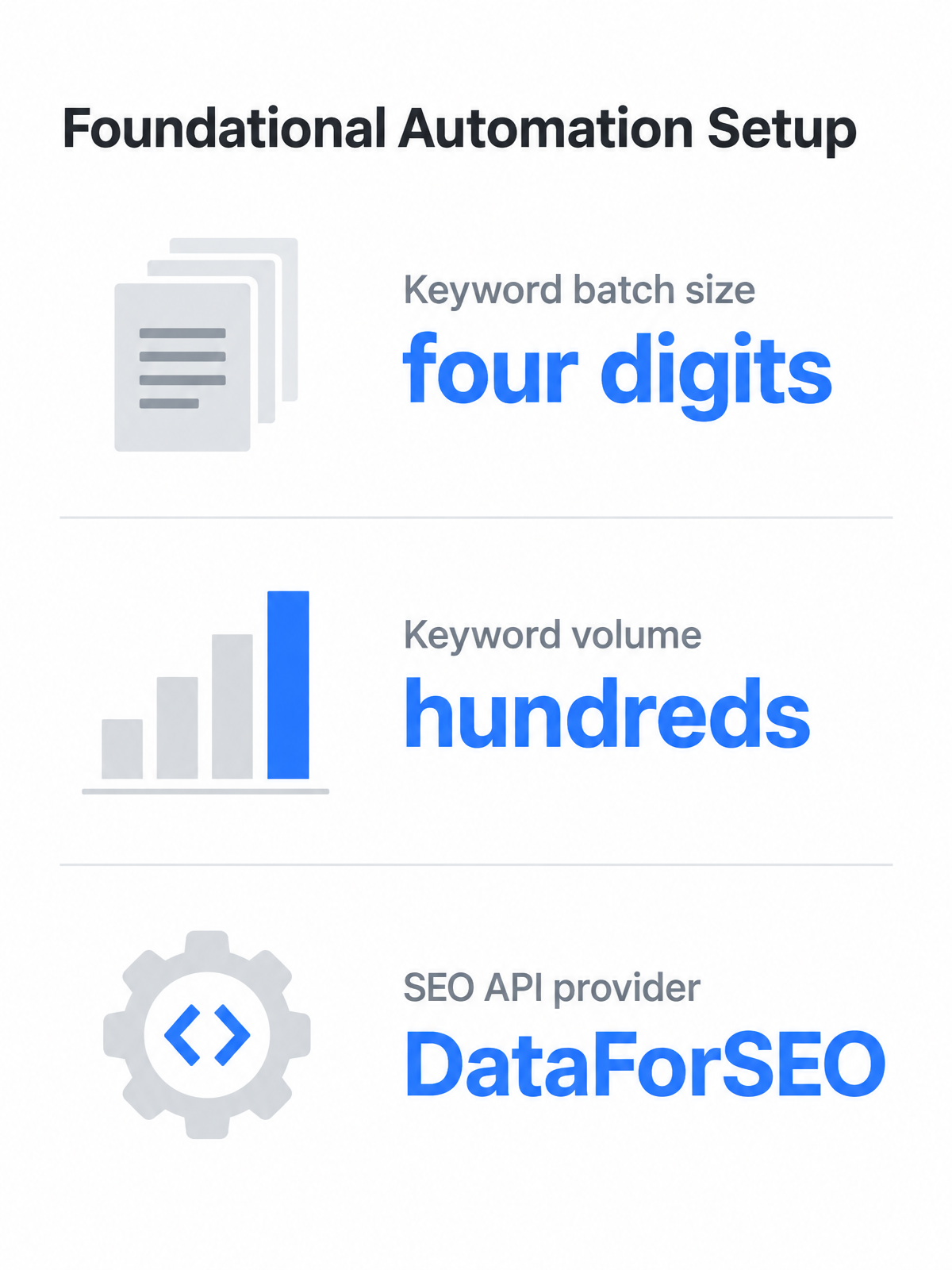
You need two components before anything else: an n8n instance and a central storage layer. N8n can run cloud-hosted or self-hosted on your own infrastructure. Choose based on technical capacity and whether keyword research data must stay inside your network.
Airtable gives you relational tables, filtered views, and a clean interface for non-technical team members to review keyword clusters. Google Sheets integrates instantly with most tools and shares data without new account setups. NocoDB offers real database structure with custom field types and webhook triggers, which becomes useful when keyword batches grow large enough that simple sheets start to feel fragile.
Build your table around the information writers, editors, and strategists need to make decisions: the term itself, commercial or informational signals, assigned group, content asset, and production status. Add a last_updated timestamp and a priority_score column early. That future-proofs the system because workflows eventually need to filter stale data or rank opportunities without rebuilding the database.
API credentials for AI and SEO data
The workflow requires two categories of credentials: AI generation for expanding seed keywords and classifying intent, plus SEO data APIs for real-world metrics. Most workflows use OpenAI for AI generation, so you need a valid API key and enough token budget for expanded outputs.
DataForSEO enriches keyword records with demand, competition, and value indicators, and it can return competitor keyword rankings when you feed it a URL instead of a keyword. The API uses basic authentication with your account email and API key, set up through n8n’s credential manager. Store credentials in n8n’s credential nodes rather than hardcoding them into individual steps. If you run n8n self-hosted, you can also inject credentials through environment variables to isolate secrets from the n8n database.
Optional handoff points
Most workflows stop at storing enriched keywords in Airtable or Sheets, but you can extend the automation. Slack notifications tell your content team when a new keyword batch finishes processing, with a short summary of the best opportunities and a link to the storage table. WordPress or CMS integrations let you push content briefs into draft posts pre-filled with target terms and meta descriptions, which helps high-volume publishing teams.
Some teams may have endpoint access to AnyPost.ai. In that case, treat it as an optional webhook/API handoff by POSTing the structured brief JSON from n8n, rather than assuming a native keyword-research integration. The foundational workflow still delivers value if you stop at the storage layer.
Feeding raw keyword lists into n8n
Start with DataForSEO’s structured JSON, then filter, deduplicate, and store only the fields your content team actually uses.
Pulling keywords from DataForSEO
DataForSEO returns structured JSON that n8n can parse without custom code. Use Keywords for Site to pull keyword sets for a domain, then apply thresholds to narrow the list. Or call Related Keywords with a seed term to receive adjacent keyword ideas in one response.
Configure the HTTP Request node with basic authentication using your DataForSEO email and API key. Copy a cURL command from the DataForSEO playground, import it into n8n, strip the headers, and replace the endpoint with the function you need. A form node in front of the workflow accepts either a seed keyword or a target URL, making the same workflow reusable across campaigns. Verify location and language codes match your target geography before running it.
Because the same form accepts a target URL, you can point it at competitor domains and rerun the workflow to collect competitor keyword rankings. That replaces manual competitor snapshots with a repeatable research loop.
Cleaning, filtering, and storing the list
The raw response contains nested objects you do not need. A Split Out node isolates the items array, then a Set node extracts keyword, demand indicators, competition fields, and intent information if an AI step has already enriched the list. Trim whitespace, normalize casing to lowercase, and run a deduplication pass with n8n’s Remove Duplicates node. Keep the original keyword in a separate column for auditability.
For a production NocoDB schema, use a two-table setup: an input_keywords table with seed keyword, location code, language code, target URL, and created timestamp; and an output_strategy table with the generated markdown brief, cluster label, priority score, content title, keyword text, search volume, CPC, difficulty, intent, and workflow status. Because NocoDB fields are typed and can trigger webhooks, the output table becomes the next workflow’s input, not a flat spreadsheet.
AI-driven semantic clustering: from loose lists to tight groups
Sort enriched keywords into five action queues: Quick Wins, Authority Builders, Emerging Topics, Intent Signals, and Semantic Topics. Automate the first pass; keep a human-review column for ambiguous terms.
Sorting keywords into action queues
The workflow uses an OpenAI node to evaluate SEO metrics together and write a cluster label directly into Airtable or Google Sheets. That compresses a manual afternoon of triage into a repeatable review process.
You are not manually dragging rows between tabs. The workflow reads the enriched keyword table, sends each term through a structured prompt that considers your target audience and content type, and returns a category plus a priority score. Pre-configured Airtable views then show which terms are ready for planning.
Keep human review for ambiguous keywords, especially terms that straddle two categories or lack clear intent. Flag them during the automated run, then spend a short review session deciding final category based on domain strength, existing topical coverage, and whether the keyword supports a near-term article or a larger authority-building asset. A phrase like “n8n workflow tips” may be an introductory article, a deeper technical guide, or part of a broader automation cluster. That call needs editorial judgment, not just a prompt.
From clusters to actionable content plans
Turn each cluster into a markdown brief with main topic, supporting keyword angles, search questions, related subtopics, page format, and suggested title. Auto-create drafts only for high-volume supporting content; stop authority pieces at draft for review.
Turn clusters into structured content briefs
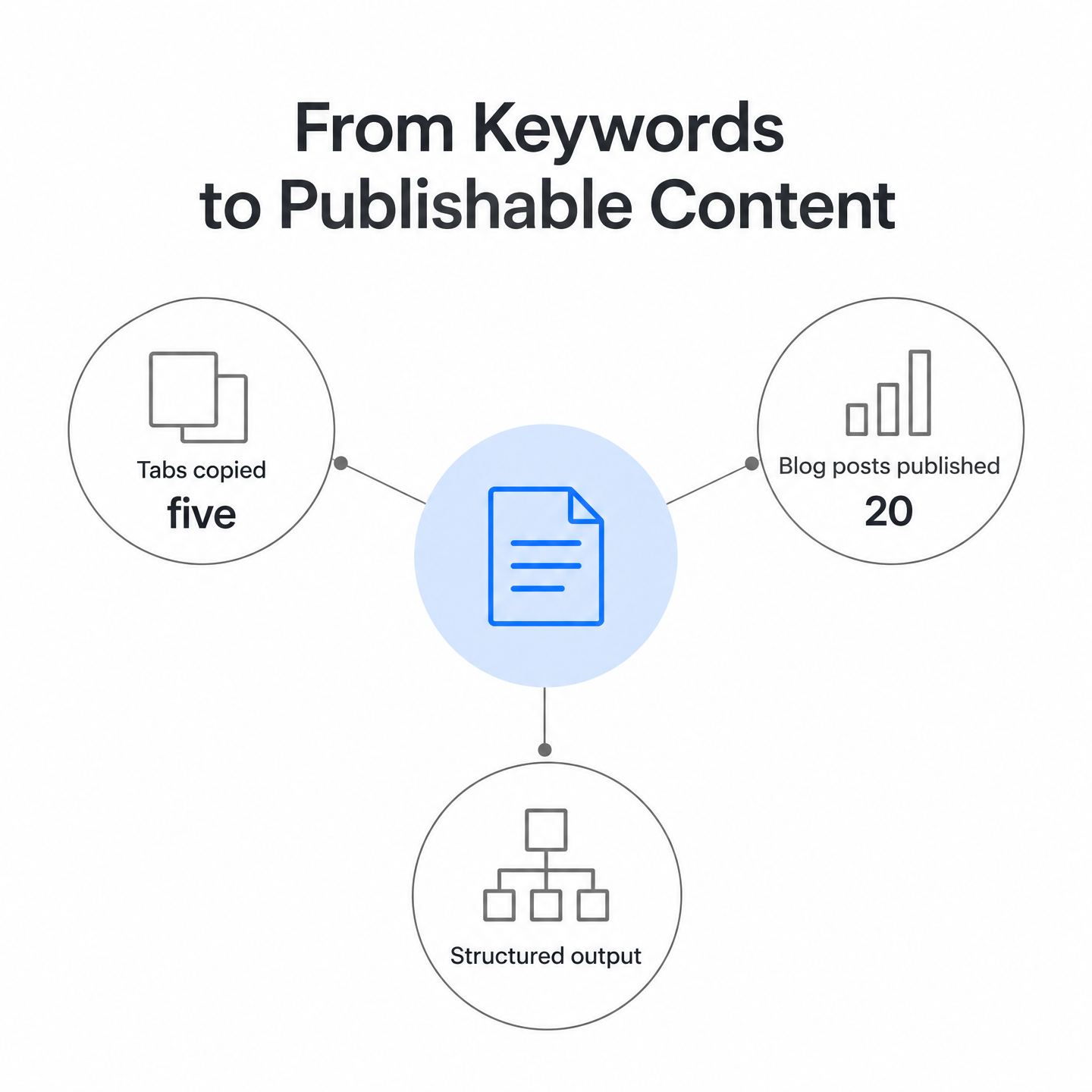
The workflow reads categorized keyword groups and generates a brief for each cluster. These are often structured as markdown-formatted strategies so a writer or editor can open the file and start drafting without digging back into spreadsheets. That removes the hidden tax of manual brief assembly: copying data from multiple tabs, chasing intent signals, and guessing which supporting terms belong together.
Teams route these briefs directly into Airtable, Google Sheets, or NocoDB for review and assignment. Airtable tracks status, assigned writer, target publish date, and URL once live. Google Sheets achieves the same result with simpler infrastructure: the workflow writes each brief to a new row, updates status from “Pending” to “In Review,” and triggers Slack to tell the content team a new brief is ready.
Map hub-spoke architectures from keyword relationships
A hub-spoke plan pairs one primary pillar topic with related long-tail and question-focused pages that link back to it. The workflow identifies these relationships by analyzing semantic overlap and intent alignment across keyword groups. Larger, harder, more strategically important phrases become hub articles. Narrower or conversion-oriented queries become spokes that capture specific search needs and point readers toward the main resource.
The workflow includes a Hub & Spoke Strategy Builder that automates this mapping and writes the architecture plan into your storage layer. That prevents the common failure mode where teams publish disconnected blog posts and wonder why none of them rank. When each spoke links to a central hub and shares overlapping keyword clusters, search engines can read the collection as coherent topical authority rather than scattered content.
Hand briefs to WordPress or external publishing workflows
For WordPress users, n8n can read the brief from storage, use an AI model to generate the article and title, upload a featured image, apply SEO meta tags, and write the draft to WordPress through the REST API. One implemented workflow uses DeepSeek for article generation, OpenRouter for SEO meta tag analysis, and OpenAI for image creation, then updates a Google Sheet with the post URL, title, and metadata once the draft is live.
That zero-touch publishing loop works for high-volume supporting content where speed matters more than editorial polish. For authority pieces that need deeper review, the same workflow should stop at draft generation and send a Slack notification instead of auto-publishing.
Teams that do not use WordPress, or prefer more control, can route briefs through an HTTP Request node to any endpoint that accepts JSON. Configure the workflow to POST the structured brief payload whenever a new row appears in your content-plan table. If you have endpoint access, this integrates with custom CMSs, project-management tools, or content-generation services without a dedicated connector.
What you gain when keyword grouping runs on autopilot
Automated keyword grouping shifts SEO work from research assembly to strategic review. Automation handles extraction, enrichment, clustering, and brief formatting. Editorial judgment remains at the points where domain knowledge changes the outcome: ambiguous intent, borderline difficulty thresholds, authority-level publishing, and final cluster investment.
You stop copying data between tools and start evaluating which clusters deserve immediate investment. The workflow outputs structured briefs, mapped hub-spoke relationships, and priority queues that tell your team what to build and in what order. That compression of decision time is where the real value sits—not in discovering more keywords, but in making the right ones actionable faster.
Common Questions
1. Can I run this keyword workflow without paying for enterprise SEO platforms?
Yes. You can keep the setup lightweight by using n8n as the orchestration layer and connecting only the APIs your workflow actually needs. Self-hosted n8n is especially useful for small teams that want control over their stack without committing to a large SEO software contract.
2. What happens if DataForSEO returns keywords my team already targeted?
Add a deduplication step that compares incoming keywords against your existing content URLs or a published-keywords table in Airtable. The workflow can filter matches before enrichment runs, saving API usage and preventing duplicate briefs from landing in your content queue.
3. How do I decide whether a keyword belongs in Quick Wins or Authority Builders when difficulty scores sit near the threshold?
Use the human-review column for borderline cases. Your team can review flagged terms once per batch and assign the final category based on your domain strength, existing topical coverage, and whether the keyword supports a near-term article or a larger authority-building asset.
4. Can the workflow handle non-English keywords for global markets?
Yes. DataForSEO accepts location and language codes for supported markets, so you can configure geography parameters and run separate batches for each language. Store each market’s keywords in dedicated Airtable bases or sheet tabs to prevent cross-language clustering errors during intent analysis.