
Automated SEO Reports Checklist: HubSpot Content Hub API

Introduction to Automated SEO Reports
Automated SEO reports streamline the process of monitoring and optimizing digital content for search engine visibility. By leveraging predefined rules and data sources, these reports generate insights on keyword performance, site health, and content quality without manual intervention. Automation ensures consistency in tracking metrics like traffic trends, backlink profiles, and on-page SEO elements, enabling teams to focus on strategic improvements rather than repetitive data collection. HubSpot’s Content Hub API plays a central role in this process by providing access to content management and performance data programmatically. This integration allows marketers to pull real-time metrics directly from HubSpot, reducing delays in analysis and decision-making. For detailed guidance on configuring the API, see the [Setting Up HubSpot Content Hub API] section.
Benefits of Automated SEO Reports
- Time Efficiency: Automating report generation eliminates manual data entry, reducing hours spent compiling metrics into minutes. This efficiency is critical for teams managing large content inventories or frequent publishing schedules.
- Real-Time Accuracy: Automated systems pull data directly from source platforms like HubSpot, minimizing human errors and ensuring reports reflect the most current performance indicators. For insights into how this integration works, refer to the [Integrating HubSpot Content Hub API with Other Tools] section.
- Scalability: As content libraries grow, automated reports adapt to increased data volume without compromising speed or detail, unlike manual methods that become impractical at scale.
- Actionable Insights: By consolidating SEO metrics into structured formats, automation highlights trends and gaps that might be overlooked in raw data, guiding targeted optimizations. Building on concepts from the [Content Optimization Checklist] section, these insights align with keyword research and content refinement strategies.
HubSpot Content Hub API Overview
- Centralized Content Access: The HubSpot Content Hub API acts as a bridge between your content repository and SEO tools, allowing automated extraction of blog posts, landing pages, and other assets for analysis.
- Performance Integration: It connects with HubSpot’s analytics suite to provide metadata such as pageviews, bounce rates, and conversion rates, which are essential for evaluating SEO effectiveness.
- Customizable Workflows: Developers can configure API endpoints to fetch specific data points—like keyword rankings or content engagement—tailoring reports to business priorities.
- Collaboration Enablement: By standardizing data retrieval through the API, teams ensure that all stakeholders receive consistent, auditable reports, fostering alignment between marketing, analytics, and development departments.
Checklist Structure Preview
- API Setup: Verify access permissions and authentication protocols for the HubSpot Content Hub API to ensure secure and reliable data integration. For step-by-step setup instructions, see the [Setting Up HubSpot Content Hub API] section.
- Data Mapping: Define which metrics (e.g., traffic, keyword density) will be pulled from HubSpot to align automated reports with SEO goals. This step is closely related to the keyword research strategies detailed in the [Content Optimization Checklist] section.
- Report Scheduling: Automate recurring report generation intervals (daily, weekly) to maintain up-to-date visibility into SEO performance.
- Alert Configuration: Set thresholds for critical metrics (e.g., traffic drops, broken links) to trigger notifications when thresholds are breached.
By combining automated reporting with HubSpot’s API capabilities, organizations can transform SEO from a reactive task into a proactive, data-driven strategy. The following checklist details actionable steps to implement this system effectively.
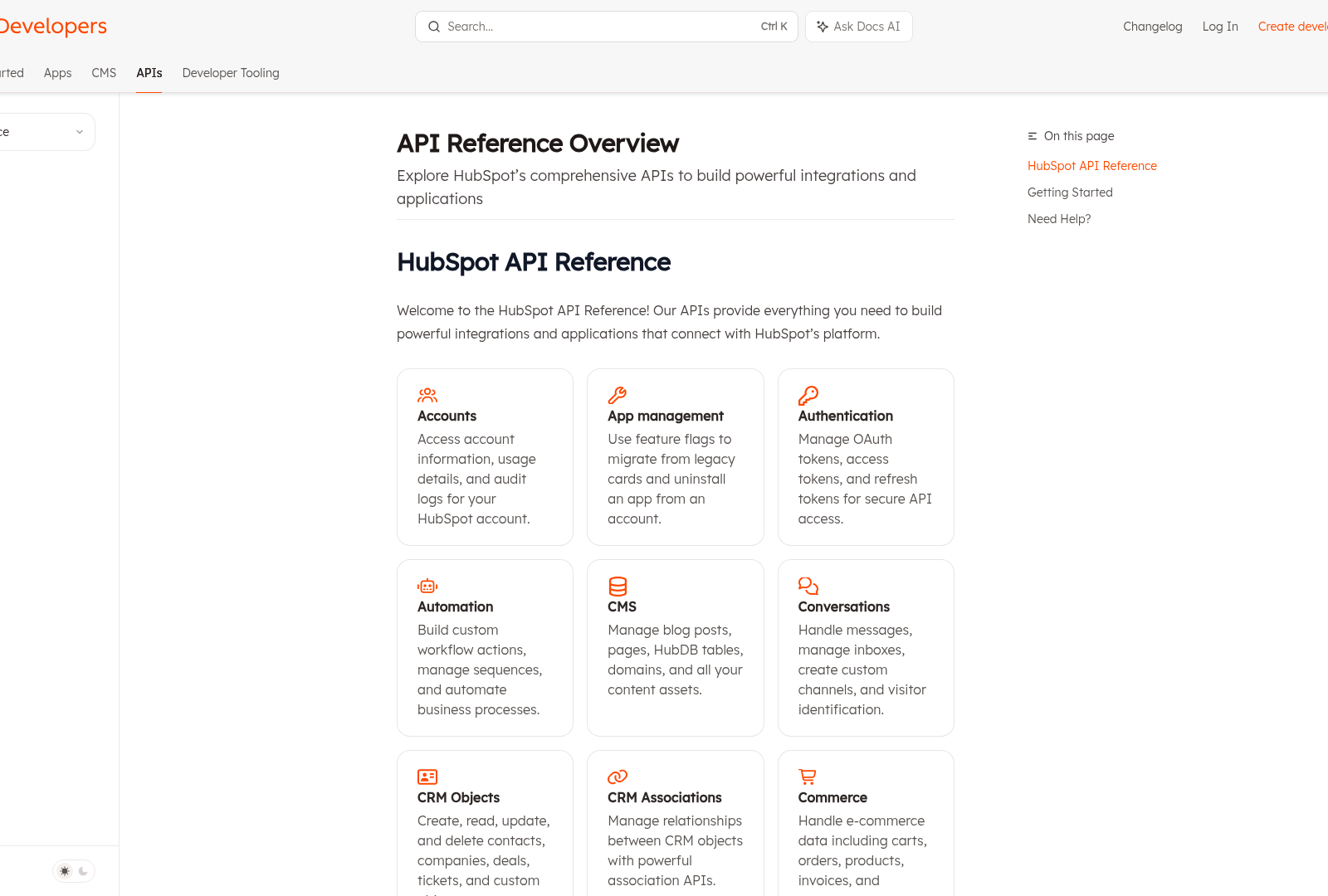
Setting Up HubSpot Content Hub API
Content Optimization Checklist
- Track keyword rankings to measure content visibility. See the [SEO Analytics and Tracking Checklist] section for more details on monitoring keyword rankings and organic traffic.
- Analyze bounce rates and dwell time to assess content quality. For insights into evaluating content effectiveness through analytics, refer to the [SEO Analytics and Tracking Checklist] section.
- Use HubSpot’s analytics tools to align content with business goals. These tools are further detailed in the [SEO Analytics and Tracking Checklist] section, which outlines key SEO metrics and KPIs.
Automated Content Generation and Repurposing
-
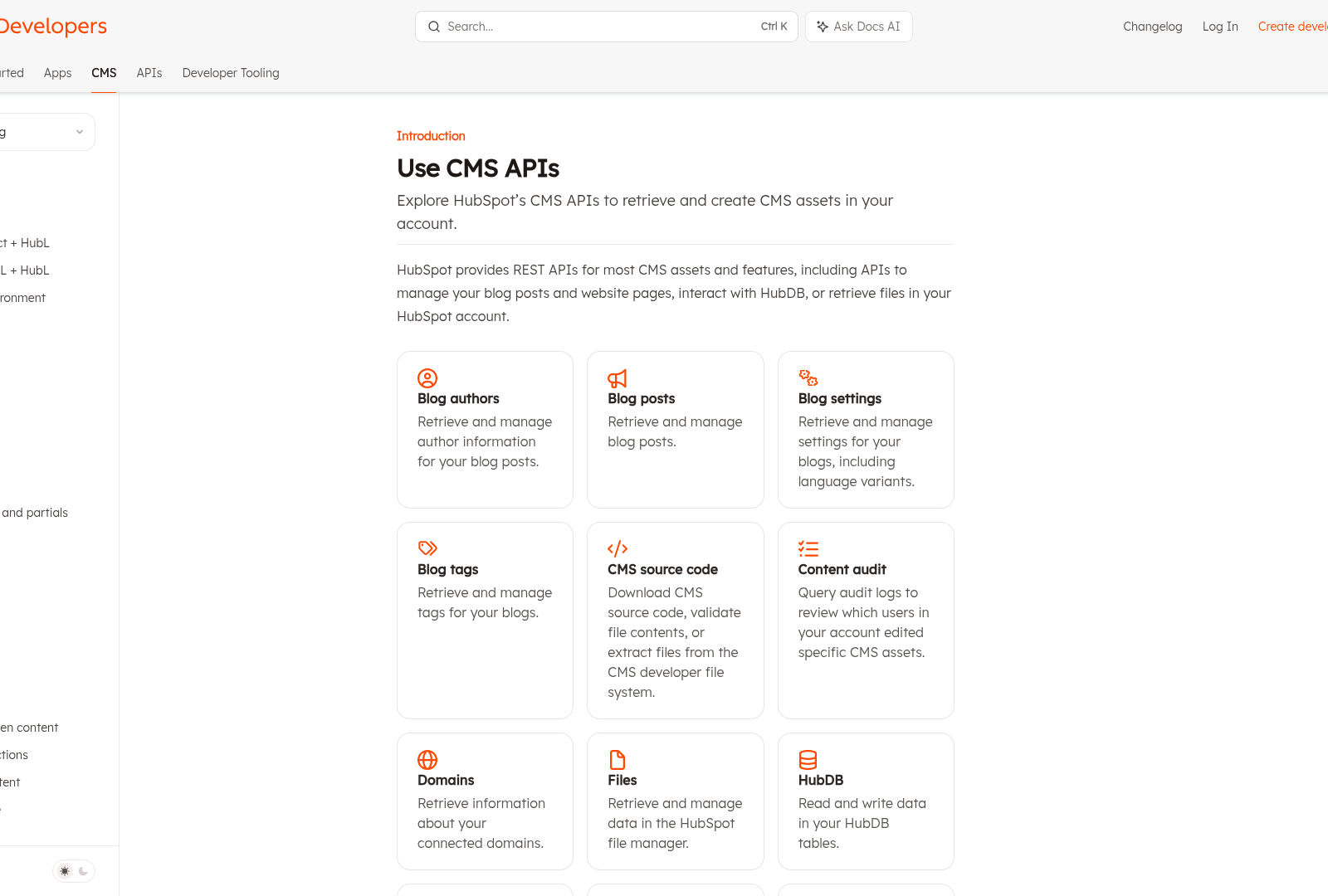
Integrate third-party AI tools with the HubSpot Content Hub API to automate drafting of blog posts, social media copy, and email subject lines . This reduces manual effort while maintaining brand voice consistency across content types. See the [Integrating HubSpot Content Hub API with Other Tools] section for more details on API integration methods.
-
Use the API’s metadata extraction capabilities to analyze high-performing content and generate topic suggestions for new articles or landing pages . Leveraging historical performance data ensures alignment with audience preferences. Building on concepts from [Content Optimization Checklist], this aligns with keyword research strategies to target relevant themes.
-
Automate content personalization by combining the API’s segmentation features with AI-generated variations of core messaging . This enables scalable, audience-specific content delivery without manual rewriting.
-
Extract text, images, and metadata from existing HubSpot content assets via the API to create repurposed formats like infographics, video scripts, or podcast transcripts . This maximizes ROI by extending the lifecycle of original content.
-
Monitor channel-specific analytics through the API to identify top-performing content and refine repurposing priorities . Data-driven insights help allocate resources to high-impact repurposing efforts. As mentioned in the [SEO Analytics and Tracking Checklist] section, tracking metrics like organic search traffic and keyword rankings is critical for optimizing content strategies.
-
Combine AI-generated drafts with human editorial review by using the API to flag content for approval before publication . This balances efficiency with quality control.
SEO Analytics and Tracking Checklist
SEO Metrics and KPIs
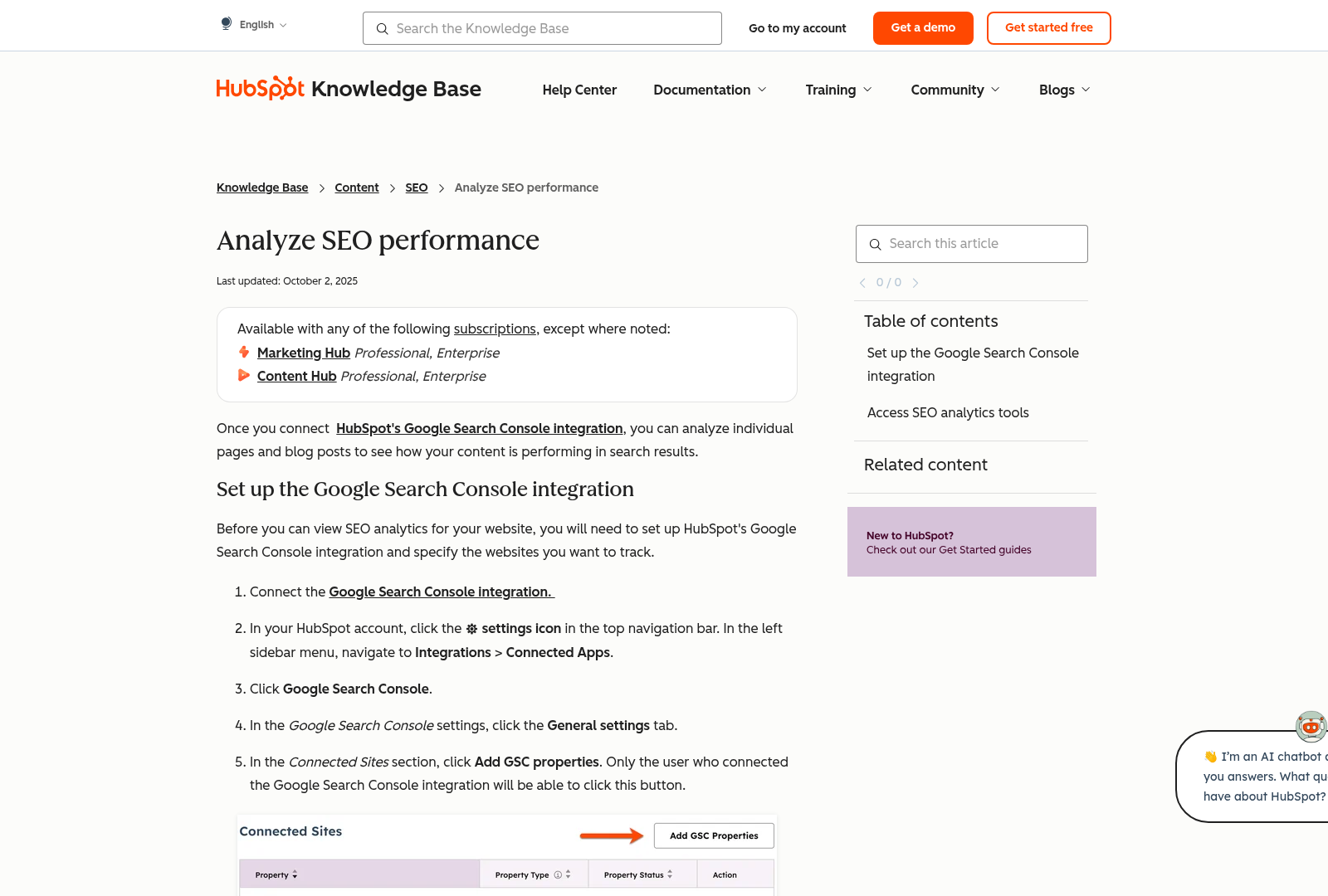
- Track organic search traffic volume to assess the effectiveness of content optimization efforts. See the [Content Optimization Checklist] section for more details on aligning this with keyword research.
- Monitor keyword rankings for target terms to identify shifts in search engine visibility. Building on concepts from [Content Optimization Checklist], this ensures consistent targeting of high-traffic keywords.
- Analyze on-page SEO quality scores to ensure content meets technical best practices.
- Measure backlink growth and authority metrics to evaluate off-page SEO performance
- Evaluate conversion rates from organic traffic to link SEO success to business outcomes
Dashboard Setup and Customization
- Configure a centralized dashboard to aggregate SEO data from HubSpot and third-party tools
- Customize visualizations to highlight trends in traffic, rankings, and engagement metrics
- Set up real-time alerts for significant drops in organic traffic or keyword positions
- Segment data by content type (e.g., blogs, landing pages) to compare performance across assets
- Schedule automated dashboard refreshes to maintain up-to-date insights without manual intervention
Reporting and Analytics Tools
- Generate weekly/monthly SEO performance reports using HubSpot’s built-in reporting templates. As mentioned in the [Introduction to Automated SEO Reports] section, automation streamlines this process.
- Export raw data to external analytics platforms for advanced statistical analysis
- Integrate with tools like Google Search Console and Ahrefs for cross-platform validation. See the [Integrating HubSpot Content Hub API with Other Tools] section for integration methods.
- Automate report distribution to stakeholders via email or shared dashboards
- Document audit trails of SEO changes to correlate adjustments with performance fluctuations
Limitations and Considerations
- Acknowledge gaps in real-time data availability due to API refresh intervals
- Validate API-reported metrics against direct search engine data to ensure accuracy
- Regularly audit API permissions to maintain secure access to SEO analytics
- Plan for manual overrides in reporting workflows when automated data fails to update
Integrating HubSpot Content Hub API with Other Tools
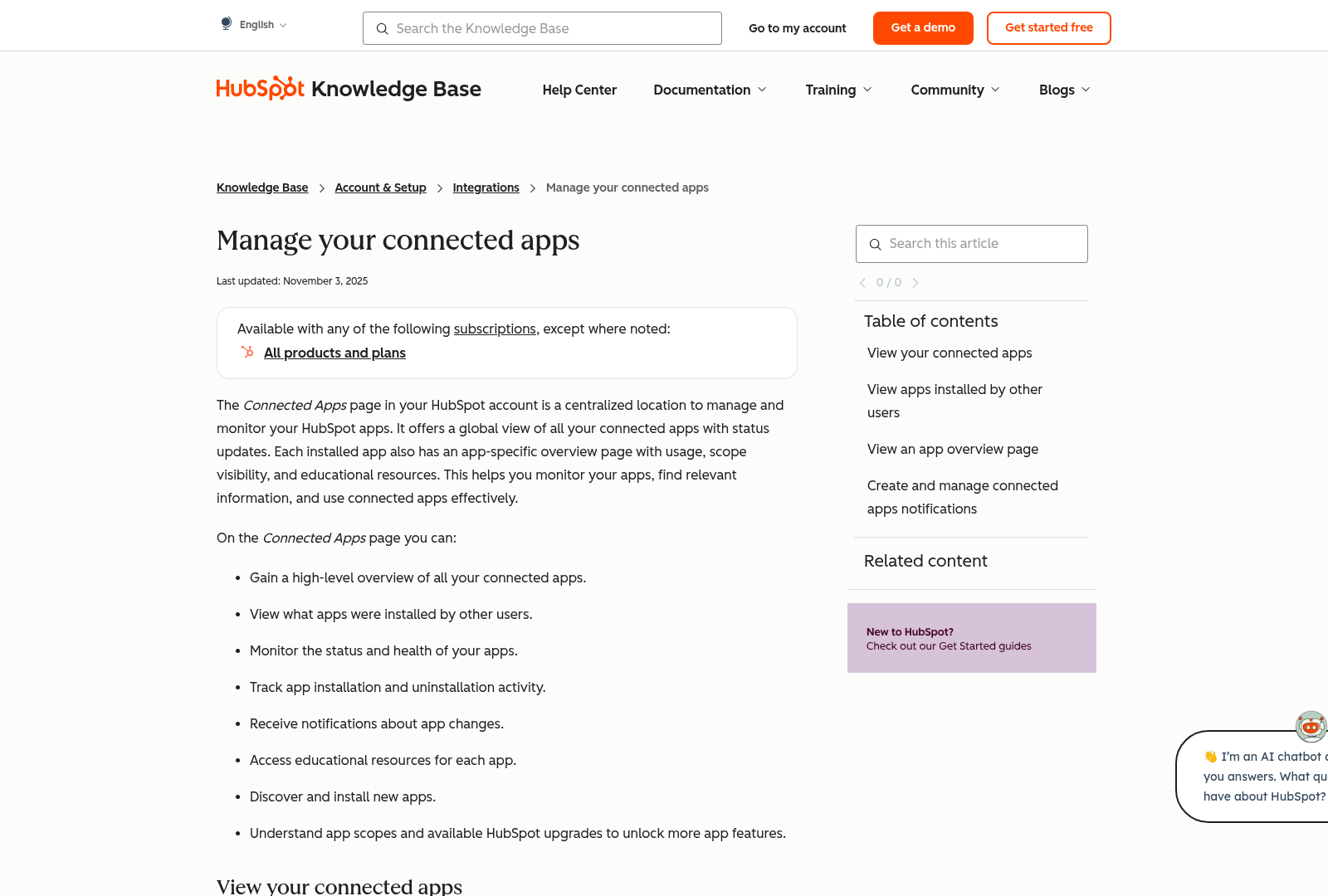
- Implement OAuth 2.0 authentication for secure, token-based access between HubSpot and integrated systems, ensuring data privacy and compliance with API security standards. See the [Setting Up HubSpot Content Hub API] section for more details on authentication setup.
- Sync blog post metadata (titles, summaries, URLs) with social media templates to maintain consistent branding and reduce manual input. Building on concepts from [Automated Content Generation and Repurposing], this integration aligns with AI-driven content strategies.
- Use API-driven sentiment analysis tools to monitor audience reactions to published content across social platforms, enabling real-time adjustments. As mentioned in the [SEO Analytics and Tracking Checklist] section, such insights complement SEO performance monitoring.
Advanced SEO Strategies with HubSpot Content Hub API
- Identify content gaps that competitors rank for but your site does not, using API-powered analytics to prioritize new topic creation for link acquisition. Building on concepts from the Content Optimization Checklist section on keyword research, targeting these gaps improves relevance and traffic.
- Track keyword performance in existing content to identify underperforming pages requiring optimization or refreshes. High-traffic keywords with low conversion rates signal opportunities for refinement. See the SEO Analytics and Tracking Checklist section for more details on monitoring keyword rankings and traffic.
- Automate error log imports from Google Search Console into HubSpot to prioritize fixes for crawl issues. See the Integrating HubSpot Content Hub API with Other Tools section for integration methods and APIs.
Frequently Asked Questions
1. How does the HubSpot Content Hub API integrate with other SEO tools for automated reporting?
The HubSpot Content Hub API integrates with SEO tools like Ahrefs, SEMrush, or Screaming Frog by pulling content metadata (e.g., keywords, meta tags) and performance metrics (e.g., traffic, bounce rates) directly from HubSpot. For example, you can use the API to feed blog post data into Ahrefs for keyword ranking analysis or combine it with Google Analytics for deeper traffic insights. This integration requires configuring API endpoints and using authentication tokens to ensure secure data transfer.
Q: What specific SEO metrics can be extracted from the HubSpot Content Hub API?
A: The API provides access to metrics like pageviews, bounce rates, conversion rates, keyword rankings, engagement rates, and content performance trends. It also allows extraction of on-page SEO elements such as meta titles, descriptions, and alt text. For instance, developers can query endpoints like /content/posts to retrieve blog metadata or /analytics/traffic for traffic trends, enabling tailored reports for different SEO strategies.
Q: What are the key steps to set up the HubSpot Content Hub API for automated reports?
A: To set up the API:
- Create a HubSpot developer account and obtain an API key.
- Install a HubSpot API client (e.g., Python’s
hubspotlibrary) or use tools like Postman for testing. - Authenticate using OAuth 2.0 or API keys to access endpoints.
- Define report parameters (e.g., content types, date ranges) and map them to API endpoints.
- Automate data retrieval using scripts or scheduling tools like cron jobs or Zapier.
- Visualize data in dashboards (e.g., Google Sheets, Tableau) for actionable insights.
Q: What are the limitations of using the HubSpot Content Hub API for SEO automation?
A: Limitations include API rate limits (e.g., 100 requests/minute for free tiers), which may slow large-scale data extraction. Some metrics (e.g., competitor data) require external tools. Additionally, the API may not support advanced SEO features like content gap analysis without custom development. Teams should also account for authentication complexity and the need for ongoing maintenance to handle API updates.
Q: How can teams troubleshoot common errors when using the HubSpot API for SEO reports?
A: To troubleshoot:
- Check API documentation for endpoint syntax and required parameters.
- Validate authentication tokens to ensure they’re active and scoped correctly.
- Use debugging tools like Postman to test endpoints and inspect error codes.
- Monitor rate limits and batch requests to avoid throttling.
- Contact HubSpot support for issues related to data access or integration conflicts.
Q: Can the HubSpot Content Hub API track competitors’ SEO performance?
A: No, the API is designed for internal content management and performance tracking. For competitor analysis, teams must use third-party tools like Ahrefs or Moz, which can be integrated with HubSpot’s API for a hybrid approach. For example, HubSpot data can provide internal keyword rankings, while Ahrefs supplements competitor backlink data.
Q: How can automated SEO reports be customized for different stakeholders (e.g., marketers vs. executives)?
A: Customize reports by:
- Marketers: Focus on granular metrics like keyword rankings, content engagement, and on-page SEO fixes.
- Executives: Highlight high-level KPIs such as traffic growth, conversion rates, and ROI.
Use tools like HubSpot’s reporting dashboards or Power BI to create dynamic, role-specific views. For instance, marketers might get weekly detailed reports, while executives receive monthly summaries with strategic recommendations.