Blog/Generate WordPress Application Password
How to generate a WordPress Application Password
Follow these steps to create an Application Password on a self‑hosted WordPress.org site. You will use this to connect $AnyPost to your site.
Prerequisites
- WordPress 5.6+
- An Administrator user on the site
- Ability to access your site's dashboard (/wp-admin)
Steps
- Sign in to your WordPress dashboard by visiting
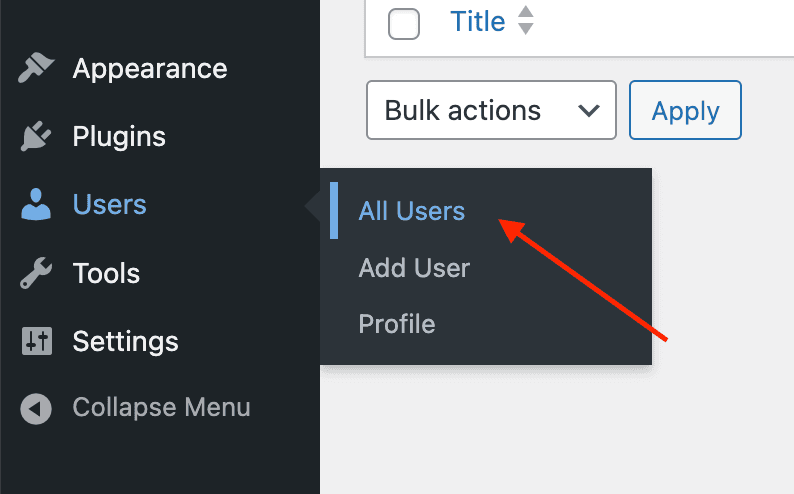
/wp-adminon your domain. - In the left sidebar, open Users → All Users.
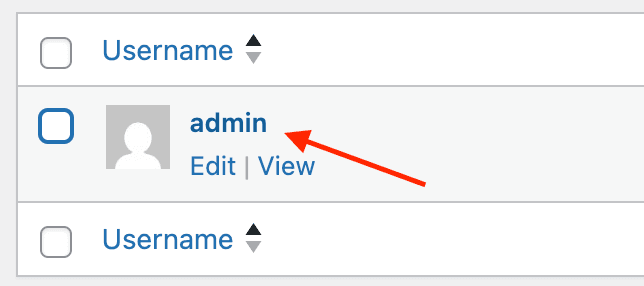
- Click the user you want to connect (it should be anAdministrator account).
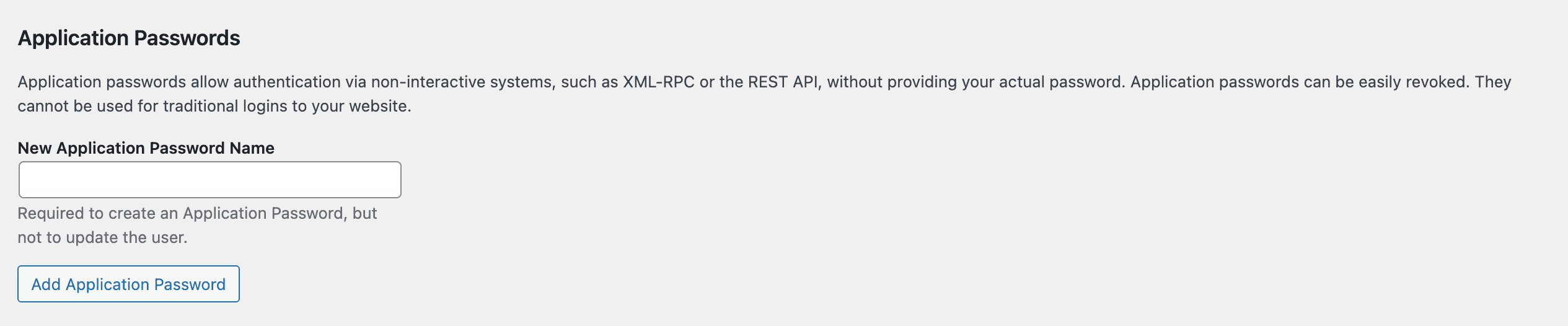
- Scroll to the bottom of the profile page to find theApplication Passwords section.
- Enter a memorable name (for example, AnyPost) and clickAdd New Application Password.
- Copy the generated password. You will paste this value into the AnyPost WordPress.org integration settings.

Connect in AnyPost
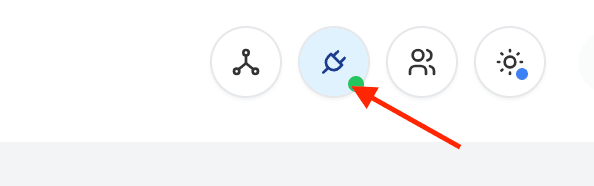
- Click integrations menu icon on your homepage navigation bar.
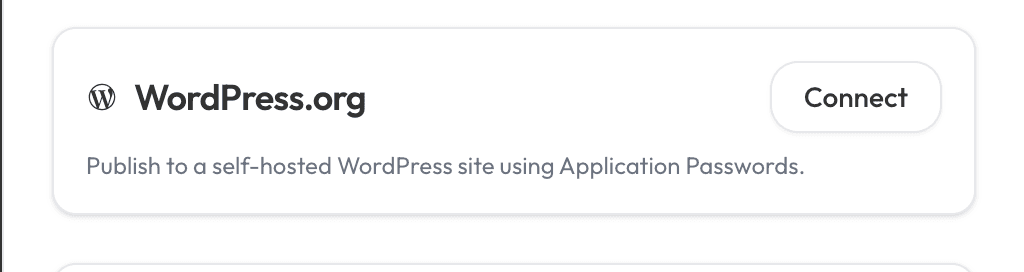
- Click on WordPress.org integration.
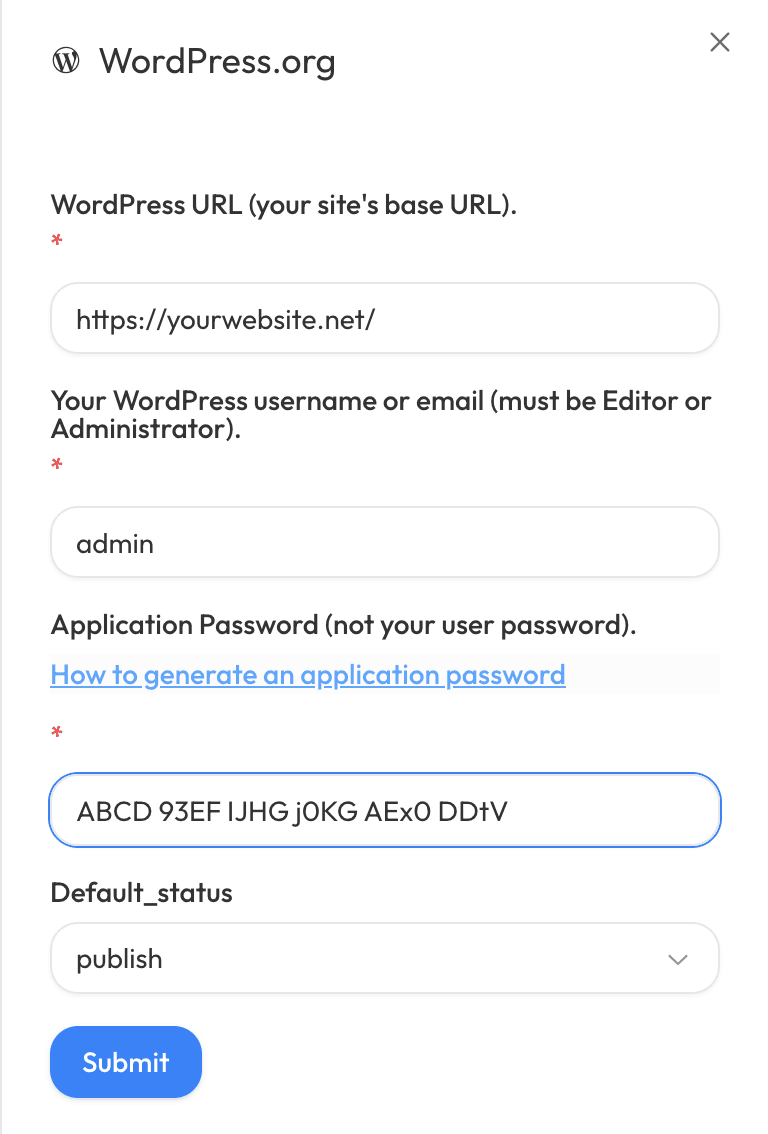
- Paste the password into the Application Password field as well as filling in your Wordpress blog url and username and click Save.
Troubleshooting
- Don't see the Application Passwords section? Your host or a security plugin may have disabled it. Ask your host to enableApplication Passwords or temporarily disable the plugin that blocks it.
- Treat this value like a password. If it's ever compromised, revoke it from the same user profile screen and create a new one.
Need help? Reach out to support and we'll get you connected.
Outrank Everyone. Start Now.
Get Agency Results Without the Agency
Leave your $5,000 monthly agency bills behind. AnyPost automates your content creation and publishing so you can focus on what really matters: growing your business.
