
How to Automate Client SEO Reports With n8n, Perplexity, and SerpAPI

Key Takeaways
- Automating client SEO reports can reduce a 4-to-6-hour weekly task to 30-45 minutes.
- Automated pipelines catch ranking drops the same day, instead of creating a two-week lag.
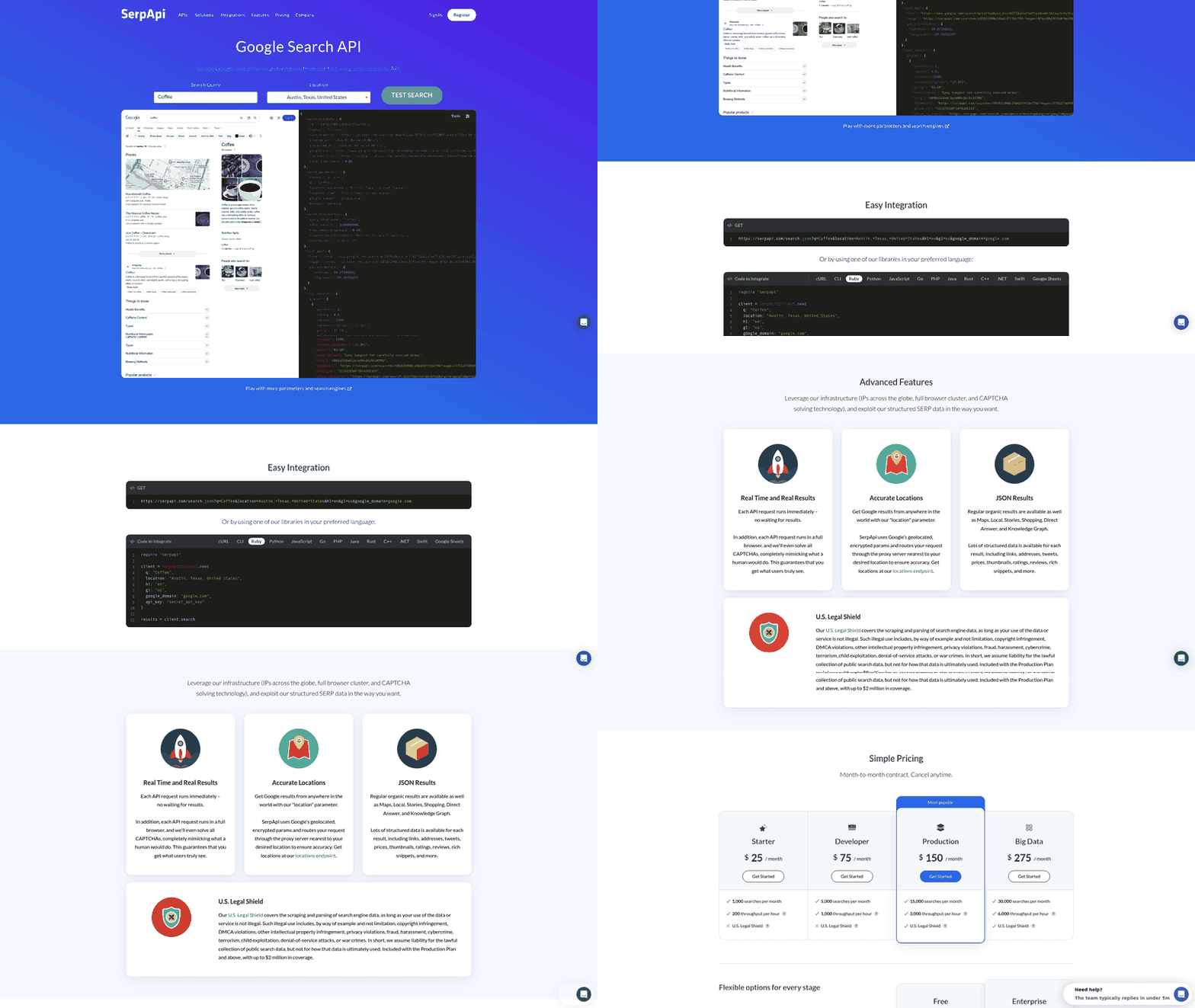
- The stack combines n8n for low-code logic, SerpApi for real-time SERP data, and Perplexity for readable keyword insights.
- Analysts billing $30-$45 an hour for manual reporting become an avoidable labor cost.
- n8n's cloud version offers a two-week free trial, then costs $20 a month.
- SerpApi provides 100 free searches monthly for testing the pipeline.
- Faster, more accurate reporting can improve perceived competence and renewals.
Why manual reporting is quietly costing you accounts
Manual client reporting takes hours you cannot bill and delays useful insights. Automating data collection reduces that work and gives the team more time for strategy. Faster reporting can also support client retention.
Connect these tools to replace the spreadsheet routine many agencies run each Monday. Data moves from search results into client communications on a continuous loop.
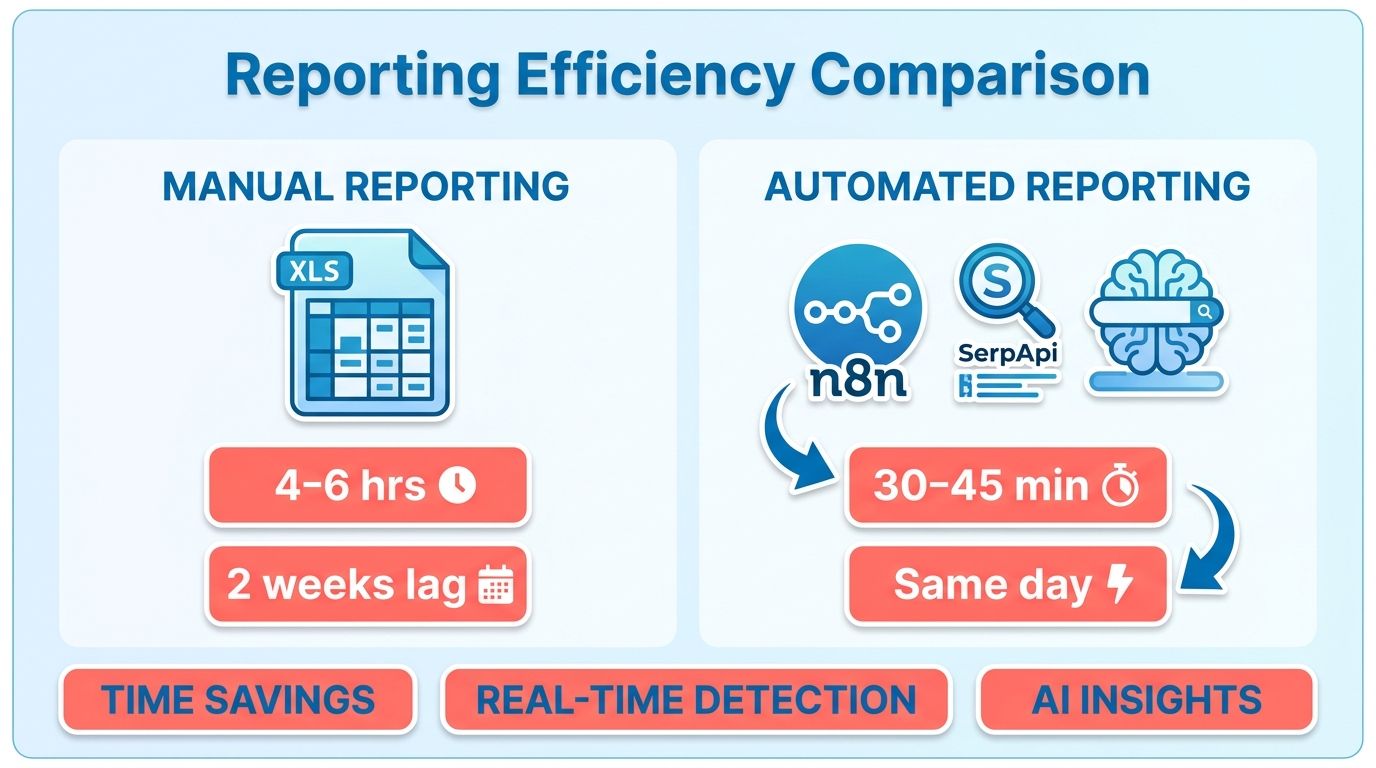
Why does manual reporting cost you clients?
Slow data leads to slow reactions, which can cost clients. When a client spots a ranking drop first, trust can erode quickly. By the time a manual bi-weekly report arrives, the window for a counter-strategy may have closed.
The n8n community has documented this shift firsthand. Agencies moving SEO tasks to low-code automation often report better client communication. Proactive updates show that you are guiding the work, not reciting last month's history.
There is also a direct cost. Skilled strategists should not spend hours copying data into spreadsheets. Automating that work returns their time to on-page work and link-building.
What does automation save per client?
Automation can save hundreds of dollars per report by reducing manual work. Consistency is another benefit. The same workflow runs each time, reducing errors from tired copy-paste work.
| Process Step | Manual Time | Automated Time | Tool(s) Used | Cost per Report | Difficulty |
|---|---|---|---|---|---|
| Pull keyword rankings | 90-120 min | 2-5 min | SerpApi | ~$0.50 | Beginner |
| Capture desktop + mobile SERP | 60 min | Automatic | SerpApi + n8n | ~$0.30 | Beginner |
| Analyze ranking shifts | 60-90 min | 5 min | Perplexity | ~$0.40 | Intermediate |
| Format client report | 45-60 min | Automatic | n8n + Sheets | ~$0.20 | Beginner |
| Draft content brief | 60 min | 5-10 min | Perplexity + n8n | ~$0.60 | Intermediate |
If you manage two or three clients and prefer manual review, skip full automation. The setup time may not pay off at that scale. Above roughly five clients, the economics change in your favor.
Who benefits most from this workflow?
SEO agencies, SaaS product marketers, and B2B growth teams benefit most. These teams manage many keywords across multiple clients. Manual reporting becomes difficult to maintain at that scale.
Keep the SERP-capture-to-Sheets step linear and deterministic. This makes it predictable and easier to monitor. Reserve AI-agent judgment for brief writing, where ranking shifts become brand-voice content briefs. Google Sheets remains the shared source of truth. It can also let a ranking delta trigger a new brief.
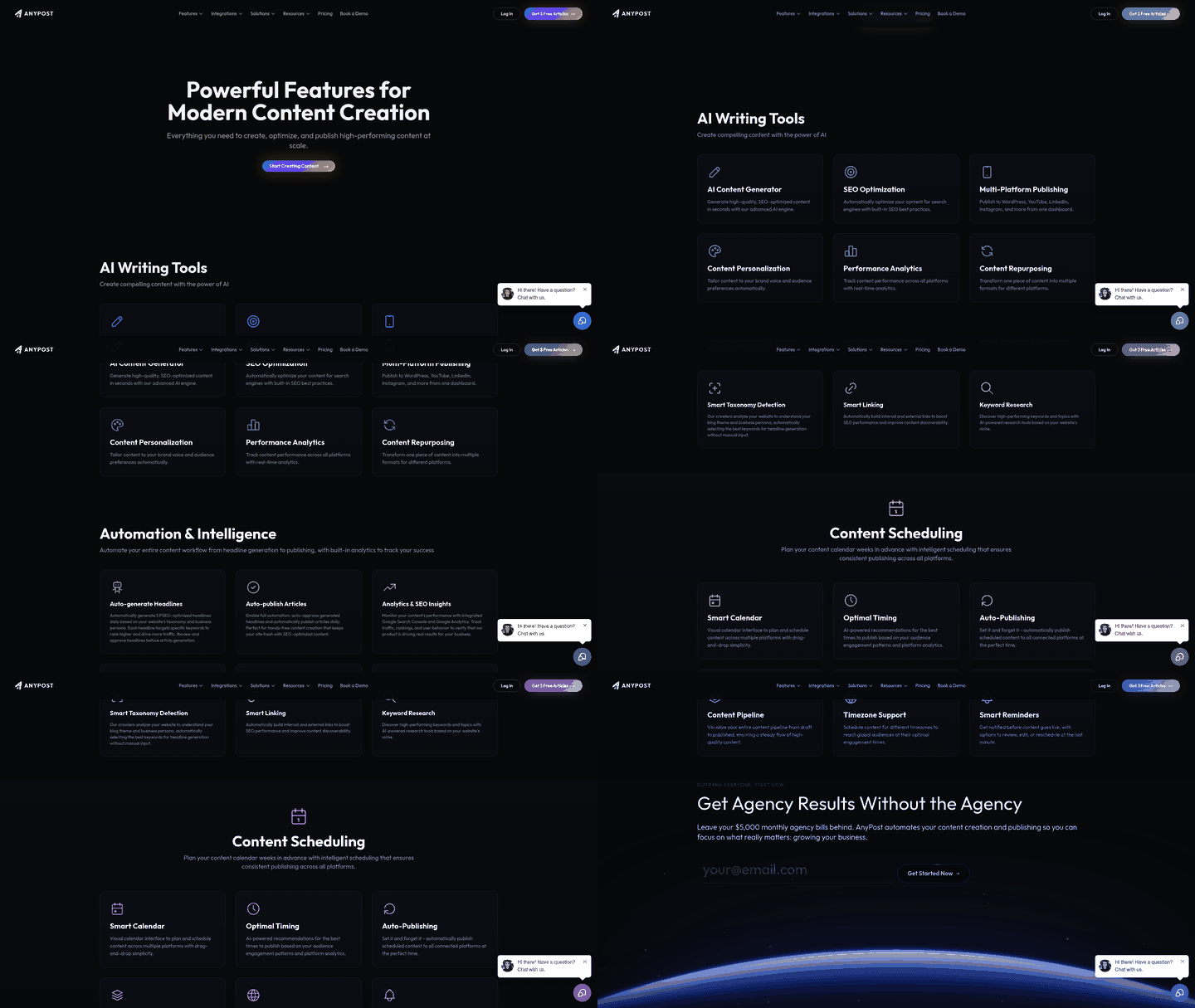
This structure connects reporting with content production. Once ranking shifts become briefs, AnyPost's Persona Engine can turn them into SEO-optimized articles written in your client's voice and auto-publish them across platforms.
Designing the end-to-end n8n workflow
A scalable client SEO reporting workflow uses two connected patterns: data collection and analysis. Separating them keeps raw data clean while AI handles strategic analysis.
Build the first phase around structured data retrieval. This keeps core metrics consistent. The second phase adds context and turns those metrics into next steps. The following sections explain each part of the setup.
Cron or Webhook: which trigger fits?
Use a Cron trigger for scheduled reports and a Webhook or Form trigger for on-demand pulls. Most agency reports follow a fixed schedule, so Cron can handle the Monday-morning refresh. Keep a Form trigger for an account manager's ad-hoc keyword checks.
A Form trigger fits that task well. It can capture desktop and mobile data in one run. This matters because mobile rankings can differ from desktop rankings.
Start small. Launch with one keyword, then scale once the flow is stable.
How do you connect SerpApi without hitting rate limits?
Authenticate SerpApi through n8n's HTTP Request node, then batch keyword calls to respect the plan quota. API usage becomes more important as your client roster grows. Measure calls before scaling.
Point requests to the organic-results endpoint. Pass client-specific parameters, including the target domain, keyword list, and geo-location. n8n supports over 1,000 integrations, while the pre-authenticated HTTP node keeps custom SerpApi calls organized.
For keywords ranking past the first 10 results, page through the response. Pull the position data and any featured snippet. Store each ranking row in the sheet with a timestamp. That timestamp lets you calculate a delta the following week.
Where the AI brief-generation earns its place
Feed ranking deltas from Google Sheets into a Perplexity or agent step to draft brand-voice content briefs. This is where the hybrid workflow helps. One n8n workflow shows that a hierarchical swarm of 6 specialized agents can produce full SEO strategy reports. A leaner template uses one linear pipeline instead.
Do not run agents throughout the entire workflow. A swarm adds reasoning capacity, cost, and failure points. Keep SERP capture linear and inexpensive. Reserve agent judgment for brief writing, where content gaps and competitor angles need analysis.
Prompt Perplexity with the ranking shift, target keyword, and client voice notes. Ask for keyword difficulty, content gaps, and one competitor angle per brief. This connects a changed spreadsheet value with a writer's assignment.
Error handling and scaling notes
Wrap each API node with retries and a fallback notification. A failed pull should alert your team instead of silently breaking the report. Log every run in the sheet for an audit trail.
Quoted setup times are optimistic. One template claims 5 minutes, while another claims 15-20. Both omit API provisioning and credentialing. Budget additional time for a real client go-live. If you prefer to skip the wiring, AnyPost's Multi-Hop Research Engine pulls insights from blog articles, Reddit, X, YouTube, and research papers to produce researched briefs without building the pipeline.
To scale across clients, duplicate the flow and change the parameter set. Add a conditional branch for clients with custom KPI lists. Their reports will then pull only the metrics they approved.
Turning rows into a report a client actually opens
Once ranking data reaches Google Sheets, turn those rows into a document clients can open. Pair a reusable Google Docs template with n8n's Google Docs node. The node populates placeholder tags from workflow variables. This gives the report a consistent format without making it look like raw data.
The formatting stage turns data into a narrative. It organizes the information so clients can see the business impact of search visibility.
How do you build a reusable report template?
Build a Google Doc with placeholder tags like {{keyword}}, {{position}}, and {{traffic_delta}}, then let n8n replace them with live values. Create the template once with your branding. The Google Docs node reads variables from the previous step and replaces each tag.
Keep the template modular. Include sections for ranking wins, ranking drops, and content briefs based on those drops. Add your logo and tagline to the header for consistent branding.
For visual ranking trends, generate charts with the Google Sheets API or a chart-image service like QuickChart.io. Pass position history as a URL parameter and insert the returned image into the document. A client can read a trendline faster than a table of numbers.
Where should the finished PDF live?
Export the populated document to PDF, then store it in Google Drive or S3 with a client-plus-date naming convention. A name such as AcmeCorp_SEO_2026-08-26.pdf provides version control and an audit trail. It also prevents overwrites and version confusion.
Run an internal QA check before sending anything to the client. Route a preview copy to an agency inbox first. A human should review the numbers before dispatch. Without that step, a wrong position value can reach a major account.
Reddit's n8n community often highlights the gap between “it runs” and “it's client-ready.” One builder in r/n8n_ai_agents shared a Monday-morning tracker that replaced ten browser tabs with one Sheets-in, email-out flow. The formatting layer distinguishes that workflow from a report you could bill for.
How do you dispatch and alert on reports?
Use the Email Send node with dynamic subject lines and client-specific salutations, then send a copy to Slack. Add the client name and date to the subject. For example, Acme. SEO Report, Week of Aug 26 arrives personalized. The Slack Send Message node posts to a channel such as #client-reports.
Add conditional alerts as well. Configure an IF node to fire when a keyword slips past position 10 or traffic drops more than 20%. That alert can also trigger the brief generator.
This handoff lets the production team respond to search volatility before the weekly sync. For agencies scaling this workflow, AnyPost's Cross-Channel Repurposing Engine takes one article and creates a content package: newsletter issues, social posts and threads, and video scripts.
Scaling, monitoring, and continuous improvement
Cloning one client workflow into forty is where many agency automations fail. n8n's Workflow Templates address this problem. Build one reporting pipeline, export it, and clone it per client. Change only the variables that differ. Keyword lists, target domains, and brand-voice profiles become inputs instead of hardcoded values.
Avoid copying API keys into cloned workflows. Store each credential in n8n's credentials vault and reference it by name. When your SerpApi or Perplexity key rotates, update it once. Every cloned pipeline can then use the change.
How do you monitor 40+ client pipelines at once?
Build a central dashboard that tracks job success and failure rates across every client run. n8n's built-in execution log supports small operations. Connect it to Grafana once you manage more than a dozen clients and need longer-term trends. Track execution success rate, average run duration, and API error counts per client.
This matters because failures can be silent. A SerpApi request may time out while the workflow marks the run “complete” and writes empty rows to the Sheet. That empty row can trigger a poor content brief. The client may then receive a report based on missing data.
Add automated health checks to catch these problems early. Ping SerpApi at the start of each run and confirm that it returns position data. Validate that Perplexity's response is well-formed JSON before it reaches the brief step. If either check fails, halt the run and send a Slack alert.
Linear capture, agent briefs: the architecture at scale
Scaling requires an architecture decision. Keep data collection straightforward and structured. This minimizes execution costs, simplifies debugging, and supports diverse geographies and device types.
Reserve deeper processing for the creative output stage. Multi-agent systems offer detailed analysis, but they also add complexity and operating costs. For repeatable reporting, combine structured collection with targeted AI analysis.
Feeding performance data back into briefs
Close the loop by feeding client satisfaction scores back into the workflow. When a client rates a brief low, tag that keyword row. The next generation cycle can then weight it differently. The Sheet connecting ranking data and content also becomes a feedback ledger.
Cost forecasting becomes important at 100+ clients. Model three line items: API calls, storage, and compute. SerpApi queries scale linearly with keyword count. Storage includes Sheets rows and generated documents. Compute includes n8n execution minutes. Forecast per client, then multiply. A pipeline costing pennies for five clients can become expensive at scale.
As you grow from a few pipelines to several dozen, health checks and the shared vault reduce manual reporting work. Specialized content automation platforms can also handle the process and manage your portfolio's publishing schedule from one interface.
Frequently Asked Questions
1. Does automating SEO reports mean I no longer need a human to review them?
No. Human oversight remains essential. The workflow handles data gathering and formatting, but an account manager should perform a quick sanity check. This confirms that the narrative matches the client's current goals. It also adds context for unusual search anomalies before sending the report.
2. I only manage three clients. Is this workflow worth setting up?
Probably not. With only a few accounts, configuring credentials, designing templates, and testing n8n workflows may take longer than reporting manually. At this scale, manual reporting keeps you close to the raw data. You may also spot nuances that automated systems miss.
3. Why keep SERP capture linear instead of using AI agents for everything?
AI agents introduce unnecessary variability into structured data retrieval. LLMs can sometimes hallucinate or format data inconsistently. Using them to parse rankings could corrupt your database. A linear, code-based approach records a ranking of #3 as #3 and preserves historical accuracy.
4. What happens when a keyword ranking drops in this setup?
When predefined thresholds are breached, the system flags the affected terms. Instead of waiting for the next reporting cycle, the workflow starts a recovery process. It analyzes competing pages, identifies missing content elements, and prepares an optimization plan to help your team reclaim the position.
5. How do I manage API keys across dozens of cloned client workflows?
Use centralized environment variables and global credential management. Instead of hardcoding tokens into individual nodes, reference global variables. This secures the infrastructure, simplifies client onboarding, and supports quick audits or key rotations without disrupting active workflows.
6. Can a report look "complete" but actually contain bad data?
Yes. Silent failures are common in complex integrations. An external API may return an unexpected format or partial payload, while the workflow continues. Strict schema validation at key transition points quarantines malformed data and prevents corrupted metrics from reaching final documents.
7. How is this different from using an all-in-one content platform?
A custom n8n pipeline offers extensive customization. You can connect specific internal tools or design unique reporting layouts. It also requires ongoing maintenance, debugging, and API management. All-in-one platforms manage this lifecycle out of the box, reducing the technical work of maintaining API integrations.