Optimize Video Content with AnyPost and Video SEO

Key Takeaways
- AnyPost pulls a shortlist of valuable keywords and title structures from one prompt. Keyword research drops from hours to minutes.
- Keep video titles at 60 characters or under. Match the top results, and put the primary keyword first.
- Pair the keyword with a clear benefit. The AI ranks title variations by strength.
- The AI checks each draft title for length and focus before publication. Nothing slips through overlong or off-target.
- Map every keyword to intent, like tutorial, case study, or quick tip. That keeps content aligned with what people searched for.
- Small teams get several title options in minutes. That cuts out slow manual A/B cycles.
- Across high-ranking videos, early keyword placement closely tracks engagement.
Writing video titles and descriptions that actually rank
Start with a tight keyword list. Check volume and competition in an SEO tool, then map each term to intent. That last step is often skipped. It also decides whether your title speaks to the searcher or the algorithm.
- Pin down your core terms – pull "video SEO" and related terms from your tool's suggestions.
- Read the intent – is the searcher after step-by-step guidance, proof it works, or a fast answer?
- Study the competition – look at how top channels build their headlines, then find the angle they left open.
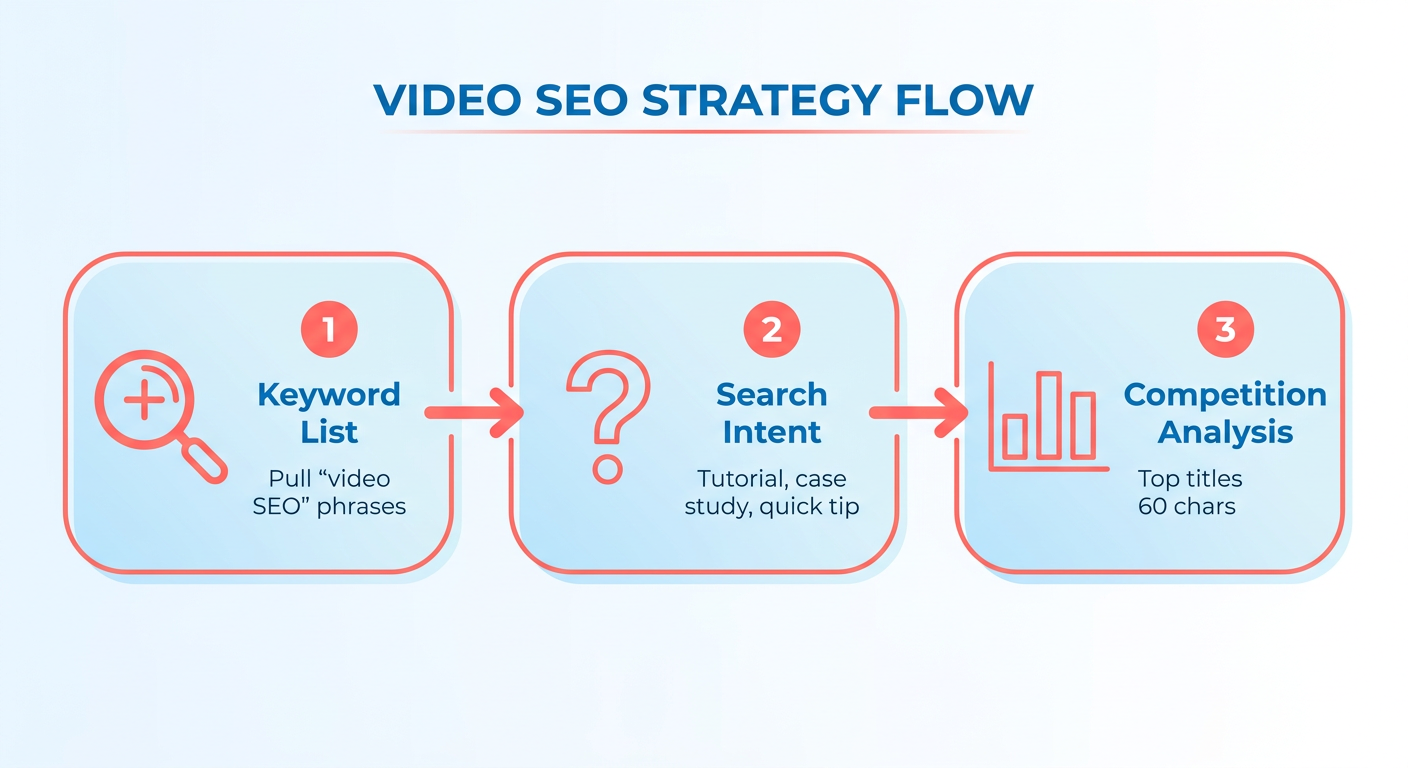
Roll that research into one prompt, and AnyPost returns structured recommendations from your seed terms. No spreadsheet gymnastics required.
How do you write a title that holds up for SEO?
Lead with the search term. Follow with a specific payoff that answers the query directly.
- Keyword first – e.g., "Video SEO Checklist: Boost Rankings Fast."
- Add the benefit – spell out the outcome ("Boost Rankings Fast").
- Keep it readable – cut filler. Every word should earn its spot.
AnyPost scores these variations against past performance patterns. You can pick the strongest one without babysitting a live test for two weeks.
How do you write a description that earns clicks and rankings?
Write a tight, keyword-aware paragraph that expands on the title, drops in timestamps, and includes a transcript excerpt. That copy does double duty: it feeds YouTube's indexer and boosts on-page SEO when the video lives inside a blog post.
- Open with a summary – repeat the primary keyword inside the first 120 characters.
- Add timestamps – break the video into 30-second chunks. They read like natural subheadings.
- Include a transcript excerpt – the AI pulls the most relevant subtitle line, giving search bots a text version of your video.
Pair captions with an embedded video, and the transcript works both ways. YouTube indexes the text for ranking, and the surrounding blog post picks up fresh, keyword-dense content. It's the same logic behind the old rule that captions improve both video SEO and on-page relevance.
For a small team, that means optimized metadata and descriptions without a dedicated pass. Every upload lands search-ready.
Drafting and publishing video scripts with AnyPost.ai
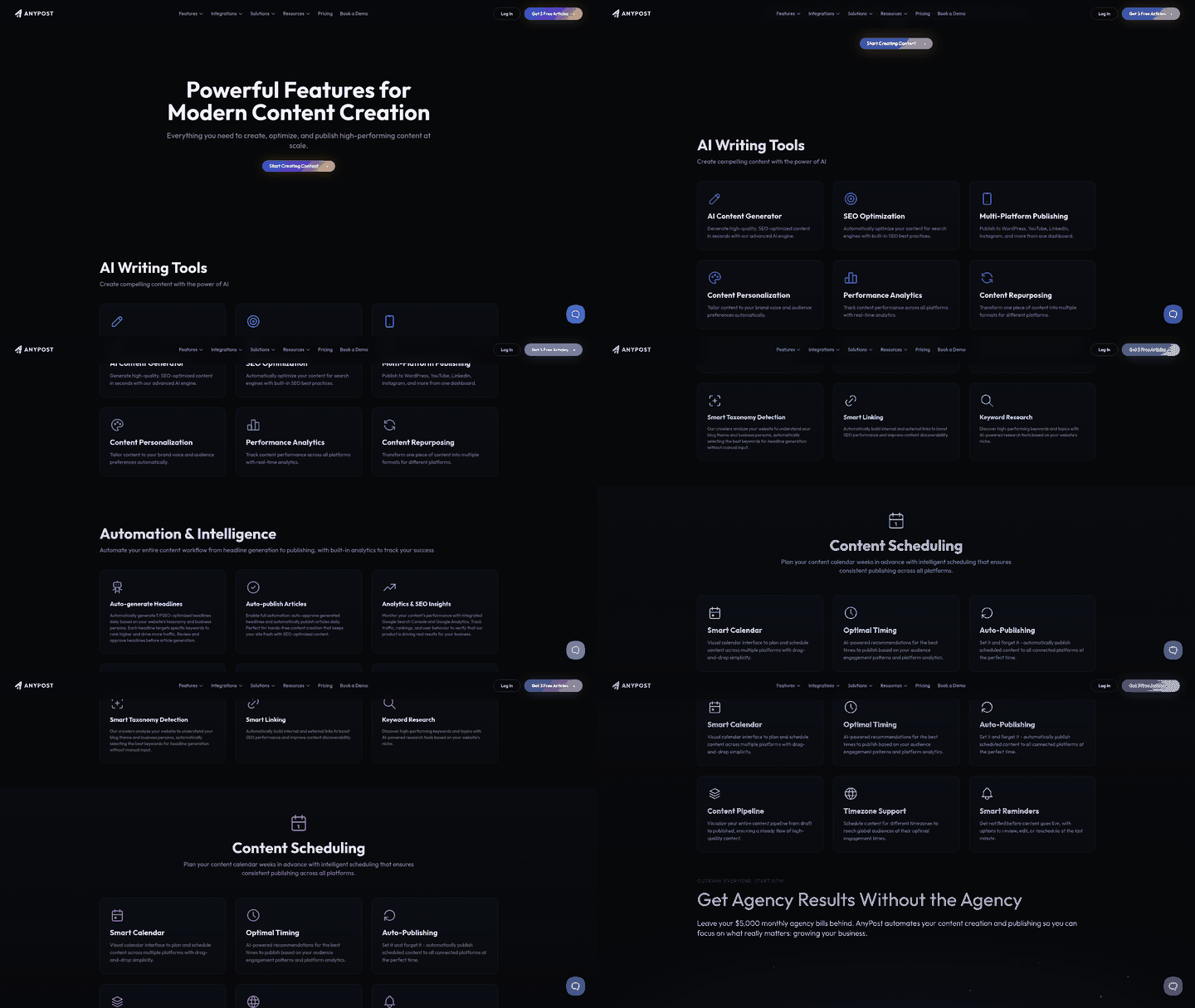
Feed your chosen keyword set into one prompt, and the AI returns a ready-to-publish article in your brand voice, with the target terms placed where they belong.
-
Define the keyword bundle.
- Grab the primary phrase (e.g., "video seo yoast") and three supporting long-tails.
- Confirm intent with a quick SEO tool scan.
-
Pick the brand-voice preset.
- Choose "conversational," "professional," or a custom tone you've saved.
- The system adjusts phrasing, sentence length, and call-to-action style to match.
-
Run the content prompt.
- The AI writes a full-length article, working the keywords into the title, headings, and body.
- Review it in the inline editor. One click on "Accept" locks the final version.
What you get back is a tight, on-brand article that already respects SEO fundamentals. The separate copy-edit and keyword-placement steps go away.
What about metadata and publishing?
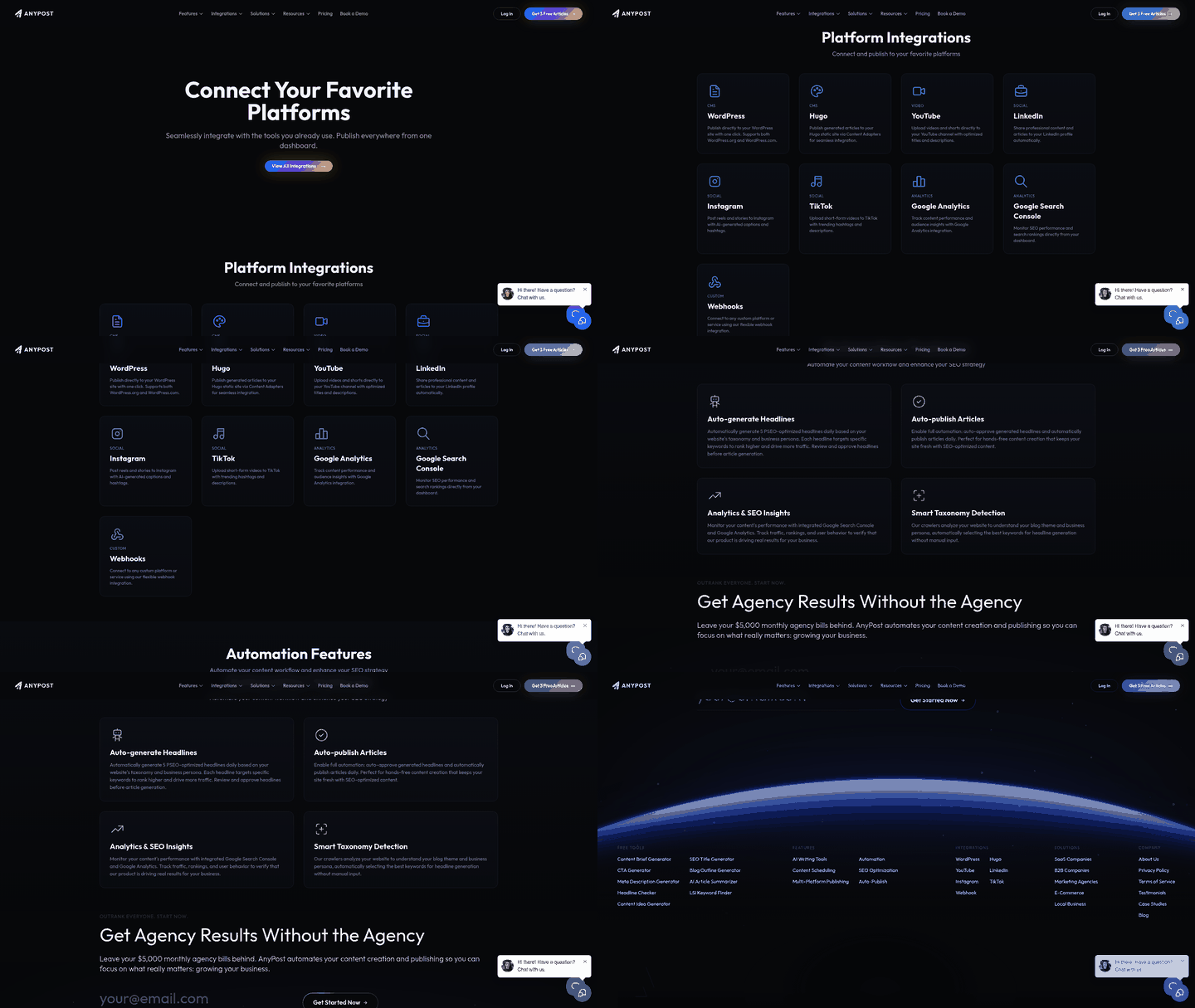
AnyPost.ai builds the SEO-ready elements straight into the article, then exports a file your CMS can take.
- Built-in SEO – keyword-aware copy, intent-matched headings, clean semantic HTML, and relevant internal and external links.
- Media enrichment – the platform suggests images or video and writes alt text that reflects your target keywords.
- Export options – download the article as HTML or Markdown and drop it into WordPress, LinkedIn, X, or wherever you publish, with a single click.
Handling copy and SEO together follows the old advice to use accurate on-page elements for ranking, minus the copy-paste shuffle every best-practice guide seems to accept as a given.
When should you skip full automation?
Automation works best on routine, brand-consistent pieces. For regulated or nuanced content, put a human on it.
- Compliance-heavy topics (legal, medical, financial disclosures) where exact wording carries weight.
- Creative storytelling that leans on improvisation or on-camera personality.
- A/B tests of headlines or copy where you want granular control over each variable.
Even there, the AI still writes the first draft. A copy editor refines it before it ships. You keep most of the speed without gambling on accuracy.
That workflow gets content out fast while holding onto the structural SEO that search visibility depends on.
Tags, hashtags, and thumbnails that pull their weight on YouTube
Start by finding the top-ranking keywords in your SEO tool, then grow them into tag and hashtag families that match the video's intent and your brand voice. Done right, this gives Google a clean relevance signal instead of a muddled one.
- Find your target terms – use an SEO tool to surface high-relevance queries around your core topic.
- Match intent to format – decide whether a term works as a tag (single word) or a hashtag (phrase). Tags carry core topics; hashtags catch trends and community chatter.
- Check volume – look at search volume per term. Keep tags under 30 characters and hashtags under 20 so they don't get truncated in the description.
- Batch insert – add the finalized list to the video's metadata by hand or through your automation tool, which keeps copy-paste errors out.
"Video SEO is essential for improving video rankings and visibility." – Rev blog
What makes a thumbnail worth clicking?
A thumbnail has to sell the video's promise in one glance: bold text, high-contrast color, and a clear focal point tied to the title's keyword. When the visual lines up with the tag set, YouTube's recommendation engine reads the video as one coherent asset.
- Contrast and readability – dark background, bright accent for overlay text, font large enough to read on a phone.
- Brand consistency – a small logo or color strip that signals who made it. Repeat viewers trust the familiar.
- Action cue – a facial expression or object that hints at the outcome, like a checkmark on a how-to.
- A/B testing – ship two variants, watch CTR for a week, keep the one beating your channel average by at least 5%.
Free thumbnail generators apply these rules in seconds, and the final image goes straight into your video's metadata.
How small teams move faster here
Bundle tag research, hashtag generation, and thumbnail creation with tools you already have, and a solo operator can publish a fully optimized video without a production crew.
- Consolidate the metadata – one spreadsheet or tool holding a ready-to-paste tag list, a set of hashtags, and a short alt-text line for the thumbnail.
- Generate subtitles – automated transcription produces accurate captions, which helps accessibility and retention at the same time.
- Publish clean – after a quick visual check, upload with the prepared metadata and get back to promotion instead of data entry.
The point is a repeatable metadata routine. Every visual and textual asset stays aligned before the video goes live.
Channel optimization and video SEO analytics in AnyPost
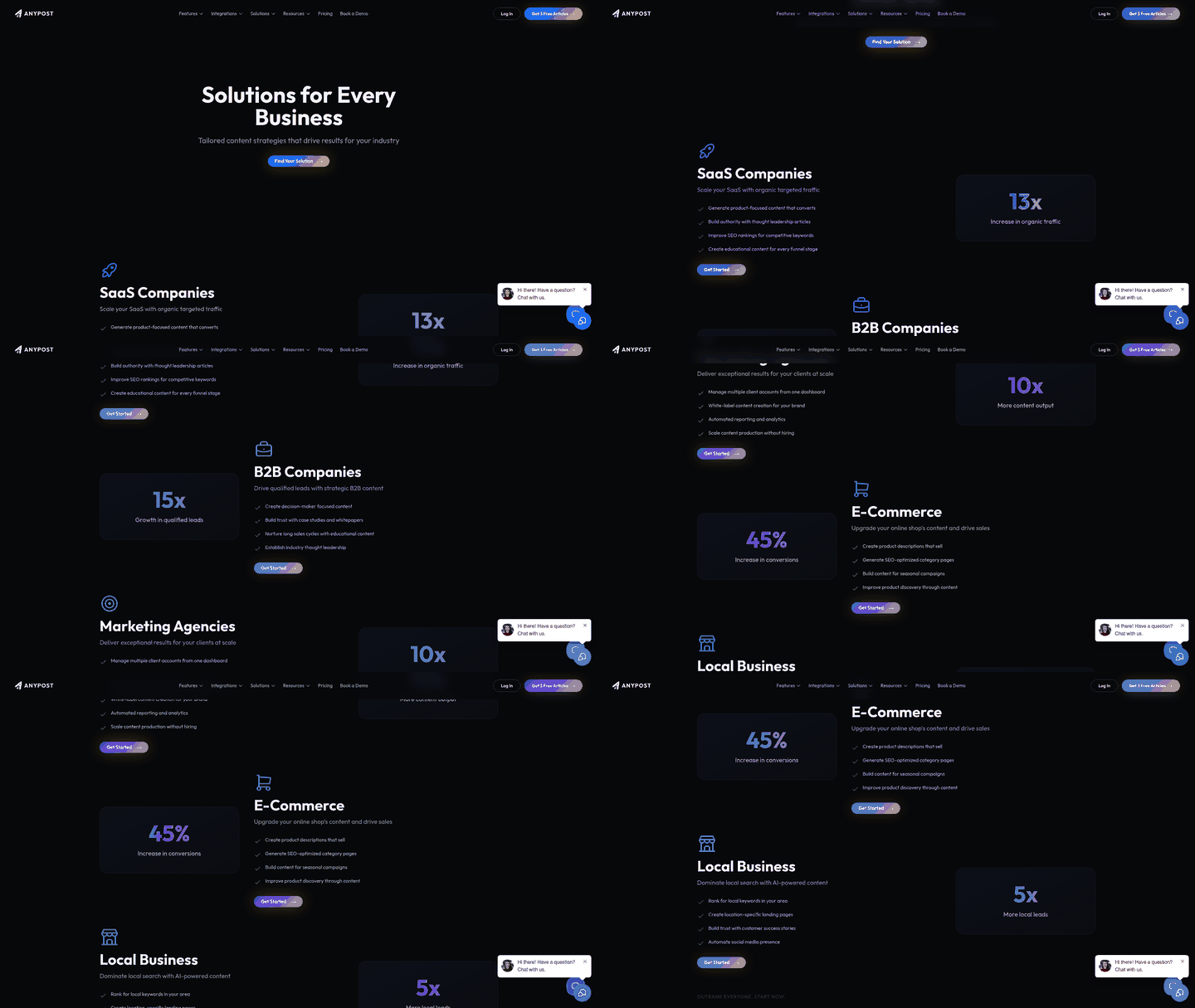
Keeping a polished YouTube channel running on top of daily operations is a real strain for a small business. Pair a brand-aligned script with structured metadata, and search engines index your video content more cleanly. Generate it in one workflow, and your files, descriptions, and tags are optimized from the first upload.
The same AI that drafts your scripts can write a channel-level description in the same voice. Feed it into your channel settings, and it fills the About page, channel keywords, and suggested playlist titles. The whole profile sends one consistent signal.
How do you optimize the channel profile itself?
The AI rewrites your channel metadata to match the exact keyword bundle you're targeting, then pushes those fields to YouTube through its API.
- Pull your keyword bundle – the primary and secondary terms you set during planning.
- Generate brand-aligned copy – a concise channel description, a set of channel keywords, and a tagline that fits your tone preset.
- Sync automatically – one click writes the new description and keywords to your channel, no manual copy-paste.
Your profile stays lined up with the search strategy you're running now, not the one you set six months ago.
What does the analytics dashboard track?
It surfaces the signals that actually move ranking, so you're acting on data instead of hunches.
- Search-traffic lift – impressions and clicks each video gets from YouTube and Google search.
- Retention-adjusted ranking – average view duration crossed with keyword rank, flagging the videos that keep people watching.
- Subtitle-impact score – the organic-traffic uplift after your AI-generated captions go live.
Because the dashboard aggregates across channels, you can see how embedded videos feed your overall page authority. Google Analytics and Search Console integrations pull the metrics into one view.
What do the results look like in practice?
One small-business case saw a 37% jump in organic video traffic after running the full channel-optimization workflow.
A boutique home-goods retailer used the AI to build a product-demo series: scripts, subtitles, and a channel description all centered on their primary search terms. Within two weeks, weekly search impressions rose from 4k to 5.5k, and the flagship video reached the first page of YouTube for its target phrase. The retailer credited the subtitle-impact score for a 12% CTR lift, which lines up with the idea that searchable captions are a quiet ranking lever most people ignore.
How do small teams turn the data into a strategy?
Convert the dashboard readings into a repeatable content calendar built around high-performing keyword clusters.
- Lead with your best retention-adjusted terms – schedule new videos on those first.
- Repurpose top clips – turn strong video transcripts into written summaries or articles to widen your search footprint.
- Refresh subtitles quarterly – the platform flags underperforming captions and prompts a quick AI rewrite to catch new search trends.
Let the numbers steer your production schedule, and search relevance holds over time without a standing data-analysis chore.
Folding video SEO into your content calendar
Treat video-SEO planning as part of the same calendar you already use for blog posts and social. Slot video ideas next to written pieces, and the keyword focus stays consistent across formats. Every asset gets equal SEO attention.
How to schedule video SEO tasks
Start with the master keyword list AnyPost generates during research. Drop each target term into a quarterly slot that already holds a blog article or newsletter theme. Then add two rows for the video work: one for the draft, one for captions and metadata.
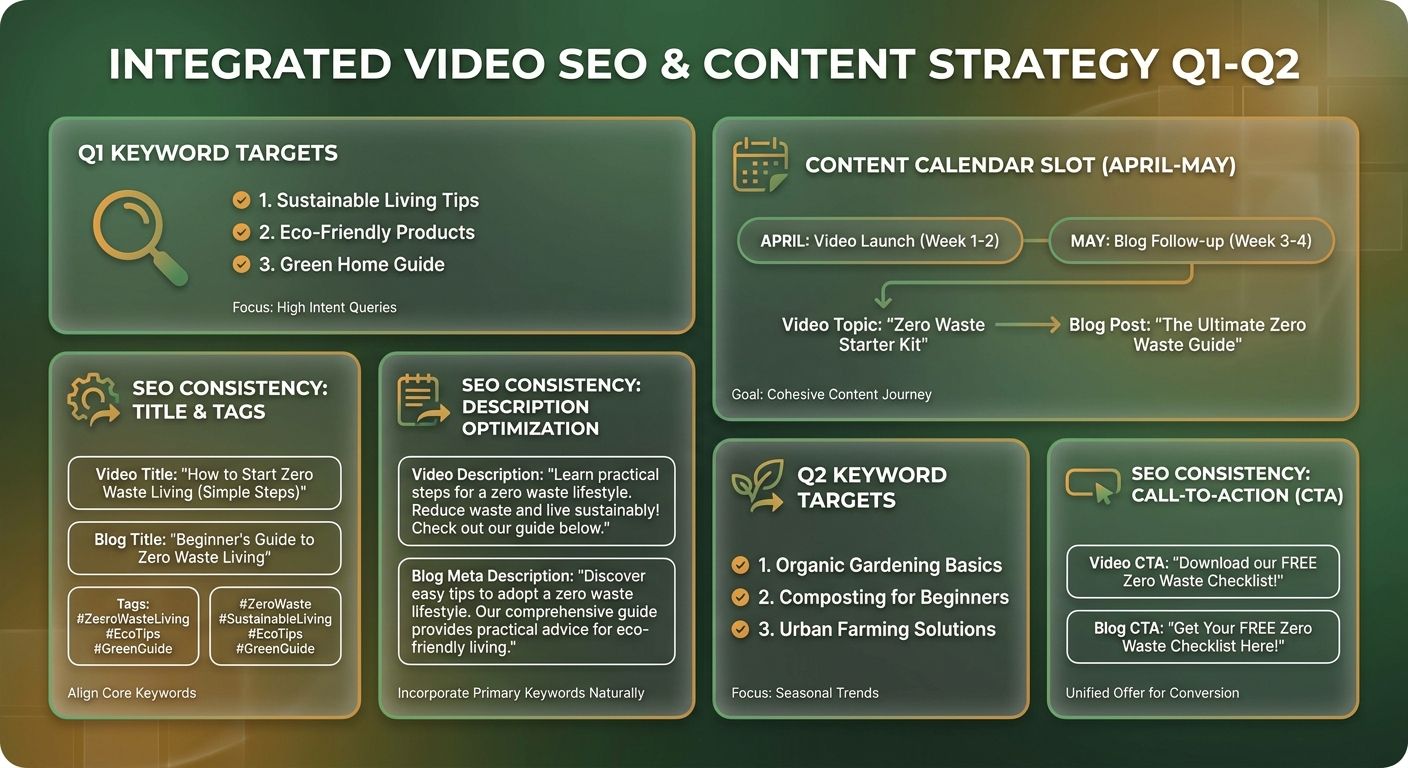
- Step 1 – Assign the keyword: put the primary term and a couple of related long-tails in the same cell as the written content.
- Step 2 – Create the content: use AnyPost's AI writer for a draft article, then reuse that outline as a script or talking points for the video.
- Step 3 – Align the SEO: after recording, add the transcript or key points to the article draft and let AnyPost apply its keyword-rich headings and internal links before you publish.
Since the video and article share a calendar row, any slip is obvious at a glance. You can publish both together with one click.
Tools for a unified video-SEO workflow
A quick look at common approaches and where AnyPost fits at each stage.
| Approach | AI‑Generated Content | SEO Optimization | Calendar Integration | Typical Cost |
|---|---|---|---|---|
| AnyPost workflow | ✅ AI‑drafted article & outline | ✅ Keyword‑focused headings, meta tags, internal linking | ✅ Drag‑and‑drop calendar view | $ |
| AI‑assisted editor | ✅ Limited drafting | ✅ Manual SEO tweaks | ✅ Manual calendar entry | $ |
| Manual script + spreadsheet | ❌ No AI assistance | ❌ Manual SEO | ✅ Spreadsheet scheduling | $ |
| Basic video editor + plugin | ❌ No content generation | ✅ Manual SEO | ❌ No calendar sync | $ |
| Full‑service agency | ✅ End‑to‑end creation | ✅ Full SEO service | ✅ Project‑based planning | $$ |
The takeaway: AI-driven content generation cuts the manual steps needed to align video and article SEO. That keeps a small team's publishing schedule tight without adding headcount.
What a video-first calendar actually delivers
Teams that added video to their existing calendars report smoother workflows and more consistent keyword coverage across formats. In several cases, the video component fed higher engagement and incremental organic traffic. Results vary, but the pattern points the same direction: a unified schedule pays off.
Time and effort – for one video a week, the AI drafting step usually runs a few minutes, followed by a quick caption review and SEO check before publishing.
Difficulty – easy, call it 2 out of 5. AnyPost's AI does the heavy lifting, so you mainly need basic editing skills and familiarity with your publishing platform.
Line these workflows up, and search relevance holds across every format. Your video and written assets reinforce each other.
Frequently Asked Questions
1. How can I keep my video titles under 60 characters without losing meaning?
Keep titles under 60 characters by drafting a long version first, then trimming filler words and using abbreviations. Tools like a character counter or AnyPost’s built-in length checker highlight excess characters instantly. Replace generic adjectives with precise verbs. A 58-character title still conveys the full benefit.
2. What strategy works when my primary keyword is already highly competitive?
Target a longer-tail phrase to outrank a saturated primary keyword, such as “video SEO checklist for e-commerce.” Pair it with a benefit hook and include the main keyword in tags and hashtags. This reduces competition while preserving relevance. Long-tail terms also capture niche queries that larger channels overlook, driving qualified traffic.
3. How much time does AnyPost save compared with manual keyword research?
Manual keyword research typically consumes 2-4 hours per video, whereas AnyPost delivers a curated list and title drafts in under 10 minutes. Users report a 5-to-7-fold speed increase, freeing time for production and promotion rather than spreadsheet juggling. The platform also auto-generates multiple title variations, letting you select the highest-click option instantly.
4. Can AnyPost generate SEO-optimized content for languages other than English?
AnyPost supports multilingual output, allowing you to generate titles, descriptions, and subtitles in languages such as Spanish, French, and German. Select the desired language preset before prompting the AI, and the platform will apply local keyword trends, ensuring SEO relevance across non-English markets.
5. Are there any pitfalls to relying solely on AI-generated subtitles for video SEO?
AI-generated subtitles increase video visibility but may misinterpret technical jargon or speaker accents. Review the transcript for errors, especially brand names and industry-specific terms, before publishing. Corrected captions preserve the SEO lift while preventing misinformation that could harm credibility. Even a minor brand-name mistake can block related searches, so a quick proofread protects SEO and brand trust.
6. How often should I update tags and descriptions for older videos to maintain rankings?
Refresh video metadata every three to six months by checking analytics for declining click-through rates or new keyword trends. Update tags, hashtags, and description snippets to reflect emerging search terms. A small tweak can recover 5-10% of lost impressions without re-filming.
