
6 Platforms That Automate Each Stage of Your Content Pipeline

Why the handoff kills more content than writer's block
The part most teams underestimate isn't writing. It's the handoff that happens after. Drafts pile up waiting on edits, approvals sit in inboxes, and finished pieces never ship. When you set out to automate your content marketing, the instinct is to generate more ideas. That rarely helps.
Here's the uncomfortable math. A pipeline's slowest stage sets its output, and nothing else does. If editing takes six days per piece and everything else takes one, doubling your idea output gives you the same number of published posts plus twice as many half-finished ones. Work in progress is a cost, not an asset.
So before you buy a tool, find the real bottleneck. The test takes ten minutes. For your last ten pieces, note the date each one entered and left every stage. The largest gap is where throughput dies. Automating ideation or drafting when the clog sits in review or publishing just speeds up the wrong stage.
Get this right and the gains are concrete. When the pipeline flows, the time from brief to live post can shrink from weeks to a few hours, and automated checks tend to catch broken links and missing alt-text before anything ships. On the traffic side, eesel grew its own blog from 700 to over 750,000 impressions a day in three months after automating its pipeline.
One caveat worth naming: vendors disagree on which stage is slow because they each measure a different pipeline. Distribution-focused tools say your content is already made. Team-focused tools point at review. Run the ten-minute test and trust your own numbers, not the sales pitch.
The short version
- More ideas do not automatically mean more published work. The constraint usually sits later in the process.
- Audit recent content by stage before choosing a tool, because the right platform depends on where work actually stalls.
- Pipeline automation can improve both speed and quality control when it connects creation, review, publishing, and checks.
- Drafting tools are everywhere now, so the meaningful difference is often what happens after a draft exists.
- SEMrush helps with research and optimization guidance, but it does not publish into a CMS.
- Distribution tools help when finished content fails to reach social channels or repurposing workflows.
- Treat vendor claims carefully. Each category tends to define the "main" bottleneck around the problem it happens to solve.

Tool 1: Jasper (or comparable AI writer) – automated content creation
Here's the irony of the drafting stage. It's the most crowded corner of the pipeline and often the one that saves you the least. Every tool in this category writes a blog post. That's the floor now, not a selling point.
For teams starting out, drafting is the obvious first experiment. An AI writer turns a brief into a usable first draft fast, and that output can compound when the rest of the pipeline keeps up.

The real difference shows up in what each tool does after the draft. Some auto-publish straight into your CMS, which closes the gap between written and live without a copy-paste step. That handoff is where a lot of workflows quietly stall. We built AnyPost to publish directly to your existing platform, so the draft doesn't sit waiting for someone to paste it live.
Skip the full platforms if drafting is all you need. A narrow point tool can beat paying agency rates for stages you won't touch. But a lot of these tools stop at drafting with auto-publish bolted on, and that's the wrong place to stop. We'd rather match a tool to the stage where your time actually goes.
| Tool | What it automates | Monthly price |
|---|---|---|
| AnyPost.ai | Content, SEO, and social, hands-off | — |
| RightBlogger | Drafting plus auto-publish | — |
| Outrank | Drafting and on-page optimization | — |
| Arvow | Multi-site drafting and publishing | — |
| SEO Writing AI | Bulk SEO drafting | — |
| Contentbot | Draft generation and workflows | — |
Best for solo volume: Contentbot. Best for hands-off end-to-end: us.
Tool 4: SEMrush Content Marketing Toolkit – automated research and optimization
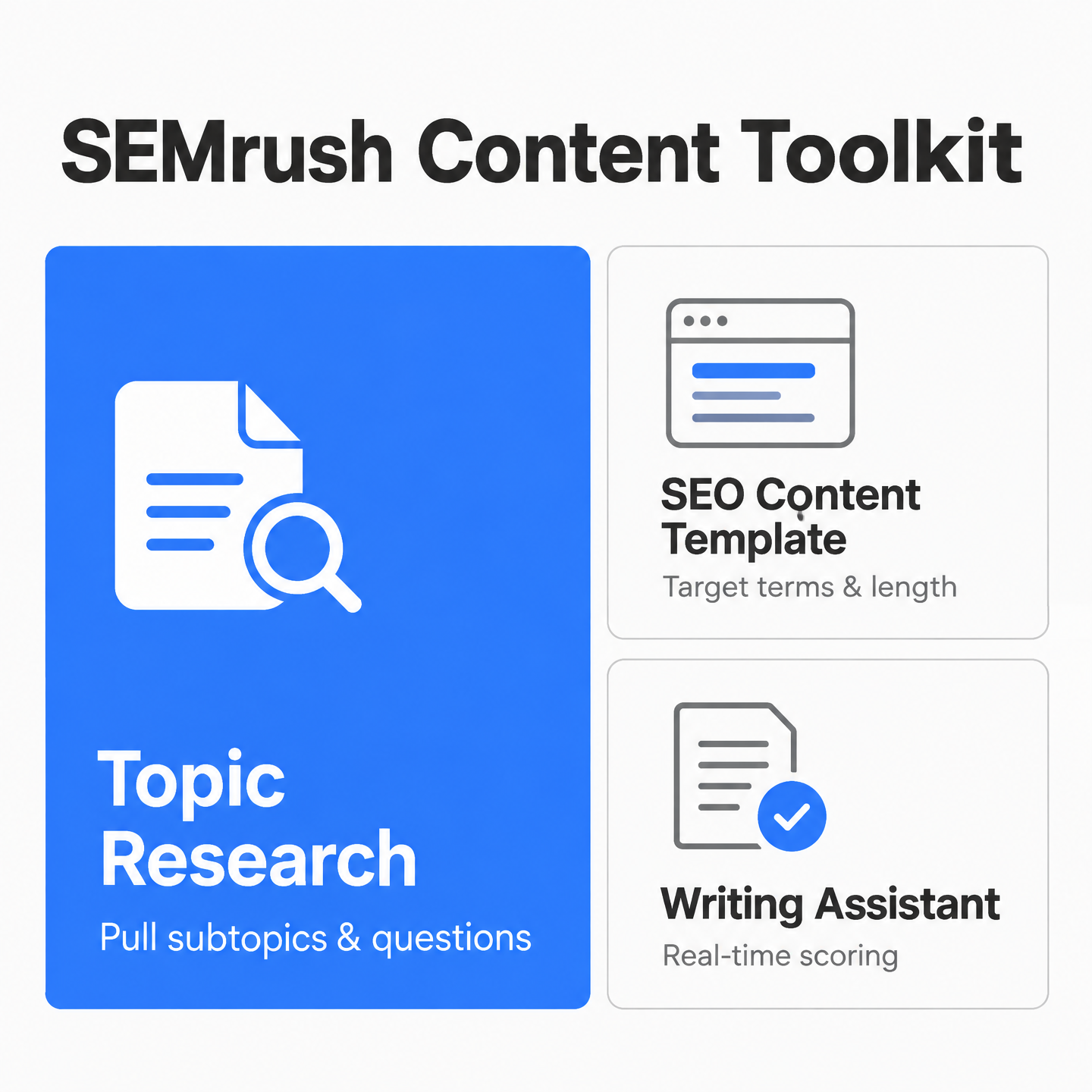
Research and planning is where SEMrush earns its keep. Its content toolkit automates research and on-page optimization: pulling subtopics, suggesting target terms, and scoring a draft against those terms. If the slowest part of your operation is figuring out what to write and how to rank, this is the stage it addresses.
The limit matters. These tools automate research and optimization, not publishing. They hand you a brief and a scored draft. They don't move a finished post into your CMS or push it live.
So the fit depends entirely on your constraint. If briefs and keyword research swallow whole afternoons, a research-stage tool pays off fast. If your pieces stall after drafting, waiting on the handoff to publish, no amount of better research changes your output.
SEMrush owns research, not the publishing handoff
Think of SEMrush as a planning and optimization layer. It helps decide topics, shape SEO direction, and grade content against that direction. The last mile, moving approved content onto your live site, sits outside what it does.
| Platform | Stage it automates | Closes the loop to publish? |
|---|---|---|
| SEMrush content toolkit | Research, SEO optimization | No |
| AnyPost | Research through publishing | Yes, publishes to your existing site |
Pair it with a tool that handles publishing and you cover more of the pipeline. Treat it as the whole answer and the finished-but-unshipped pile keeps growing.
Best for: teams whose constraint is research and keyword planning, not the publishing handoff.
Tool 5: Buffer (or similar social scheduler) – automated distribution
Distribution has a quiet failure mode. Your best work is already made, and then it just sits there. A finished post never makes it to LinkedIn. A video never gets repurposed. The making wasn't the bottleneck.
That's the case for evaluating distribution tools at the integration layer, not by their social-format checklist. What matters is whether a tool can pull events in and push actions out across the apps you already use. A social scheduler handles the posting end. The deeper question is what feeds it.
What should a distribution tool actually connect?
Think in trigger and action terms, not queues. A trigger is an event, like a new item appearing. An action is what fires in response, like a post going out. Taskade is built around this. It connects multiple bidirectional integrations, so the same workspace can watch a source and publish the result.
The AI layer is where it pulls ahead of a plain scheduler. Taskade processes each new item with AI, so the summarize-and-reformat step between pull and post runs inside the pipeline, not as a separate copy-paste chore.
| Tool | Automates | Watch for |
|---|---|---|
| Buffer-style scheduler | Posting end only | No source-side triggers |
| Taskade | Pull → process → post | Setup-first learning curve |
| AnyPost.ai | Content creation → multi-platform publishing | Content engine, not a standalone scheduler |
Skip a dedicated distribution tool if your real logjam is editing. Fix the slowest stage first.
Tool 6: Ahrefs + Zapier combo – DIY automation of backlinking and reporting
Backlink building and reporting is the stage no tool fully automates. Backlink quality risk is part of that gap. That gap is why people reach for a glue stack. Integration tools help when you're trying to wire together steps a single platform leaves manual.

The tradeoff is maintenance. Zapier and similar platforms can move data between apps, log reports, notify a team, or connect exports to downstream tasks. But you configure those links yourself, so the setup burden runs higher than with a native tool that already has the steps built in.
Does a DIY stack beat an all-in-one tool?
It depends on how much of the lifecycle you're trying to connect. If you need one narrow handoff, like a report export that alerts a teammate, a full platform may be more than you need. Glue platforms work better for a specific gap. If you're coordinating creation, optimization, approvals, publishing, and distribution, stitching several apps together tends to break and lose context between stages.
Cost follows the same logic. All-in-one blog tools tend to span a wide range, from low-cost entry plans up to pricier agency tiers. A DIY combo stacks separate subscriptions, and each one is another thing to maintain.
| Approach | Best for | Setup effort | Cost note |
|---|---|---|---|
| DIY glue tools | One narrow trigger/action | High, self-configured | Stacked subscriptions |
| All-in-one blog tool | Full lifecycle | Low, pre-built | Entry to agency tiers |
| AnyPost | Publishing into your existing site | Low | Direct to your platform |
Skip the DIY route if your bottleneck is one stage. Build it only when nothing native covers your gap.
How to read the grid and pick your setup
Read this grid by the six stages the article covers: creation, approval workflows, research, publishing, distribution, and backlink reporting. A score only means something for a function the research actually measured. So before you use it to choose a setup, notice what's blank. Backlink quality risk, local and GBP optimization, and AEO-plus-distribution aren't scored here, because the sources didn't give specifics on them. Treat those cells as unknowns, not zeros.
The rest maps cleanly to where each tool earns its keep.
| Tool | Primary stage | Entry price | Integrations / AI note | Best for |
|---|---|---|---|---|
| AnyPost.ai | Creation + CMS publishing + distribution | Not sourced | Publishes to LinkedIn, X, Instagram, TikTok, YouTube; voice matching | Voice-matched auto-publishing |
| RightBlogger | Creation + CMS publishing | Not sourced | CMS auto-publishing | Solo bloggers running multiple sites |
| Taskade | Distribution / integrations | Not sourced | Integrations and distribution automation | Operators automating distribution |
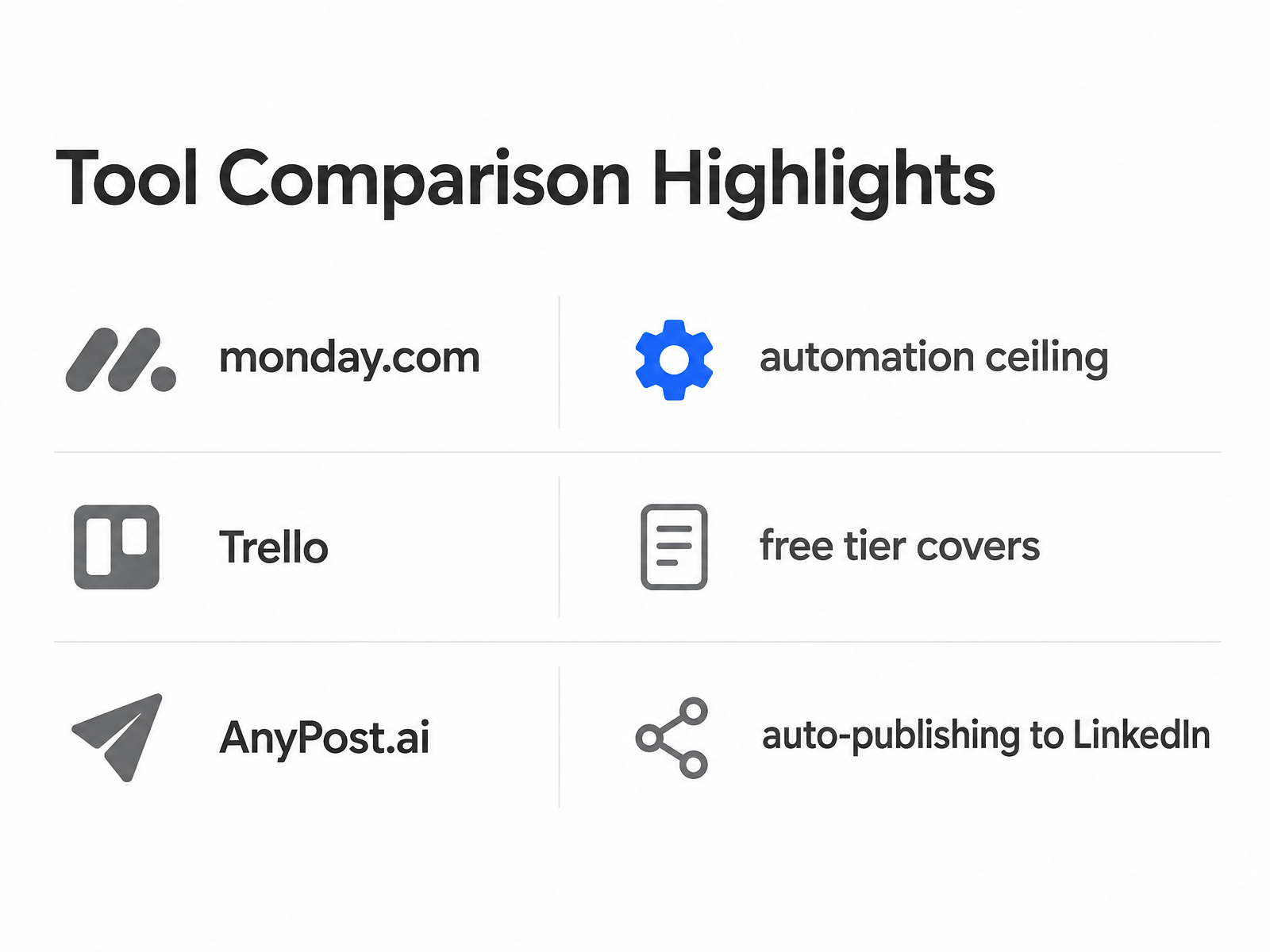
| monday.com | Workflow automation | Not sourced | Approval and task automation | Cross-team approval tracking |
| ClickUp | Workflow automation | Not sourced | Task and approval tracking | Small teams on a budget |
| Trello | Workflow automation | Not sourced | Lightweight board views | Lightweight visual tracking |
| Contentbot | Creation | Not sourced | AI drafting | Low-cost drafting |
A few calls are worth stating plainly. If approvals are your constraint, workflow automation depth matters more than any AI feature, and a lightweight board can cover visual tracking until a team outgrows it. If drafts pile up unpublished, a tool that auto-publishes from creation to your CMS closes that gap directly.
Use a point tool when one step is broken. Choose a broader platform when the handoffs between steps are the real problem. Either way, run the ten-minute stage audit first, because the honest answer to "which tool" is "it depends where your pipeline actually stalls."
Questions People Ask
Why doesn't generating more content ideas increase how much I actually publish?
Because idea generation is only one lane in the workflow. If content waits in editing, approval, CMS upload, or distribution, adding more topics just increases the queue. Measure where recent pieces sat the longest, then automate that step first.
Which tools help when approvals are my bottleneck rather than drafting?
Workflow platforms are the better fit. They are useful when the problem is visibility, ownership, recurring tasks, or review status rather than the actual writing. In that situation, an AI drafting tool may create more work for the same stuck reviewers.
Can SEMrush's content toolkit publish my finished post to my site?
No. SEMrush is valuable before and during drafting, especially for research and optimization guidance. For the final CMS handoff, you need a separate publishing-stage tool or a platform that includes that step.
When is a DIY Zapier or Make stack worth building instead of an all-in-one tool?
Use a DIY stack for a specific missing connection between apps. If you're trying to coordinate the entire content lifecycle, a patched-together system can become fragile and harder to maintain than the manual process it replaced.
How is AnyPost different from an AI writer that bolts on auto-publish?
The difference is scope. A basic AI writer helps produce the draft, then may add publishing as an extra feature. AnyPost is built around carrying content from creation into publishing and distribution, so the workflow does not depend on a separate copy-paste handoff.