How to Automate Content Publishing From Draft to Live Across CMS, Social, and GBP
The Short Version
- Disconnected publishing stacks force teams into separate subscriptions for WordPress, social schedulers, and GBP tools that do not talk to each other.
- No-code automation tools can report success while breaking sitemap URLs that only surface during a Google crawl.
- Manual distribution across CMS, social, and Google Business Profile creates formatting drift and hours of duplicate data entry every week.
- A single-source-of-truth setup treats your CMS as the publishing hub, but GBP's archive rule creates recurring multi-location labor unless you plan republishing.
- Channel-specific constraints mean automation has to reformat approved drafts into platform-tailored variants while keeping brand voice and factual accuracy intact. GBP automation also needs a compliance gate before submission.
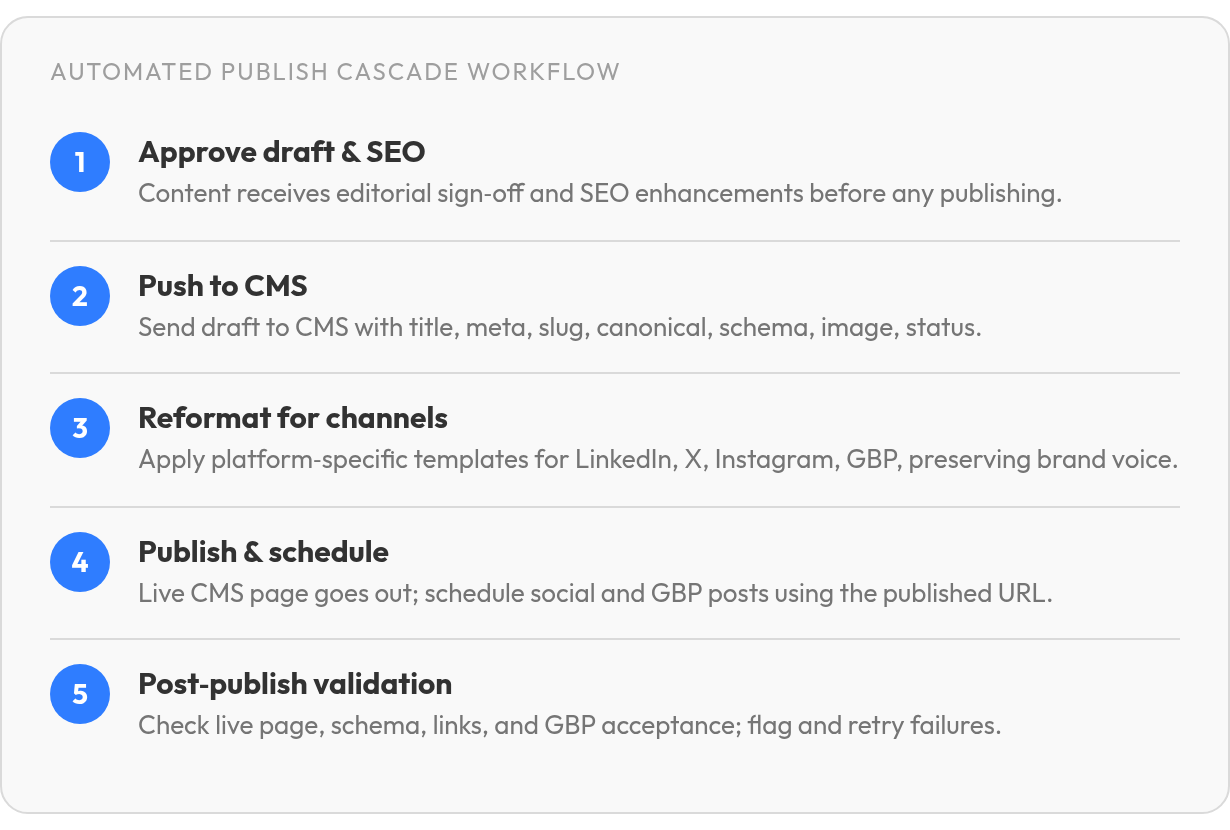
- The publish cascade moves content from draft approval through live distribution in one controlled pipeline with minimal manual intervention.
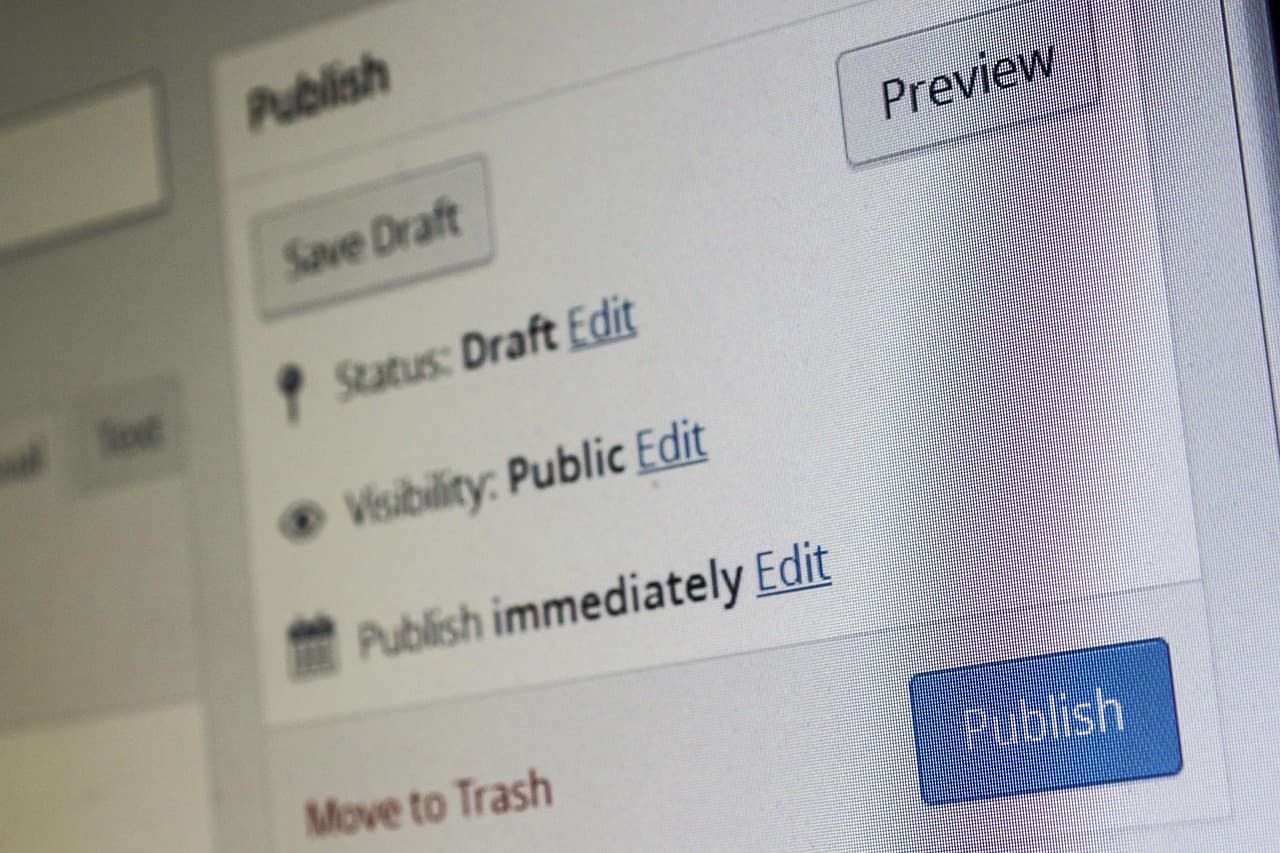
- Every post needs title, meta description, slug, canonical URL, schema markup, featured image, and publish status confirmed before anything goes live.
The Hidden Tax of Disconnected Publishing
A marketing lead with an approved blog draft in Google Docs still has hours of work ahead. She logs into WordPress, pastes the content, re-fixes the formatting the CMS stripped on import, adds meta and a featured image, and publishes. Then she opens the social scheduler, rewrites the headline for LinkedIn, trims it for X, and schedules both. Then she logs into Google Business Profile to post the link back. Three systems. Three logins. Three formatting rules. Every piece of content.
When you automate content creation for SEO across that fragmented stack, the hidden tax compounds. The WordPress CMS, the no-code connector bridging it to social, and the GBP management tool each charge a separate subscription. Teams end up paying for overlapping tools that don't communicate. The labor burden does not disappear: manual reformatting, duplicate data entry, and hours each week spent on tasks that could run automatically.
Why Disconnected Publishing Fails Silently
The deepest cost is not subscription fees. It is reliability. When content moves through three systems, each handoff is a failure point. No single system watches the whole cascade, so failures stay invisible.
No-code content workflows can break silently when an upstream API changes, and nothing flags it until posts stop appearing. Batch operations may return a success status while invalidating sitemap URLs in ways that only surface when Google crawls the site. The tool says it worked. The sitemap says otherwise.
We treat the publish cascade as one controlled pipeline, not three disconnected handoffs. In our proposed setup, AnyPost generates the draft and routes it to your CMS, social channels, and Google Business Profile from a single interface—after the compliance gates pass. The goal is not more automation. It's fewer places where a success message hides a broken page.
What the Full Publishing Flow Actually Looks Like
Approved draft → SEO optimization → CMS publish → channel-specific formatting → scheduled social and GBP updates. That's the flow most teams want. For most small businesses, the setup looks messier in practice: the WordPress draft lives in one tab, the social scheduler in another, and Google Business Profile gets a manual copy-paste when someone remembers to log in. Each handoff introduces formatting drift, missed metadata, and a subscription bill that compounds across tools.
The central-hub approach treats the CMS as the publishing hub, not just another destination. But a successful API response is not proof of a correct live page: the hub has to verify the published URL, rendered page, and channel-specific output before the workflow is done. Once an article clears approval and SEO checks, AnyPost can push it to your existing website and coordinate distribution across your social channels and Google Business Profile using the published URL as the reference point, pending those verification checks. Approved content moves through one controlled pipeline rather than getting retyped across platforms.
The Publish Cascade vs. Fragmented Workflows
Fragmented workflows force you to keep content state in your head. You published the blog Tuesday, scheduled the LinkedIn post Wednesday, forgot to update GBP Thursday, then circled back Friday to find the social caption no longer matched the revised headline. The pipeline breaks because each tool owns a separate slice of the workflow, and none of them talk.
A publish cascade starts from one approved artifact, the CMS draft, and propagates changes from that central source. The downstream tools consume the published article instead of keeping their own copies that drift over time. When you edit core content, your distribution channels can reflect those updates without manual reentry across each platform.
Automated publishing removes the manual export and copy-paste steps that swallow whole afternoons. The workflow moves from draft approval through to live distribution with minimal intervention, keeping formatting consistent across channels and cutting the context-switching cost of logging into five different tools.
What Each Channel Actually Needs Before You Publish
Different platforms enforce different constraints, and automation only works when your content clears each platform's rules before it goes out. Google Business Profile has specific formatting and verification requirements around contact information, post types, and media. Social platforms each bring their own rules for link previews, text formatting, and image dimensions.
Channel-specific formatting means the automation reformats one approved draft into tailored variants rather than forcing you to write five versions by hand. Write once in the CMS editor, let the publish cascade handle platform constraints automatically, and reserve human review for brand voice and factual accuracy rather than image dimensions and character limits.
Setting Up AnyPost.ai as the Single Source of Truth
The hub model works when it controls enough of the publishing stack to verify what went live. In our proposed setup, we connect AnyPost.ai to your existing website and social channels so content can move from generation to publication without manual handoff. That approach reduces formatting drift and missed metadata when each destination lives in a separate tool.
The Fields Every Hub Must Own Before Anything Goes Live
Every publishing engine must handle the same foundational fields before a post can go live: title, meta description, slug, canonical URL, schema markup, featured image, and publish status. Without those, your CMS will either reject the request or publish an incomplete page that won't rank. These fields matter whether you publish manually or through automation.
For brand voice and persona rules, define them in your content governance setup before you turn automation on. These voice rules must operate at generation time—when the draft is first written—not after publication. Write clear guidelines for tone, approved claims, restricted language, and required disclaimers. Store them where the publishing system can reference them before draft validation. This is not feature-specific to any one platform. It is the governance layer any hub must respect.
Website integration typically runs through an API, plugin, or no-code bridge. WordPress sites can publish articles with no manual export when the hub holds valid API credentials and the target site allows remote posting. When native integrations are missing, a connector like Zapier bridges the gap, letting you pipe approved drafts into platforms that don't offer direct API access.
Connecting the Accounts (and the GBP Gotchas You'll Hit)
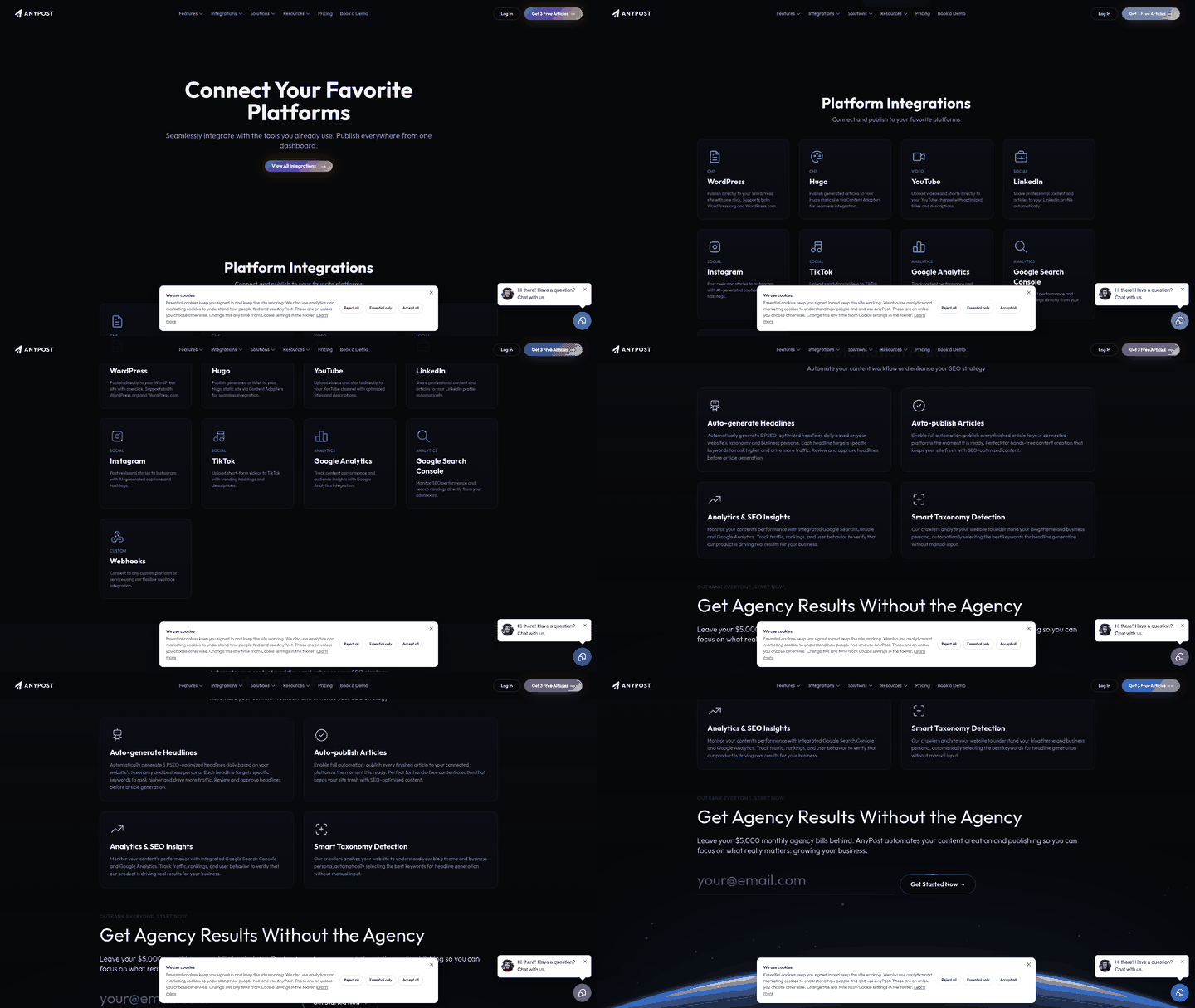
Multi-platform publishing requires authorized connections for LinkedIn, X, Instagram, TikTok, and YouTube. The multi-channel publishing (MCP) layer should route conditional steps—formatting, scheduling, location targeting—while keeping irreversible publication behind approval. AnyPost.ai is designed to publish content directly to your social channels once linked, but channel-specific verification still applies before anything goes live. For Google Business Profile specifically, you'll run into several trade-offs the API won't warn you about. Posts older than 6 months are archived unless you set a date range, which means evergreen content vanishes if you don't use date-bounded Offers or set up a republish loop. Event posts without start and end times can display as lasting 24 hours. Some regions, categories, and languages may limit featured social-post imports. Posts with phone numbers in the description may trigger rejection if the number can't be verified as connected to the business. GBP automation needs a compliance gate before submission: check phone-number verification, event dates, and region limits before anything is sent.
Location targeting can segment by Zip Code, State, Location ID, or tags rather than broadcasting the same update everywhere when your GBP management tool supports it. The ROI isn't just the first publish — it's eliminating the recurring cost of manually re-posting evergreen content across dozens of locations once GBP's six-month archive rule removes older posts.
Automating the Publish Cascade: From CMS to Social & GBP
Once content clears editorial review, the real test begins: getting it live across platforms without reformatting each piece manually. That handoff tax compounds fast when you're publishing to five channels every week.
The hub-based workflow treats approved content as the starting point for a publish cascade rather than a manual to-do list. After an article passes final review, automation can push it to your CMS, adapt the format for social channels, and schedule GBP updates without requiring separate logins or formatting passes.
What the Cascade Actually Needs to Handle
Every platform expects content in a slightly different shape. WordPress wants a slug, featured image, meta description, and category assignment before it accepts a draft. LinkedIn and other social platforms expect channel-native structures rather than a direct CMS paste. Google Business Profile can reject posts that include unverifiable phone numbers.
A dependable cascade handles those rules through a compliance gate before submission. It doesn't guess at formatting — it applies channel-specific templates, validates required fields, and holds posts for review when required metadata is missing. You set the rules once; the system applies them every time.
The trigger matters as much as the format. Some workflows fire when a post status changes to "approved for CMS entry." Others watch for a new RSS item or a specific label in your project-management system. The best trigger is the one that guarantees editorial sign-off has already happened; automation should never publish content that has not been reviewed.
Failure Modes Automation Won't Catch on Its Own
A successful API call doesn't mean the page rendered correctly. CMS integrations can report "published" while the live page displays broken URLs, missing images, or malformed rich-text fields. The same risk applies to GBP: posts can be rejected for phone-number verification issues even when the scheduling tool confirms delivery.
That is why the final step in our proposed cascade is a post-publication check. After the CMS draft goes live, preview the actual page against your site template to confirm images load, internal links resolve, and schema markup renders. For GBP, monitor for rejection notices and inspect URLs after bulk changes. Batch operations can report success while still producing broken links.
In our proposed workflow, fallback actions keep the cascade moving when a post fails validation. Hold the channel-specific variant for manual review. Remove risky fields (unverifiable phone numbers, for example) and retry the API call only after the compliance gate clears. If a platform consistently rejects a post type, flag it for investigation rather than silently dropping it from the queue. Automation should surface problems, not hide them.
The strategy you choose depends on what breaks most often in your current workflow. If formatting drift between CMS and social is the bottleneck, automate the adaptation rules first. If missed GBP updates cost you local visibility, prioritize the scheduling cadence. Start with the manual step that consumes the most time or introduces the most errors, then expand from there.
How to Know Your Publishing Engine Is Actually Working
The part most teams underestimate is not getting content live. It is confirming it stays live and performs as planned. Publishing engines can run for two weeks, then quietly fail when a CMS plugin updates, an API token expires, or a social platform changes its image-crop rules. Without monitoring, you find out only after traffic drops or a client asks why the feed went silent.
Metrics Worth Tracking Across Channels
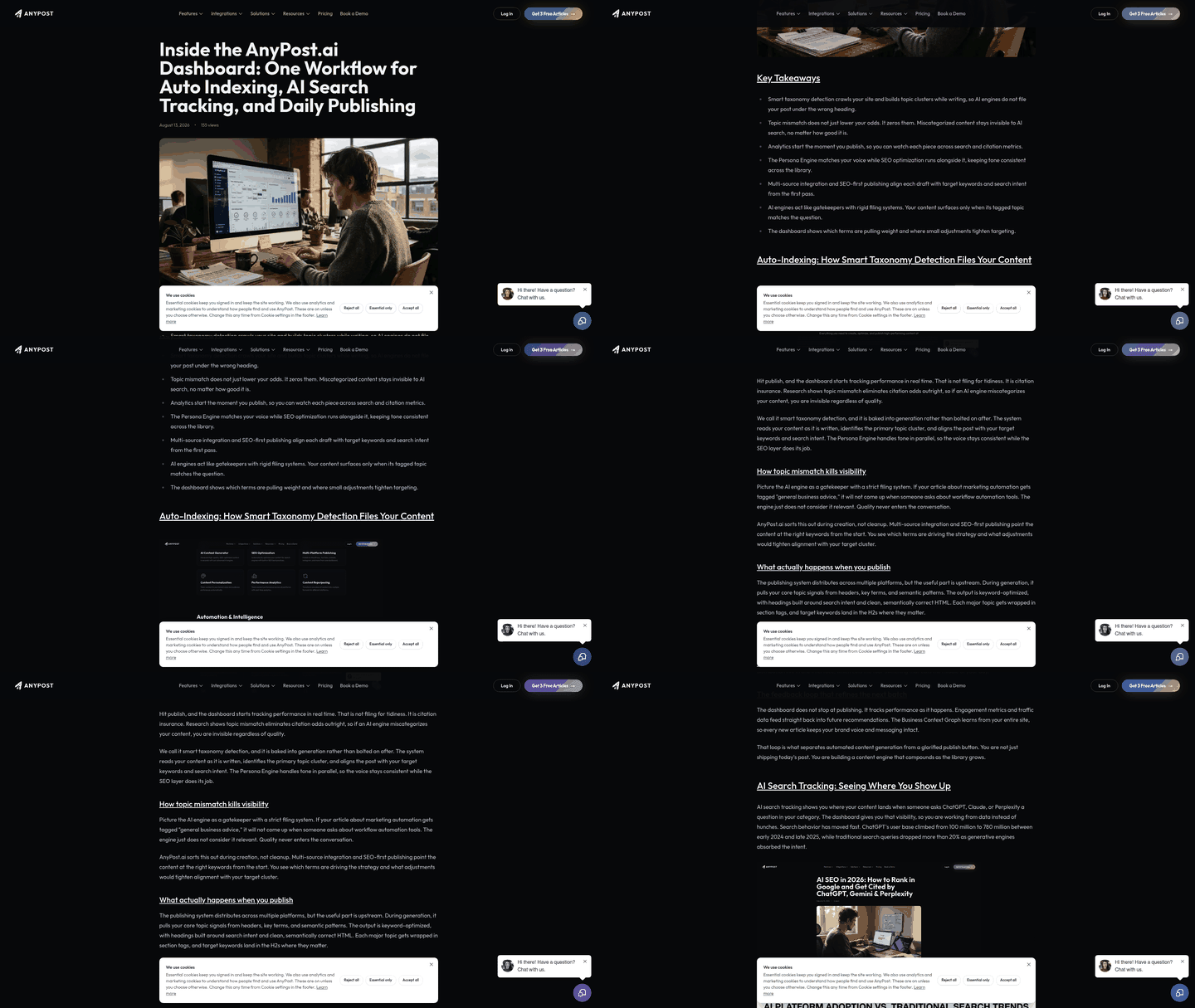
Your dashboard should show what reached readers, not just what left your automation queue. Monitor organic traffic, indexed versus published URL counts, social impressions and clicks, and Google Business Profile post activity including views and actions taken. Failed publishes get logged separately — if WordPress returns a 500 error or LinkedIn rejects an image dimension, flag it immediately rather than marking the task complete.
Cost per published asset matters more than total platform spend. Divide your monthly subscription by the number of pieces that went live, indexed, and drove measurable engagement. If you automate content creation for SEO but only half the articles index within 30 days, your cost per ranked page rises. Track manual hours saved with a simple formula: your content marketer's hourly rate multiplied by the time automation replaced.
Set Up Alerts That Catch Silent Failures
Publish failures happen in three layers. The automation might succeed but the CMS rejects the post due to a missing required field. The CMS might accept the draft but fail to render it correctly because a custom template broke. Or the page goes live but Google refuses to index it because the canonical points to a different domain. Set alerts for broken internal links, GBP posts rejected for policy reasons, traffic drops week-over-week, and social engagement below historical averages. These failures become more common when teams scale from 10 articles a month to 100.
Test voice and headline variations using a general A/B framework: publish two versions of the same topic with different angles, track which one ranks faster and holds position longer, then apply that pattern to the next batch. Compare organic clicks in Search Console for matched-intent articles published a week apart.
Scaling Without Blowing Your Tool Budget
Test your cadence before committing to enterprise seats. One article per day per site tends to be the threshold where automation ROI becomes visible. Below that, manual workflows often cost less. Above it, you need multi-project pricing or higher-tier plans.
Category pricing ranges from bulk auto-posters to editorial workflow platforms, with a middle tier that handles research, drafting, optimization, and publishing end to end. Many SMBs waste enterprise seats because advanced approvals or white-label reporting do not match their workflow. Choose the tool category that fits what you'll actually use, not what sounds impressive in a demo.
Calculate avoided manual cost to measure ROI: take your marketer's hourly rate, multiply by hours saved, subtract platform cost, and compare the result to your current spend on freelance writers or agencies. That model scales when you consolidate subscriptions and reduce the manual formatting burden across CMS, social, and GBP publishing.
Frequently Asked Questions
1. What happens when my WordPress API credentials expire mid-publish?
The publish cascade should report a failure rather than silently marking the post complete. Set the workflow to hold the draft for manual review and flag authentication errors in your dashboard, so you can refresh credentials and retry without losing the formatted content or scheduling metadata you already configured.
