
How to Wire Keyword Research Into Distribution Without Switching Tabs

What You Need to Know
- Switching between research tools and publishing platforms can consume time.
- Connecting keyword research directly to content distribution reduces re-entering data.
- Major keyword API providers offer billions of Google keywords with refresh cycles.
- Tagging each keyword row with search volume, intent, CPC, difficulty, and target channel allows automated publishing steps to filter and distribute without manual sorting.
- Leaked Google files suggest entity and topic tags matter more for modern search relevance than exact-match keyword density percentages.
- The gap between SEO investment and results typically stems from execution breakdowns when research and distribution operate in separate systems, not strategy failures.
- A unified keyword dashboard that feeds research, drafting, and publishing from one dataset transforms keyword lists from static pre-launch artifacts into living distribution engines.
The Part Most Teams Underestimate Isn't Writing Content
It's the dozen tiny handoffs between finding a keyword and getting the asset live. Every time you export a list from one tool, paste it into a brief, open your CMS, then jump to a scheduler, you pay a hidden tax. That friction is exactly what workflow automation is meant to erase.
The advantage is continuity. When you build around a single source of keyword data, you stop re-querying, re-formatting, and re-remembering where you left off. The context stays intact from research through publishing.
Task-Switching Swallows Whole Afternoons
Task-switching isn't free. Brief mental blocks from shifting between tasks can cost a lot of productive time. The human brain, as the APA puts it plainly, was not designed for heavy-duty multitasking.
Now map that to your week. You toggle from a keyword tool to a doc to a CMS to five social schedulers. Each hop is a goal shift and a rule reset. The cost looks small per switch, then it stacks into lost mornings.
A structured, connected workflow removes most of those hops. You stay in one task flow instead of refereeing six open tabs.
The Real Payoff Is Cognitive, Not Just Volume
The return from workflow automation isn't more posts. It's your attention staying on one thing long enough to do it well. When you wire keyword research directly into content generation and distribution, you eliminate the cognitive overhead of switching tools, re-entering data, and reconstructing context.
Keyword discovery and content optimization are high-value activities. Keeping them connected means you can focus on strategy and refinement rather than administrative handoffs. The outcome you want from automation isn't a flood of content. It's better-targeted content aligned to high-intent demand, produced without the drain.
Silos Cost Weeks You Can Measure
The gap between SEO investment and results, as monday.com's 2026 guide argues, is rarely strategy or talent. It's execution. And execution breaks when research and distribution live in separate systems.
The pattern shows up in familiar places. Ad-hoc brief creation can take hours of researching from scratch when you could be working from pre-populated templates. Time-to-publish stretches across weeks instead of days. Review cycles drag through rounds of email tag instead of quick in-platform approvals.
Speed still needs judgment. AI can draft and distribute, but a human should verify intent-match and keep keyword use natural rather than stuffed.
When research, mapping, generation, distribution, and measurement run on the same dataset, keyword research stops being a pre-launch artifact. It becomes a living engine feeding every channel you publish to.
Build a Unified Keyword Dashboard
A keyword dashboard sounds like a reporting afterthought. We treat it as the opposite: the single table every downstream step reads from. When you want to automate end to end, the dashboard is where that automation starts, because it holds the one dataset research, drafting, and publishing all share.
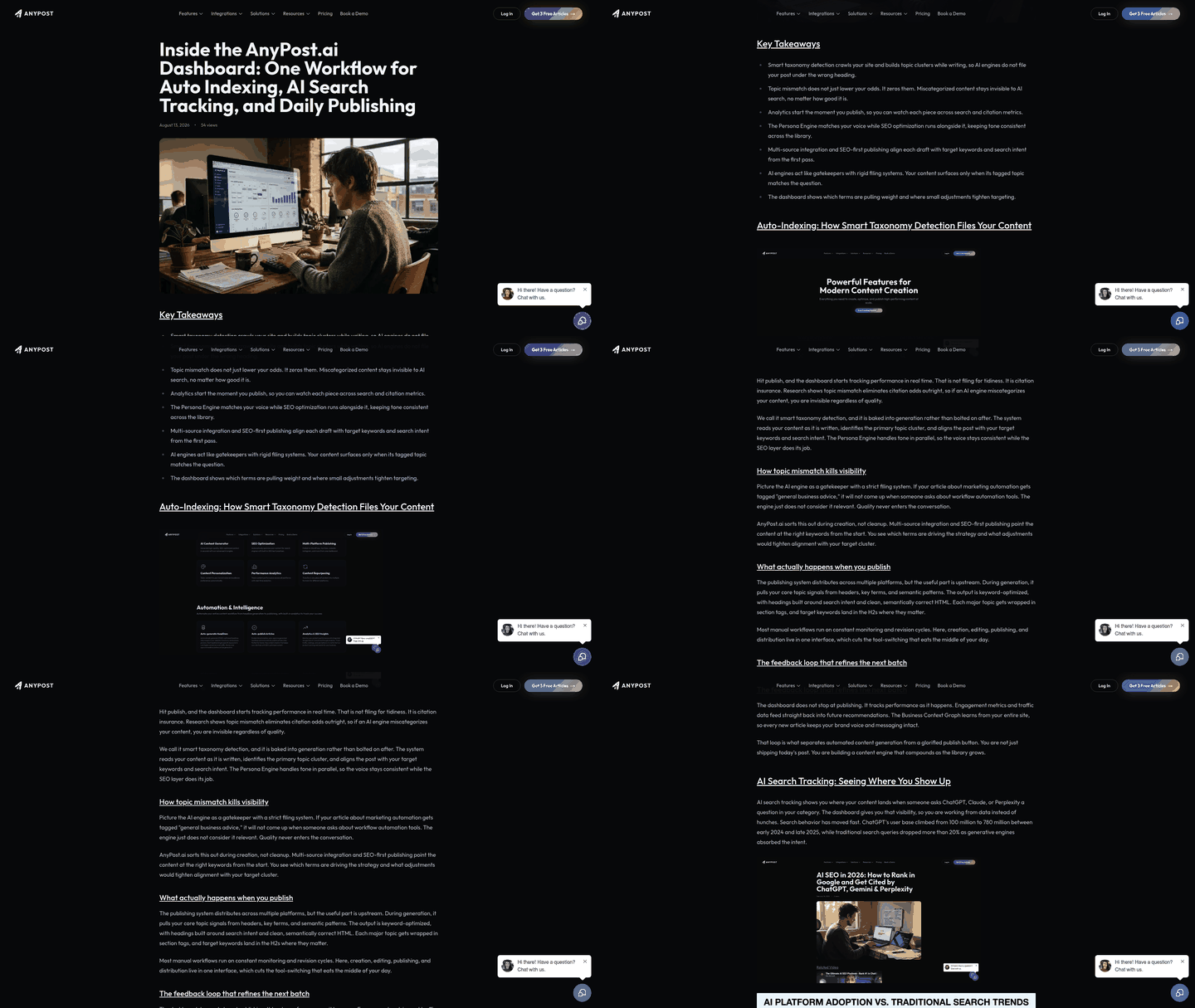
Instead of a static spreadsheet you export once before a campaign, you build a living repository that gets queried on demand. Keyword APIs make this practical. Major providers hold Google keywords with refresh cycles, and live-mode calls can return search volume, CPC, and competition data in seconds. That speed is what turns a keyword list into something you can pull from mid-draft rather than re-researching from scratch.
The Metadata Fields That Make a Row Queryable
A keyword alone is just a string. What makes it useful downstream is the data you tag beside it. We keep each row carrying search volume, intent, CPC, difficulty, and a target channel so any process can filter on them later.
That last field matters most for distribution. When every keyword knows which channel it serves, a publishing step can ask "give me the LinkedIn-tagged terms with buyer intent" and get an answer without a human sorting the list. The dashboard stops being a document you read and becomes a database you ask questions of.
Entities deserve a column too. Older on-page advice fixates on keyword density, but leaked Google files point to entities mattering more than exact-match repetition. Both can be true: density still guards against thin pages, while entity and topic tags are what help modern search understand relevance. Tag for topics, not just strings, and you future-proof the repository.
A Closed Loop Beats a Pre-Launch Artifact
Most teams build a keyword list, use it once, and let it rot. The better model wires three things onto the same dataset: API-fed keyword metrics, centralized rank tracking, and the content generation step itself. Discovery, creation, and performance feedback then run on one source of truth with no export in between.
That loop is where the real payoff lives. The same keyword intelligence can power every channel instead of being rebuilt per asset, so handoffs shrink and fewer details fall through the cracks.
One caution on version control. When several people edit the same repository, lock down who can change intent and target-channel tags, and keep a change log. AI can populate rows fast, but it can be wrong even on structured data, so a human should verify before a tag triggers a publish.
Our multi-platform publishing connects your content across LinkedIn, X, Instagram, TikTok, and YouTube from the same automated engine. The research you did once stops living in a tab you forgot to close.
Automate Content Generation Directly From Keywords
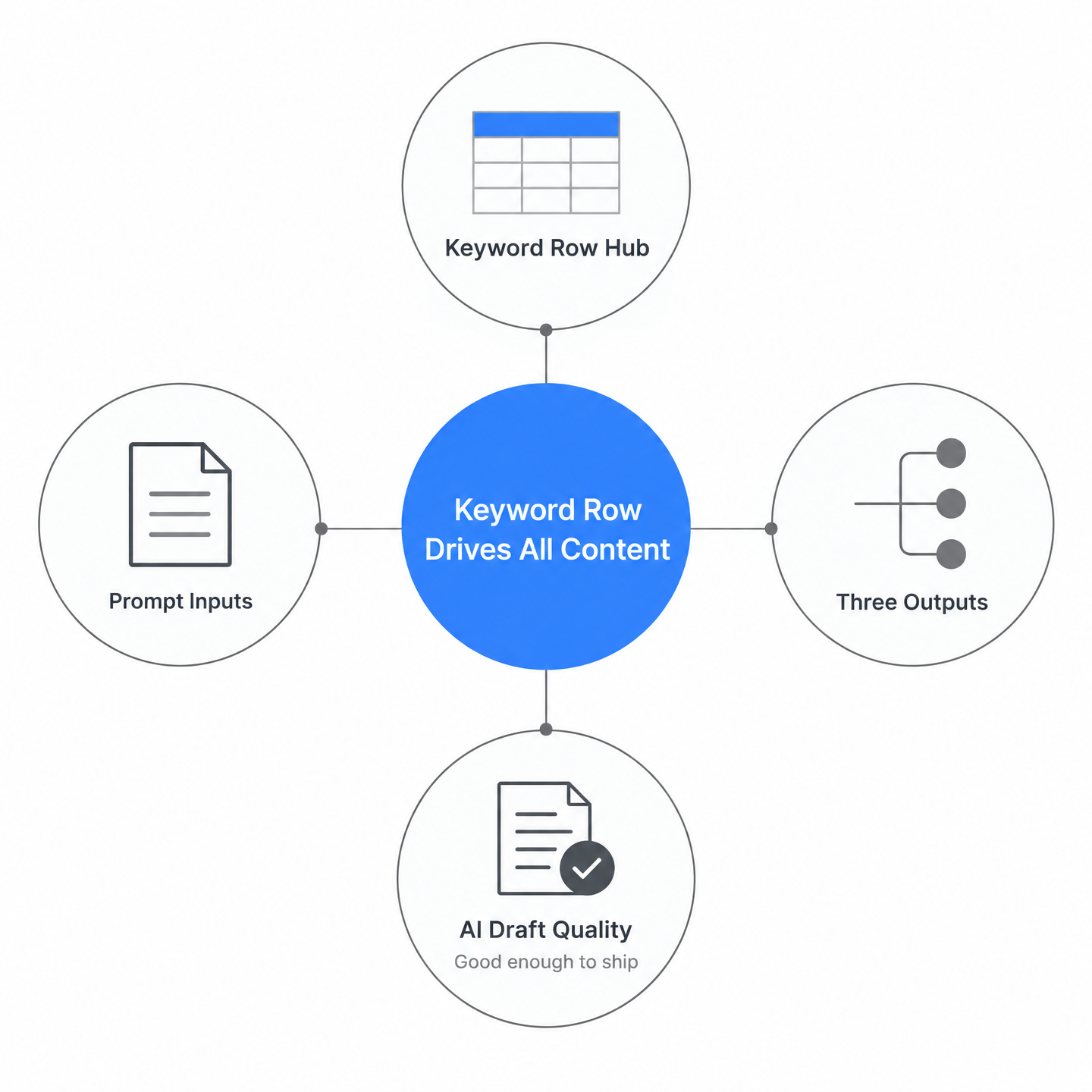
The entry point most teams miss is the keyword row itself. Once your keyword data lives in one dashboard, that single row can trigger a full draft, social snippets, and a video script without opening a second tab. That's how we automate workflow for the teams we support.
A keyword stops being a research artifact and becomes an input. You enter the term, pick the format, and the generator pulls the needed context from the same table you built upstream. No re-export. No pasting into a separate writing tool.
How Good Is AI-Generated Content?
Good enough to become a strong first pass, not good enough to publish without review. Generative AI can help teams move faster when the inputs are clean, but the quality ceiling still depends on the brief, the data, and the editor who checks the final piece.
The bigger win is repeatability. A connected system gives every draft the same source context, so titles, headings, channel snippets, and schema don't drift away from the original intent.
What Prompt Structure Produces Titles, Headings, and Schema?
Feed the generator three things: the target keyword, the search intent, and the output format you want. From there, the same row can produce a meta title, an H1, section headings, and structured data in one pass. The dashboard already knows the keyword's metrics, so the prompt doesn't start cold.
For optimization, treat the keyword as the anchor and the surrounding topic as the proof. A prompt that asks only for repeated phrase placement will produce flat copy. A prompt that includes related entities, audience stage, and channel format gives the model more useful constraints.
Can One Keyword Fill Three Channels at Once?
Yes, and this is where the zero-tab setup pays off. A single keyword theme can become a search article, a short video outline, and a discussion-led social post without starting from zero each time.
Match the format to intent. Informational terms suit long articles and video scripts. Transactional terms suit tight social snippets with a clear action. Our Persona Engine flags tone adjustments per channel, so the LinkedIn version reads differently from the Reddit one, from the same source row.
The practical payoff is fewer fractured handoffs. When keyword data, generation, and publishing share one table, you can move from idea to draft to channel-ready assets without rebuilding the work at each stage.
If you want the deeper mechanics of pulling keyword data into drafts, our SEO report walkthrough covers the setup end to end.
Programmatic SEO: Scaling Long‑Tail Pages From Keyword Pools
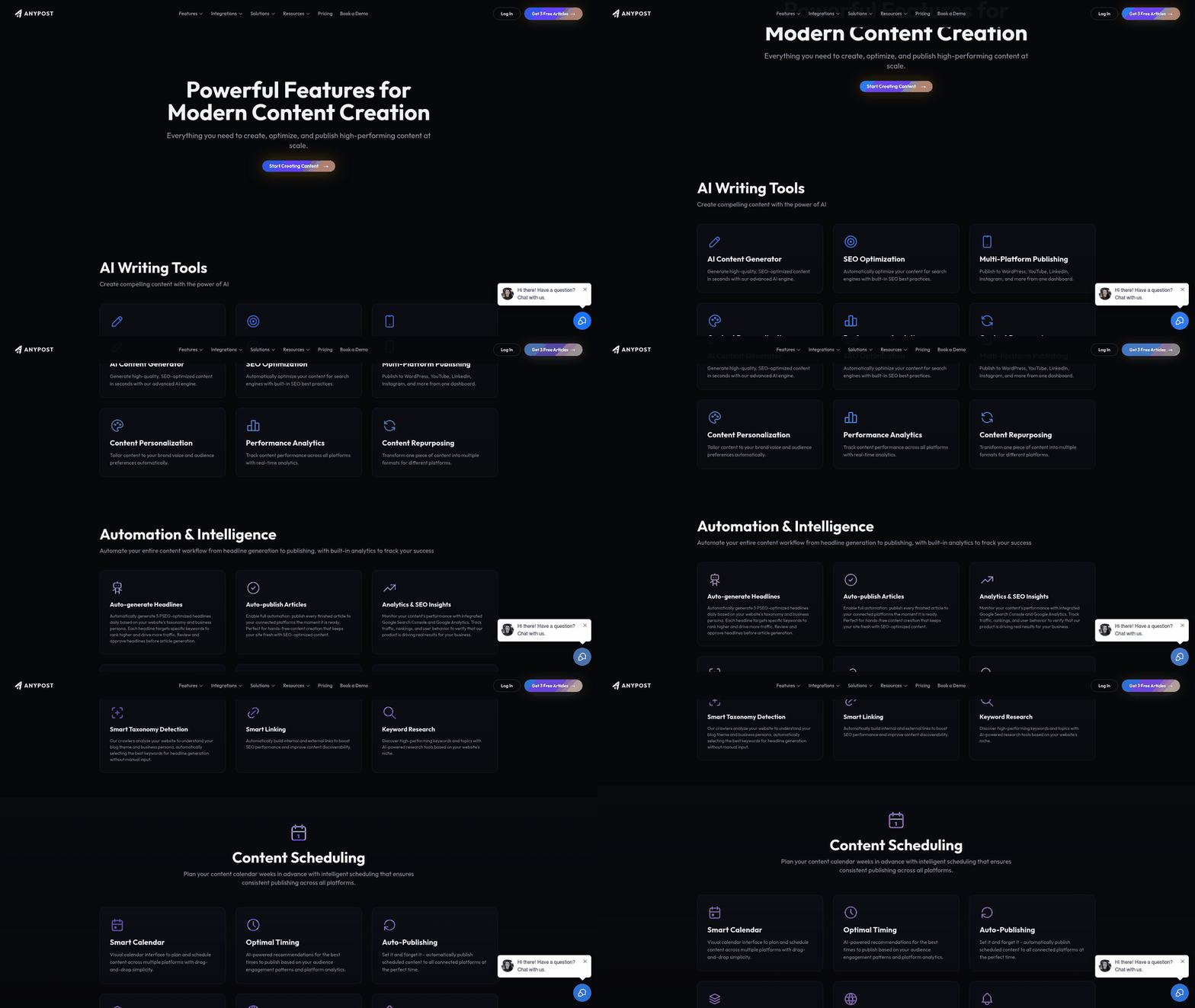
Programmatic SEO sounds like a volume play. The real win is quieter: you turn one keyword pool into hundreds of pages that each answer a tiny, specific query, and you do it without opening a single new tab. When you build around the same keyword table you already created, scale stops meaning more manual work.
The mechanic is simple. Each low-competition long-tail term becomes a row, and each row carries its own attributes: search volume, intent, the entity it maps to. Those attributes feed a page template directly. You're not writing three hundred pages. You're writing one template and letting the keyword pool populate it.
How Do You Structure a Programmatic Page System?
Three parts do the work: a template, a data feed, and a publishing trigger. The template holds the fixed layout. The data feed is your unified keyword list, the same one research and drafting already read from. The trigger pushes finished pages live.
Keep those parts wired to the single keyword source and the system stays consistent. The operational benefit is not just batch output; it's the relief of knowing every generated page is drawing from the same approved fields.
We generate page-level blocks straight from keyword attributes. A term's intent decides the intro angle. Its related entities populate the FAQ. Its volume signals how much depth the body needs. No re-export, no second drafting tool.
Keywords or Entities: What Should Programmatic Pages Target?
At programmatic scale, bare keyword targeting is a weak bet. Build each page around the thing the keyword refers to, not the string itself. Hundreds of thin pages stuffed with the same phrase is exactly how a rollout starts to look disposable.
If a page only exists to catch a keyword and says nothing, it's a liability. Give each page a distinct data point, a real answer, or a specific use case the others don't have. Wire internal links between related pages so the cluster reads as a connected topic, not a pile of near-duplicates. Our practical workflow for keyword, content, and AI search research walks through pulling those attributes cleanly.
Where Does One-Click Publishing Fit?
The last step is the one that saves the afternoon. Once pages generate from the pool, batch-publishing sends them to your CMS and channels in a single action. You skip the per-page copy-paste that makes most teams cap programmatic ambitions early.
Skip programmatic SEO entirely if your topic has fifty keywords, not five hundred. The template overhead isn't worth it below real scale. But when the long-tail pool is deep, this is how you ship it without living in a dozen tabs.
One‑Click Publishing & Repurposing Across Web, Social, Newsletter & GMB
The step most teams botch isn't the publishing. It's the reformatting that happens right before it. One asset becomes eight versions, each hand-tuned for a different channel, and the person doing it loses an afternoon to copy-paste. The whole point of workflow automation is to kill that last mile of manual labor.
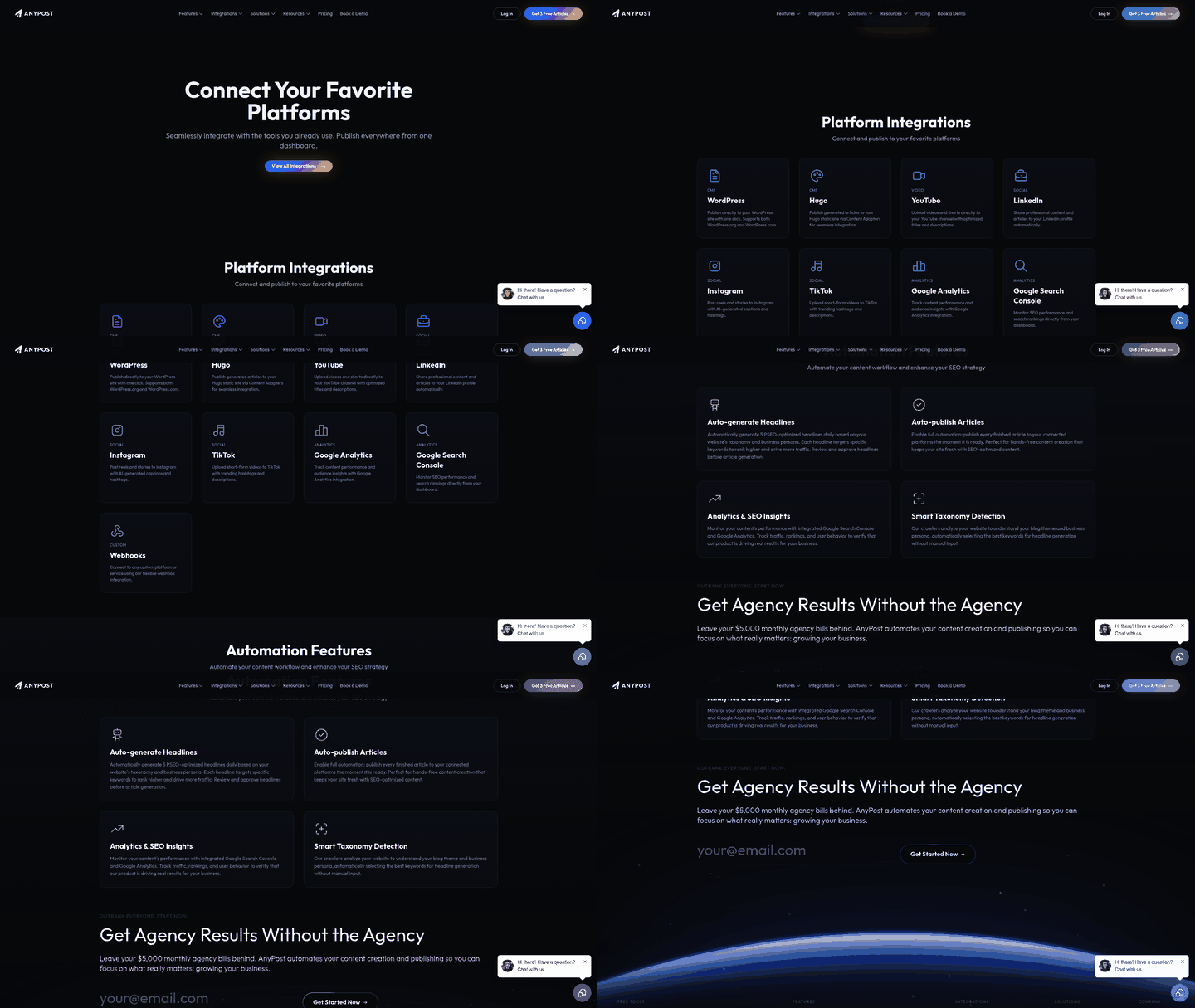
This is where the single-button approach earns its keep. Once your keyword-optimized asset exists in one place, pushing it to your website, LinkedIn, X, Instagram, TikTok, YouTube, a newsletter, and your Google Business Profile should be one action, not eight logins. We treat distribution as the natural extension of the same dataset you built upstream, not a separate project with its own tab-juggling.
Why Does One Source File Beat Eight Manual Reposts?
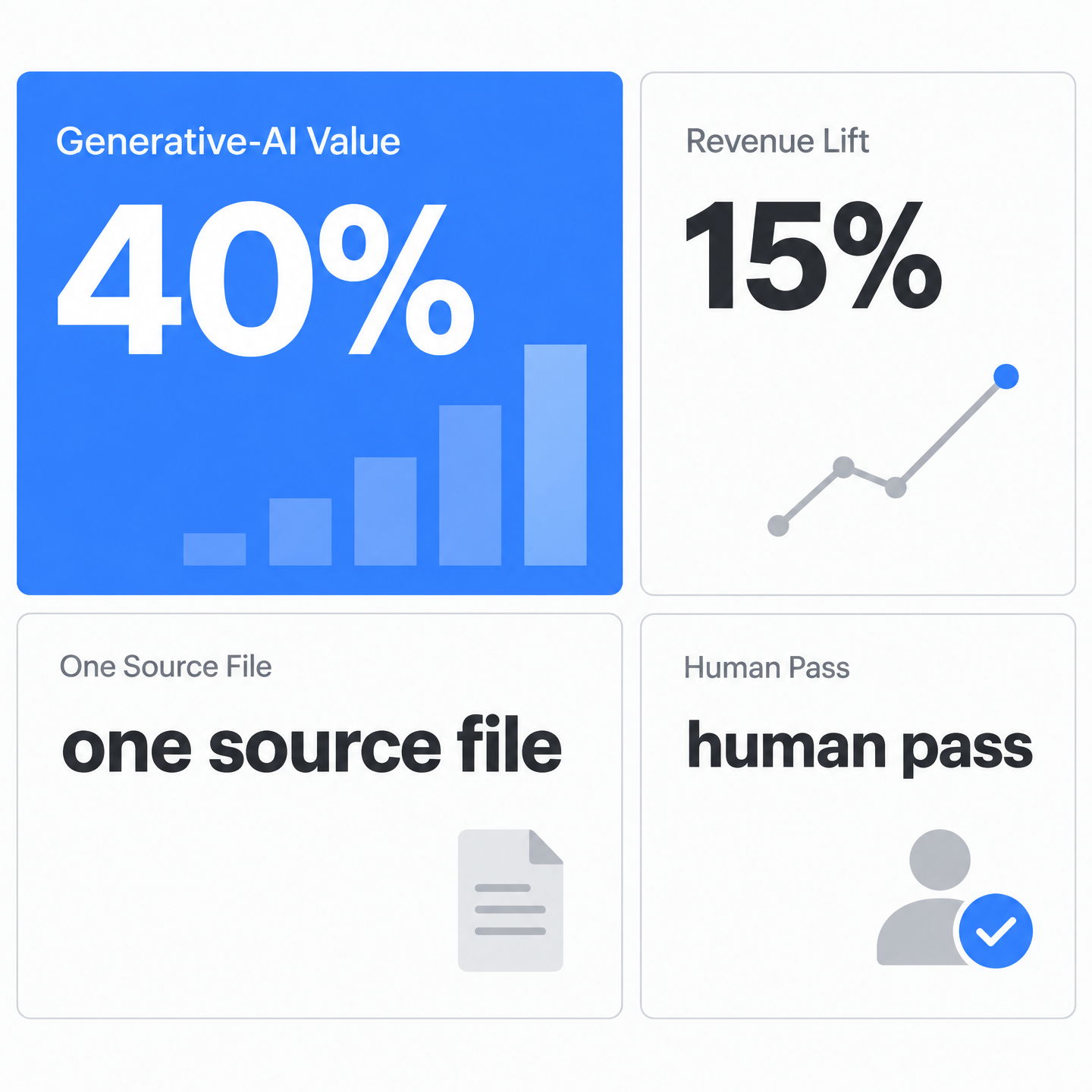
One source file protects the decisions you already made. The audience, angle, search intent, internal links, CTA, and supporting entities stay attached to the asset as it moves from web to social to newsletter.
It also cuts down on quiet inconsistencies. Manual reposting is where titles get tweaked beyond recognition, links go missing, and channel copy stops matching the search promise of the original piece. A central source file makes adaptation possible without letting the message fragment.
What Formatting Changes Does Each Channel Need?
Every outlet has its own rules, and this is where manual posting quietly breaks. A caption that fits X gets truncated on LinkedIn. A square image that looks clean on Instagram crops awkwardly in a newsletter. A long YouTube cut has to shrink into a vertical clip for TikTok.
Good one-click publishing handles these adjustments for you: trimming copy to each character limit, resizing images to the right ratio, and generating the short-form video variant. You approve once. The system adapts the asset per destination so you aren't rebuilding it eight times.
Before anything goes live, give the final variants a human pass. Automated formatting can solve the mechanical work, but judgment still catches tone issues, overclaims, or nuance that doesn't translate cleanly from one channel to another.
Should You Schedule Posts or Publish Instantly?
Immediate publishing works when timing matters, like a product drop or a reaction to live news. For everything else, scheduling lets you line up a week of cross-channel posts in one sitting and stop babysitting a calendar.
There's also a targeting benefit. Scheduling from the same source row lets you stagger related assets, test different hooks by channel, and keep the campaign cadence visible before the first post goes out. Instead of asking each platform what's scheduled, you can inspect the keyword record and see the distribution plan in one place.
Real‑Time Analytics, Feedback, and Continuous Optimization
Publishing isn't the finish line. It's the first real data point. The moment an asset goes live across your channels, every click, impression, and open becomes a signal you can route straight back to the keyword row that started it.
Most teams never close that loop. They automate right up to the publish button, then switch tabs to check Search Console, open a social dashboard, log into their email tool, and reconcile three numbers by hand that never quite line up. The context they built upstream evaporates the second they go hunting for results.
One View Beats Three Logins
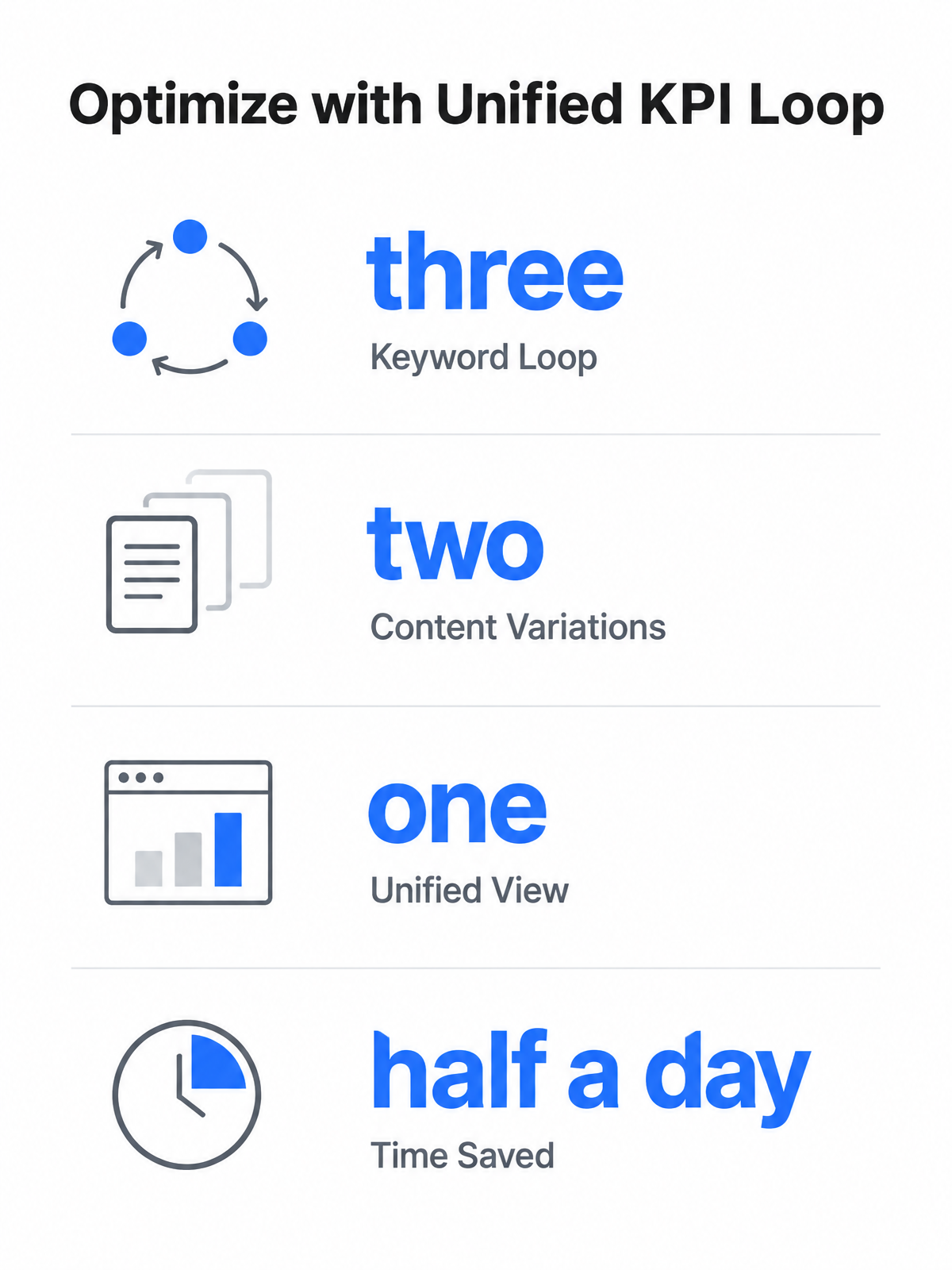
The fix isn't another report. It's pulling performance into the same table that holds your keyword data. Modern rank trackers already connect to Google Search Console, Google Analytics, and reporting tools like Looker Studio, so position data, traffic, and conversions can sit in one place instead of three browser tabs.
That consolidation matters more than it sounds. When a keyword's rank, its page's dwell time, and its email open rate live next to each other, you stop asking "did this work?" and start seeing which term is actually pulling weight. You read ranking clusters on aggregate rather than squinting at one metric at a time.
Tie each result back to its originating keyword and the picture gets honest fast. A term with high impressions and low clicks is a headline problem, not a ranking problem. The SEO report that writes your next article is the version of this we lean on: the data doesn't just describe the past, it points at the next asset.
Alerts That Fire Before Rankings Slide
Dashboards are passive. The real gain comes when a dip triggers an action on its own. Set a rule so that when a keyword drops below a threshold, the system flags that row for a content refresh instead of waiting for a quarterly audit to catch it.
Because the keyword row already contains the page, channel, intent, and owner, the alert can be specific instead of vague. It can point to the asset that needs attention, the term that changed, and the likely next step, whether that's updating the title, adding depth, or checking whether competitors have moved into the result set.
The payoff here is reclaiming the hours you'd otherwise spend context-switching between tools, hunting for the numbers that explain what just happened, and manually stitching together a picture you can actually use. That time compounds fast when you're managing dozens or hundreds of keywords across multiple campaigns.
Test Variations, But Optimize for Entities Not Density
A/B testing fits naturally once the loop is closed. Run two headline or format variations off the same keyword row, let the dashboard track which earns better engagement, then promote the winner. No separate tool, no manual tally.
When you optimize, chase thorough coverage of the subject and the entities related to it, not a target percentage. The keyword keeps the work pointed in the right direction; the surrounding topic coverage is what makes the asset useful enough to win.
Frequently Asked Questions
What happens if my keyword data API goes down mid-campaign?
Build the workflow so cached records keep the campaign moving. Existing rows can still feed briefs, drafts, and scheduled posts, while new live lookups wait for the provider connection to recover. The key is to avoid making every downstream step dependent on a fresh API call at the exact moment of publishing.
How do you prevent AI-generated content from reading robotic across eight different channels?
Give each channel its own constraints before generation starts: audience, tone, length, CTA, and format. Then edit the variants as channel-native pieces rather than identical reposts. The same keyword can guide all eight outputs, but the copy should not sound like one caption copied into eight boxes.
Can you batch-publish programmatic pages without triggering thin-content penalties?
Yes, if each page earns its existence. The page needs a specific answer, a distinct angle, or a useful detail beyond a swapped keyword. Batch-publishing is a delivery method; quality still comes from the data feed, template logic, and editorial rules behind it.
What's the minimum keyword pool size where programmatic SEO becomes worth the template overhead?
Use the template only when the pool is large enough to repay the setup work. If the cluster is small, a handful of manually built pages will usually be cleaner and faster. Programmatic SEO starts making sense when manual creation would become the bottleneck.
How do you reconcile exact-match keyword targeting with Google's shift toward entity signals?
Put the exact-match term where it naturally belongs, then build the page around the underlying topic. The phrase tells the system and reader what the page is about; related entities, subtopics, and use cases show that the page actually covers it.
What triggers a content refresh alert before rankings actually slide?
A useful alert does not have to wait for a crisis. You can flag a row when movement crosses your chosen threshold, when impressions rise but clicks lag, or when engagement drops after distribution. The point is to route the signal back to the asset owner while the pattern is still fresh.
Why does closing the analytics loop matter more than just seeing the numbers?
Numbers sitting in separate dashboards describe fragments. A closed loop connects performance back to the keyword, asset, channel, and next action. That makes analytics operational: the system can show what to update, not just what happened.