Which CMS Connects to Make.com for Automated SEO Metadata and Cross-Channel Publishing

Key Takeaways
- Make.com’s Website Building category lists 16 CMS integrations, 8 publishing integrations, and 59 landing-page integrations. That spread shapes how automation pipelines get architected.
- A no-code WordPress pipeline can run from roughly 100 keywords in Google Sheets, generating article content and metadata before publishing on schedule.
- Make.com’s AI Content Generation category includes 33 integrations, which lets teams place generated metadata and briefs upstream of any CMS.
- The visible CMS connector list skews toward WordPress, Drupal, and Joomla rather than Webflow-specific actions.
- The HTTP app is the real bridge for Webflow when the listed connector doesn’t cover the fields you need, enabling API-based pushes from sources like Google Sheets.
- An example AI WordPress Blogger scenario creates blog posts, images, and LinkedIn publishing in a single Make.com workflow.
WordPress + Make.com
Teams keep trying to bolt a single WordPress plugin to their SEO content process and then wonder why the workflow stalls after a few posts. We look at the Make.com directory first, because the connector map changes how we design the pipeline.
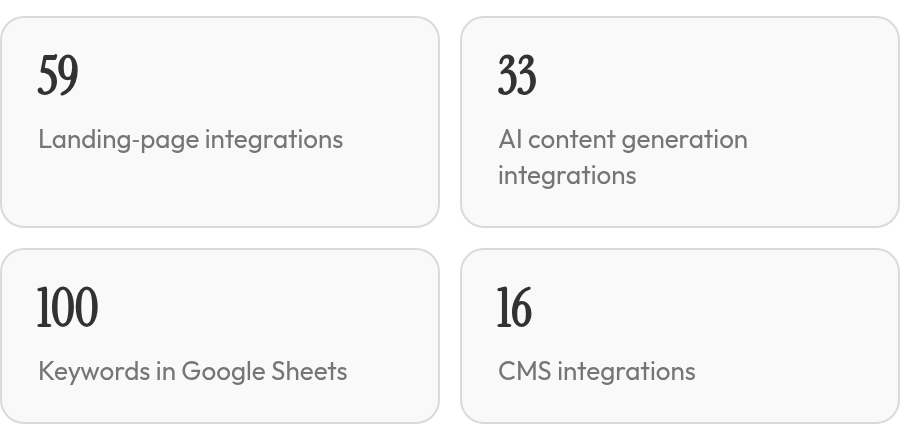
Make.com groups integrations under Website Building, with CMS, publishing, and landing-page categories. The AI > Content Generation category covers text and image generation steps. That spread tells us something useful: WordPress is a hub, not the whole system.
What a WordPress and Make.com workflow actually automates
A WordPress + Make.com workflow can generate the post, create the images, push it live, and ship the same piece to LinkedIn. The visible community example, an AI WordPress Blogger, does all three in a single scenario.
The no-code path skips the repetitive part. A workflow can run from about 100 keywords prepared in Google Sheets. Make.com pulls each keyword, generates article content and metadata, then publishes to WordPress on a schedule. The documented stack uses Google Sheets for the keyword list, Make.com for orchestration, GPT for article text and metadata, Nano Banana for images, and WordPress as the endpoint.
| Make.com Category | Role in the Workflow |
|---|---|
| Website Building > CMS | WordPress and other CMS endpoints |
| Website Building > Publishing | Content distribution platforms |
| Website Building > Landing Pages | Landing page builders |
| AI > Content Generation | Text and image generation steps |
How to automate SEO content creation without code
The pattern we come back to is a Google Sheets to WordPress pipeline. It stores keywords, tracks post status, and lets Make.com run the steps in between. Content gets built in separate parts: first section, second section, extra section for links, then another content section after that.
The real boundary: if your categories and pages are tangled, the workflow just creates messy content faster. If you already use our platform to handle content and SEO publishing, it publishes directly to your existing platform. WordPress can stay the endpoint while Make.com handles the surrounding distribution.
Webflow + Make.com
Most teams go into a Webflow automation project expecting a named connector. They overlook the directory evidence. The Make.com directory doesn’t hand you a Webflow-specific playbook. If you want to automate content creation for SEO across a Webflow pipeline, the directory sends you through its broader Website Building and AI categories rather than a turnkey Webflow SEO field-mapping module.
That isn’t a failure state. It just changes the architecture. The visible CMS list leans toward WordPress, Drupal, Joomla, and other structured platforms. We don’t see a Webflow action set called out in the data we reviewed, so skip the turnkey expectation for prebuilt SEO field mapping.
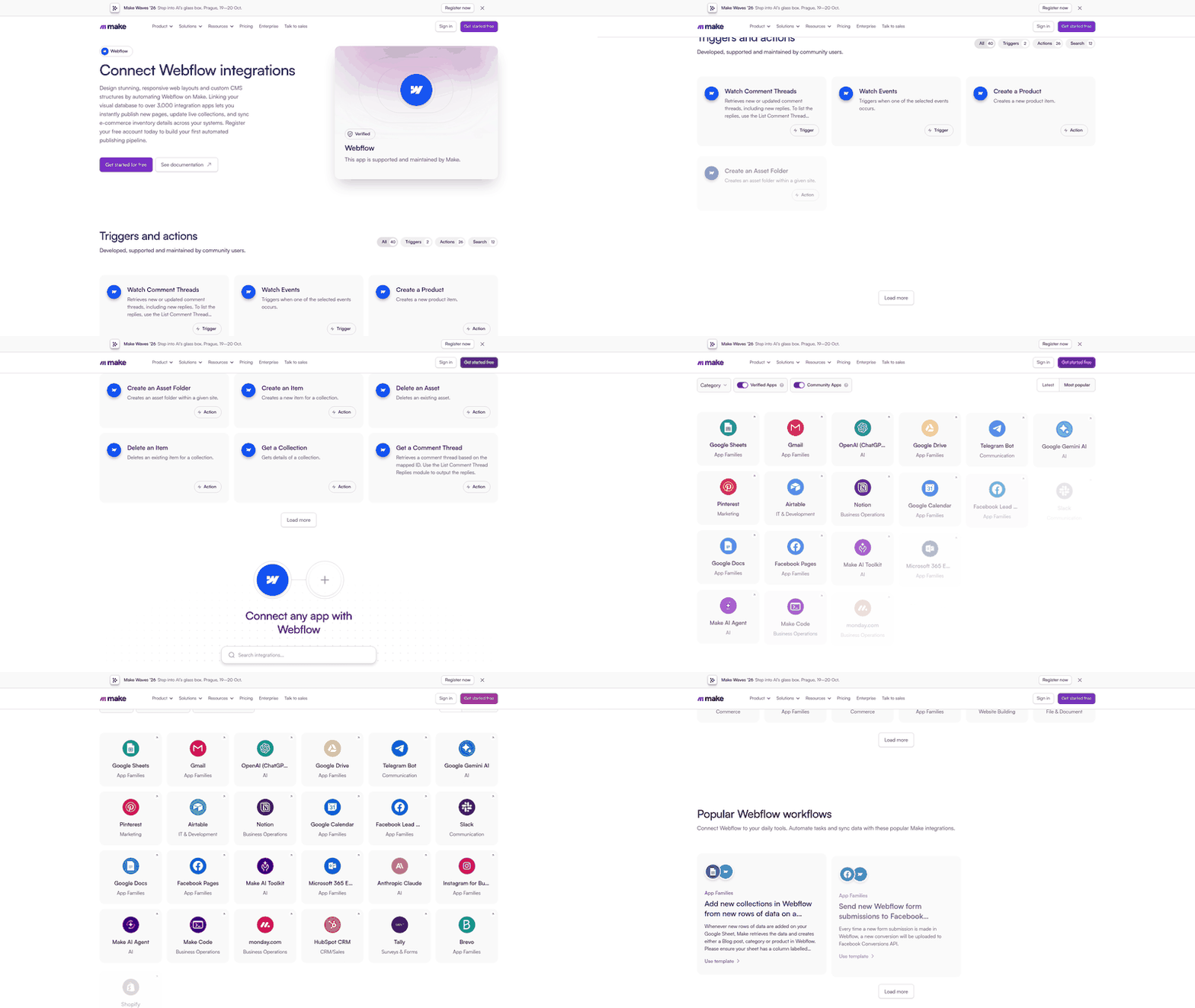
Those numbers point to a hub-and-spoke pattern: a content source, an AI or metadata step, and a delivery call through whatever connector is available. The CMS category is small enough that you shouldn’t assume Webflow has the same native depth as WordPress or Drupal.
| Make.com category | Integration count | What that means for Webflow |
|---|---|---|
| Website Building > CMS | 16 | CMS output options exist, but Webflow specifics aren’t evidenced |
| Website Building > Publishing | 8 | Cross-channel publishing is a small separate layer |
| Website Building > Landing Pages | 59 | Landing-page automation has broader connector coverage |
| AI > Content Generation | 33 | AI content and metadata can sit upstream of any CMS |
The HTTP app is the real Webflow bridge
Make.com’s no-code toolkit includes an HTTP app for API-based connections. That matters because a no-code blog publishing pattern can start with a Google Sheet as the content source, run an AI generation step, then push to the CMS. When the listed connector doesn’t cover the fields you need, the HTTP app is the bridge.
We also keep an eye on the AI > Content Generation category. If your stack needs generated metadata and briefs before the CMS step, that’s the layer to place it. Our platform can generate and publish SEO-optimized content directly to your existing website, so the content step can sit outside a native Make.com module instead of pretending Webflow has the same connector depth as WordPress. The automation stays no-code. The real risk is treating Webflow like a turnkey integration when it may be a custom API build.
AnyPost.ai + Make.com
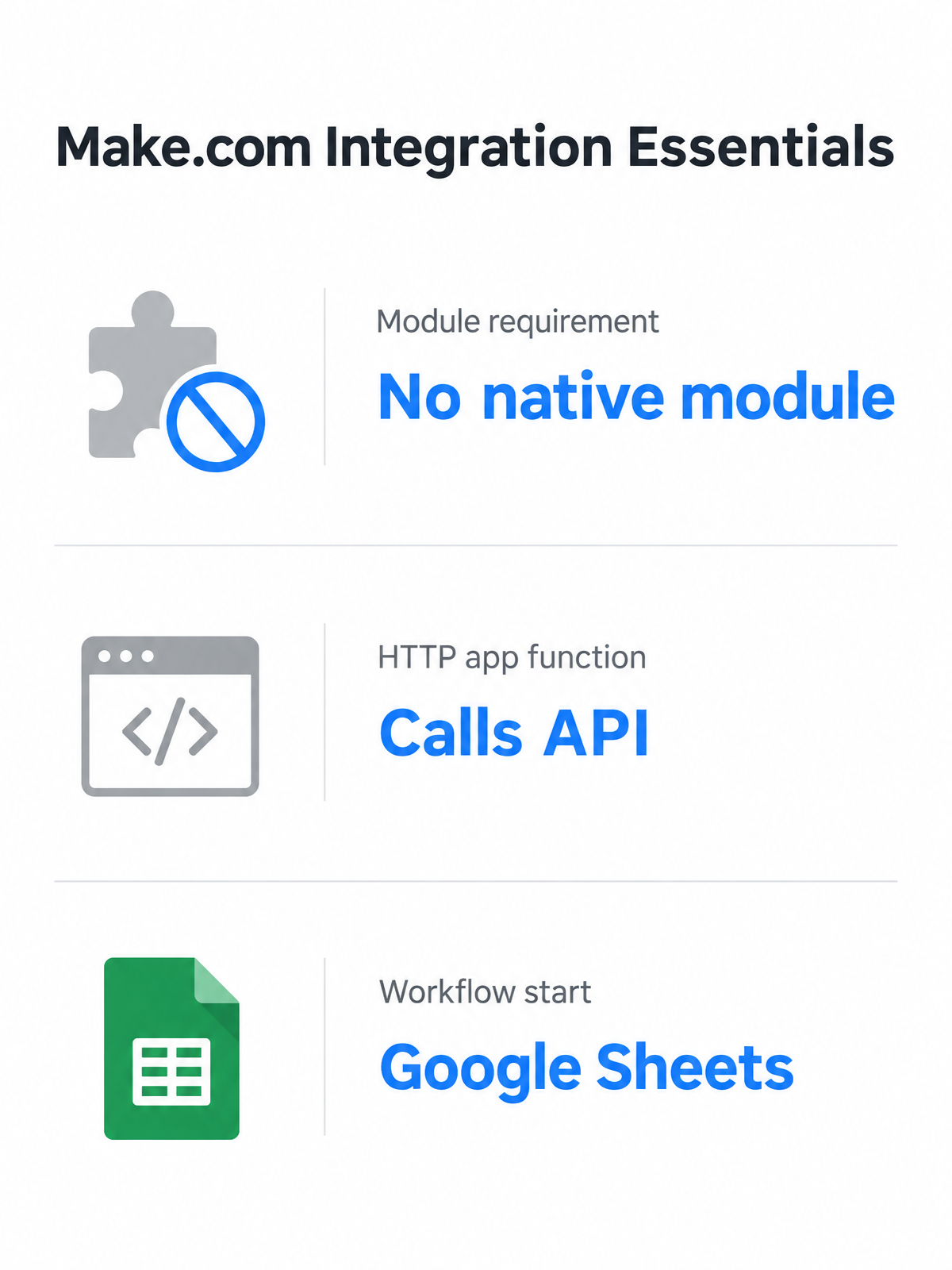
When we mapped AnyPost.ai alongside Make.com, the overlooked stage wasn’t the publishing button. It was the handoff. Make.com’s directory separates CMS integrations, AI Content Generation steps, and HTTP app calls. A service doesn’t need a native module to sit inside a no-code SEO publishing stack. It needs an API endpoint, and Make.com’s HTTP app can call it.
That matters because the comparison isn’t a plugin checklist. Our platform automates the creation and publishing of SEO-optimized content tailored to your voice. In a Make.com-style stack, that content can become the draft a CMS publishes, as long as a connection path exists. But we won’t invent triggers and fields that public directory evidence doesn’t show.
What the directory supports, and what we won’t claim
| Area | What public Make.com directory evidence supports | What we won’t claim for our platform |
|---|---|---|
| Integration discovery | Make.com groups CMS, publishing, and AI Content Generation as separate categories. | A native app inside those categories. |
| Connection path | The HTTP app can connect to external services with an API, alongside AI generation steps. | Specific endpoint names, fields, or triggers. |
| SEO metadata workflow | A no-code stack can pull rows from Google Sheets, run AI generation, and publish to a CMS. | Prebuilt metadata fields or actions. |
In our experience, teams confuse a connector with a capability. You can still automate SEO content creation through a generic HTTP step if the service has a documented API. But our claim ends at what the directory shows: we won’t describe a native Make.com app until public connector documentation exists.
The Make.com stack works without a native connector
The no-code blog publishing workflow we keep returning to starts in Google Sheets. A row becomes a draft, an AI generation step enriches the content and metadata, and a publishing step sends the result to the CMS. That pattern doesn’t require the AI tool to be a named Make.com module. The HTTP app carries the call, and the CMS destination stays unchanged.
The content side of the stack can run outside Make.com. When a service exposes an API, Make.com’s HTTP app can call that endpoint and pass the output into a publishing step. We’ve covered the wider pipeline in our breakdown of platforms that automate each stage of a content workflow. But we won’t present that as a documented integration until the evidence exists.
Choosing the right CMS for Make.com automation
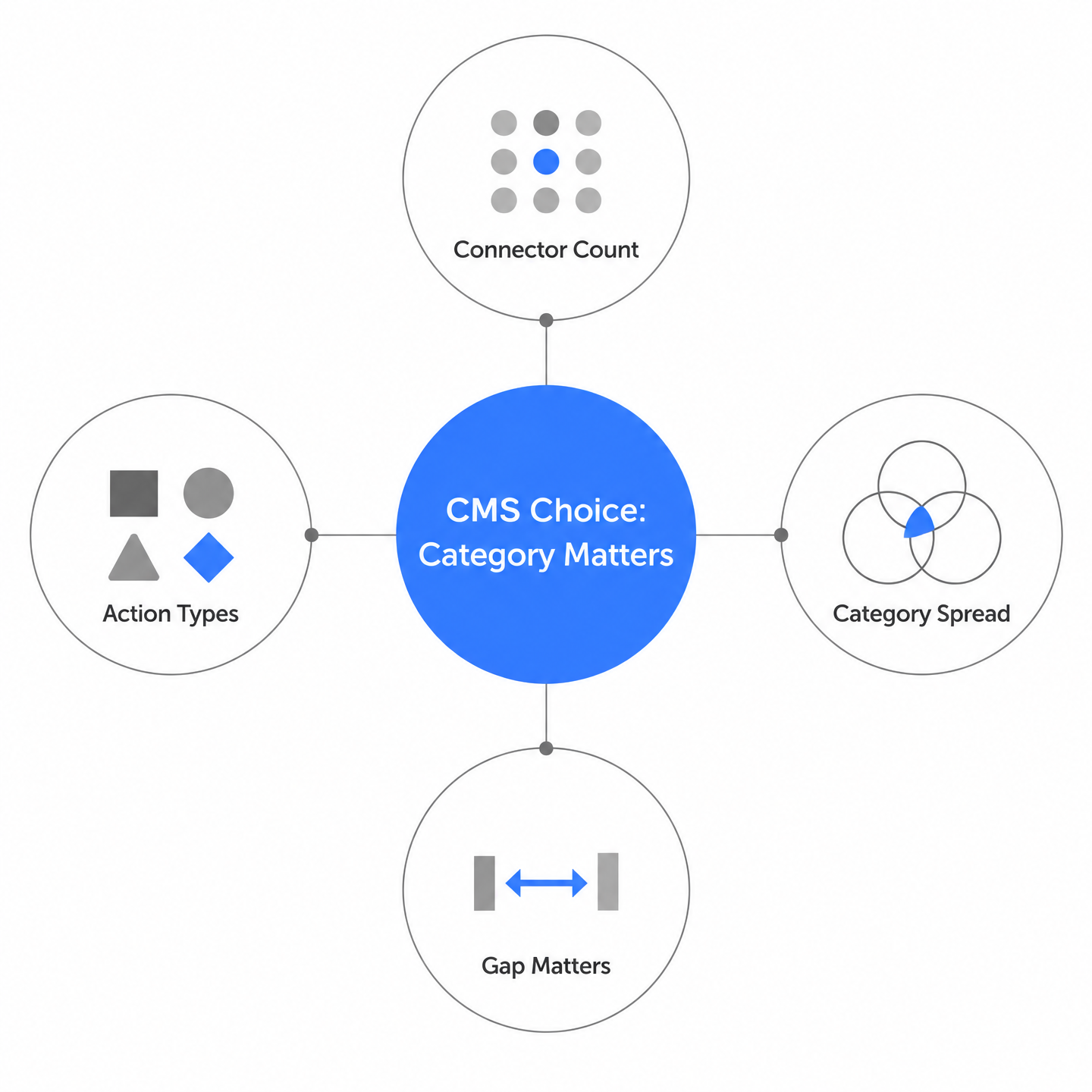
Most teams start by asking how many connectors a CMS has. The bigger issue is that the public directory doesn’t give us enough evidence to build a full five-CMS decision matrix. We can compare category spread, and that’s it.
Make.com’s directory splits useful signals across Website Building and AI, but the labels don’t tell you whether a connector can create a post, update a page, or only read entries. A CMS can appear under Website Building with only read actions, while another shows up under Landing Pages with broader actions and no documented SEO field mapping. That gap matters more than the raw number of apps in each category.
Category membership is the only comparison that holds up
We won’t hand you a ranked CMS list, because the directory data doesn’t support it. No evidence covers buyer personas, connector type, SEO metadata field auto-fill, hybrid recommendations, or a free-trial shortcut across named platforms. The decision collapses into a simpler check: does the CMS appear in one of Make.com’s relevant integration categories?
| Make.com Category | What to Check Before Planning | Red Flag for SEO Automation |
|---|---|---|
| Website Building > CMS | Does the action create a post, page, or collection item? | Connector exists but only reads content |
| Website Building > Publishing | Does it support draft-to-live transitions? | Direct publish without metadata mapping |
| Website Building > Landing Pages | Does the page object accept custom SEO fields? | Form-only or lead-capture connector |
| AI > Content Generation | Can the output pass to a CMS action in one scenario? | Text generation only, no CMS action |
If your CMS isn’t in CMS, publishing, or landing pages, drop the turnkey expectation. The HTTP app can reach any API, but the public evidence doesn’t show how deep that path runs for SEO-specific fields. Treat it as a fallback, not a first choice.
Three checks before you pick a CMS
Before you build, check three category memberships. First, confirm the CMS appears under Website Building. Second, see whether a publishing or landing-page connector fits your draft-to-publish path. Third, decide whether the AI content-generation steps can produce text you can route into that CMS.
A no-code Google Sheets draft feeding a CMS publishing step is the pattern that shows up. It highlights what actually matters: the CMS is the receiving end of a larger chain. If the connector exists in Make.com’s directory, the workflow can be built without writing an API integration. If it doesn’t, the comparison should stop there.
FAQ
How can I check whether a CMS integration in Make.com can update SEO metadata instead of just reading content?
Look past the category label and inspect the connector's listed actions. A CMS can appear under Website Building with very few actions, while another sits under Landing Pages with many actions and no SEO field mapping. Confirm the action creates posts, pages, or collection items and accepts custom SEO fields before building.
If Webflow has no native Make.com connector for SEO metadata, what is the realistic workaround?
The HTTP app is the hidden bridge. A no-code pattern can start with Google Sheets as the content source, run an AI generation step, then push the result to Webflow through the API using Make.com's HTTP app. This keeps automation no-code but shifts the project toward an API-shaped setup rather than a turnkey integration.
Does my AI content tool need a named Make.com module to work in an automated publishing stack?
A native module is unnecessary when the tool exposes a documented API. Make.com's HTTP app can call that endpoint and pass generated drafts into a CMS publishing step. Our platform can generate SEO-optimized content tailored to your voice and publish directly to your existing website, so the content side can sit outside a native module while Make.com handles distribution.
Why does Make.com separate CMS, publishing, and landing-page integrations if they all touch content?
Each category represents a different stage. CMS integrations handle the final content repository, publishing integrations manage cross-channel distribution, and landing-page connectors cover page builders with broader coverage in some cases. Checking which category your tool sits in reveals what stage it can automate, but not whether it writes SEO metadata fields.
Should I pick WordPress for Make.com automation just because it appears most often in the CMS directory?
Visibility alone won't prevent a stalled workflow. WordPress is a hub, not the whole system. It still needs source content, AI generation for metadata and text, image creation, and distribution steps. Wiring WordPress straight to one plugin misses the surrounding chain that actually produces scheduled SEO content.
